Technology
How to Find Local Businesses With No Social Media Links
Learn how to use Google Maps to find local businesses with missing social links, verify real digital gaps, and prioritize better outreach. This guide shows agencies how to turn raw prospecting into qualified opportunities.
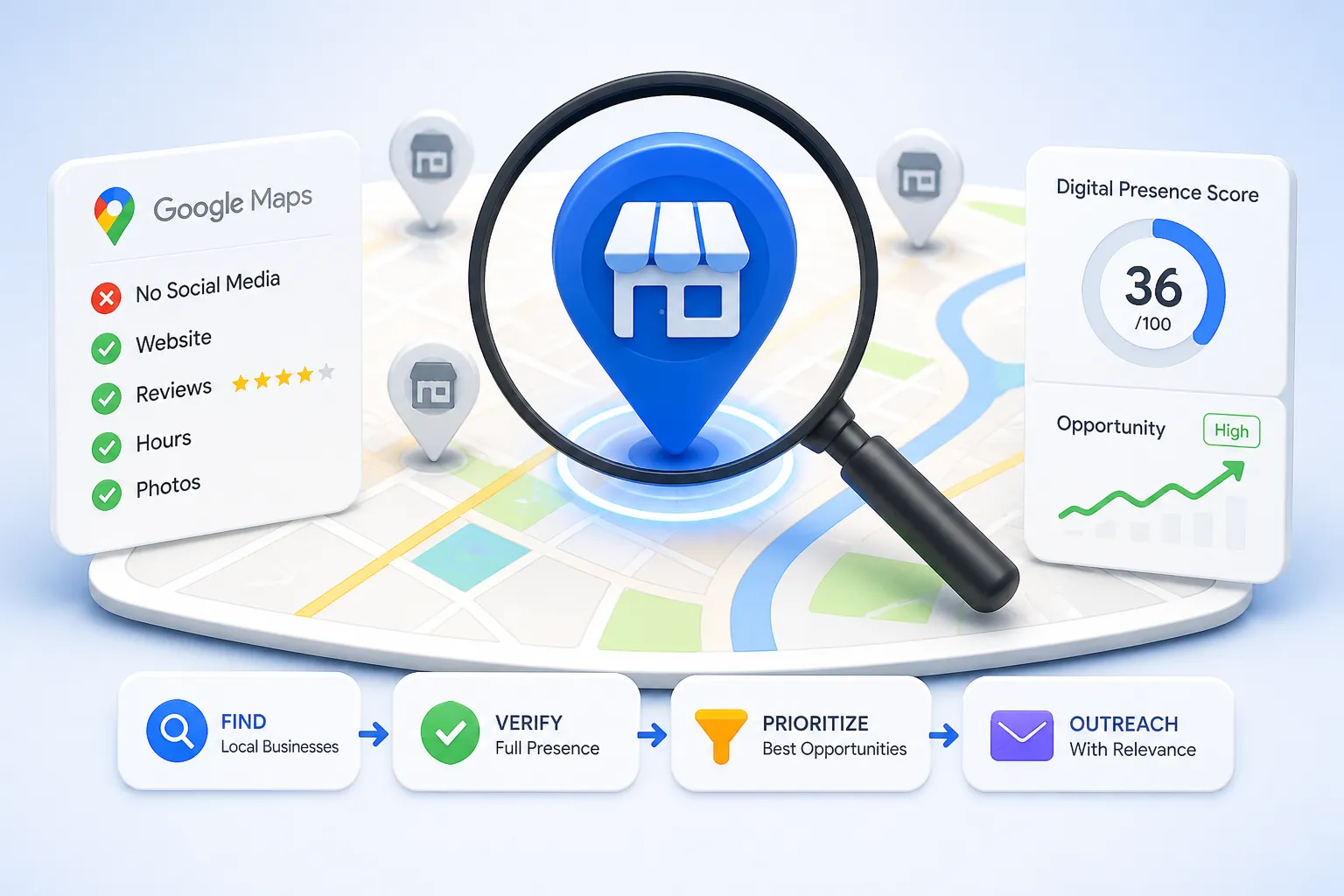
2. Discover Local Businesses With Google Maps and Google Business Profiles
Building a targeted prospect list begins with leveraging location, category, and visible digital-presence signals. Google Maps is an ideal starting point for discovering businesses that may need your services.
Start With a Specific Category and Location
To generate a focused list of prospects, combine a specific business category with a city, neighborhood, or service area. Broad searches yield unmanageable results; targeted searches allow you to qualify leads based on service fit and geographic relevance.
Use reproducible search formats such as:
• `[business category] in [city]` (e.g., "roofers in Austin")
• `[service] near [neighborhood]` (e.g., "HVAC repair near Downtown Chicago")
• `[local business type] [city]` (e.g., "boutique hotel Seattle")
Narrowing your search by service fit and the specific marketing services your agency provides ensures higher relevance. A focused Google Maps prospecting approach is infinitely more useful than collecting thousands of random businesses across a broad region, as it allows you to tailor your eventual outreach to specific local market conditions.
Review the Public Business Profile Before Opening the Website
Before navigating to a company's website, analyze their Google Business Profile (GBP). Record the business name, category, location, phone number, website, reviews, photos, hours, and booking options.
The Google Business Profile should be treated as your discovery layer, not definitive proof that a business has or lacks social accounts. However, it is an excellent place to spot initial opportunity signals:
• No website or an outdated website link.
• Incomplete business information (missing hours or descriptions).
• Weak or inconsistent branding.
• Limited photos or unclear service descriptions.
• Strong customer demand (high reviews) but weak digital conversion options.
It is important to understand how Google sources local business information. Information displayed on Maps may come from business owners, public web content, licensed sources, and user contributions. Therefore, a missing link on a GBP requires further investigation to confirm a true digital presence gap. These Google Business Profile leads are a starting point for a deeper digital presence audit, not the finish line.
Build an Initial Prospecting Worksheet
Organization is critical for effective local business lead generation. Build a simple spreadsheet or database to track your findings. Include fields for:
• Business name, category, city, and location.
• Google Maps URL and website URL.
• Contact information and preferred contact channel.
• Social links visible on the listing or website.
• Website quality and profile completeness.
• Initial opportunity notes and research date.
Always record the source and date of each observation. Digital footprints change, and findings must be rechecked before you launch an outreach campaign. Once you understand this manual discovery process, tools like[NotiQ](/)can serve as a powerful way to organize and identify businesses with limited digital presence, upgrading your standard prospecting spreadsheet into an actionable database.
4. Score and Document Digital-Presence Opportunities
Treating every missing social link as an equal lead wastes time. Agencies must prioritize qualified prospects by scoring opportunities based on verifiable evidence.
Create a Practical Opportunity Scorecard
Develop a simple scoring model based on observable evidence rather than unsupported assumptions. This helps streamline digital marketing lead generation for agencies. Suggested criteria include:
• Social presence: Missing, inactive, weak, or well-maintained.
• Google Business Profile: Completeness and accuracy.
• Review activity: Visible customer engagement and response rate.
• Website quality: Mobile usability, load speed, and clarity of the next step.
• Contactability: Availability of email, phone, contact forms, or booking tools.
• Service fit: Likely relevance to the agency’s specific offers.
• Brand consistency: Alignment across Google, the website, directories, and social platforms.
Classify prospects into high-priority,needs review, and low-priority/inconclusive. Remember that a score is a prioritization tool, not a guaranteed prediction of conversion.
When evaluating these local SEO leads, keep Google’s local ranking factors in mind. Factors like relevance, distance, prominence, profile completeness, and review quality all play a role in local visibility. However, avoid claiming to prospects that improving just one factor—like adding a Facebook link—guarantees higher rankings. Local business qualification requires a holistic view.
Go Beyond Social Links With a Full Digital-Presence Review
The strongest opportunities for businesses that need marketing often involve multiple gaps working against them. Look for combinations of:
• Missing or outdated social profiles.
• Inconsistent hours, phone numbers, or service information.
• Weak website calls to action (CTAs).
• Limited photos or unclear service offerings.
• Poor review response activity.
• No visible booking, quote, or contact path.
• Inconsistent branding across platforms.
Contrast a simple “no Instagram link” note with a highly useful audit note: identify what the business appears to be missing, why it matters to their potential customers, and what specific service your agency provides that could address it. A business with a strong Google Business Profile might still be a highly valuable prospect for small business social media marketing or local SEO prospecting if their website creates an obvious friction point for users.
Use a Copyable Lead-Tracking Structure
To ensure a smooth prospecting workflow, use a structured format for every qualified record. Recommended fields include:
• Business name and location.
• Google Maps and website URLs.
• Social platforms checked.
• Classification: verified missing, inactive, weak, unlinked, or inconclusive.
• Evidence and timestamp.
• Recommended service.
• Contact person or channel.
• Outreach message angle.
• Outreach date, response, follow-up, and status.
Record the exact evidence behind each recommendation rather than relying on vague notes like “bad social media.” Tracking tangible outcomes—verified opportunities, replies, meetings booked, and closed conversions—is far more useful for local business outreach than simply measuring the raw size of your lead qualification list.
5. Personalize Outreach Around Specific Business Gaps
Verified research is only valuable if it translates into respectful, relevant outreach. Generic marketing pitches are ignored; personalized, evidence-based communication wins clients.
Connect the Finding to a Business Outcome
Translate your research observations into useful, business-centric recommendations:
• Missing social links → Improve discoverability and provide customers with current contact or service information.
• Inactive profile → Refresh content, branding, and customer-facing updates to build trust.
• Weak website path → Improve calls to action, booking, or inquiry flow to capture existing traffic.
• Inconsistent business details → Improve trust and information accuracy across public profiles.
• Strong reviews but limited digital content → Amplify existing customer trust through content and reputation marketing.
Never criticize the business or imply that social media is mandatory for every single company to survive. Match your proposed service directly to the evidence you found, whether that is social setup, content creation, local SEO, reputation management, website improvements, or a broader digital-presence package.
Include Outreach Examples for Different Scenarios
When conducting local business outreach, tailor your message to the specific scenario. Avoid absolute claims like “you are losing customers” unless you have hard data to prove it.
Scenario 1: No Publicly Linked Social Profiles Found
*Subject: Quick question about [Business Name]'s online discoverability**Hi [Name], I was looking for [Service] in [City] and found your great reviews on Google. I tried to find your social media pages to see some recent project photos but couldn’t find any linked on your website.**Many local customers look for recent updates before reaching out. We help businesses like yours set up and link basic profiles so customers can easily find your current contact info. Would you be open to a brief chat about improving your discoverability?*
Scenario 2: Inactive or Poorly Maintained Profile
*Subject: Updating [Business Name]'s Facebook page**Hi [Name], I came across [Business Name] on Google Maps today. I noticed your website looks great, but your Facebook page hasn't been updated since [Year].**When potential clients see inactive pages, they sometimes wonder if the business is still operating. We help local businesses refresh their profiles with automated, professional content so you always look open for business. Is this something you'd be interested in fixing?*
Scenario 3: Specific Observation (Contact Form/Call Opening)
Hi [Name], I noticed your Google Business Profile has amazing reviews, but the booking link on your website leads to a broken page. We help local businesses fix these conversion paths so you don't miss out on inquiries. Do you have 5 minutes next week to discuss a quick fix?
These personalized marketing outreach templates focus on a genuine observation, the customer-facing implication, a practical recommendation, and a low-pressure next step, generating high-quality social media marketing leads.
Add a Mini-Audit Instead of a Generic Sales Pitch
Instead of sending a massive, unsolicited PDF audit, offer one or two highly actionable observations. A concise mini-audit demonstrates your expertise while respecting the recipient’s time.
Include:
• What was checked.
• What was found.
• Why the issue may matter to their customers.
• One realistic improvement.
Communicate transparently and base your outreach on evidence. Never present an automated finding as a confirmed business fact until you have manually reviewed it. For additional guidance on structuring digital-presence audits, optimizing prospecting, and improving agency workflow, explore the educational resources on the NotiQ blog.
6. Scale Prospecting With Structured Tools and Ethical Workflows
As your agency grows, you must increase research efficiency without sacrificing accuracy, privacy, or platform compliance.
Compare Manual Research, Spreadsheets, and Structured Tools
When evaluating digital marketing lead generation methods, agencies typically move through three stages:
1. Manual Research: High verification quality but incredibly slow research speed. Hard to scale across locations.
2. Spreadsheets: Better data consistency and ease of collaboration, but still requires heavy manual data entry. Sufficient for small campaigns and narrow geographic areas.
3. Structured Tools: Ideal for repeated research, multiple team members, large prospect volumes, and standardizing qualification.
When adopting tools, avoid basic Google Maps scraper alternatives that prioritize collection volume over business-specific evidence. The verification-first NotiQ approach differs significantly from typical scrapers by combining discovery, enrichment, verification, qualification, and personalized outreach into one workflow, rather than relying on a single, often inaccurate "missing-link" field. Agencies exploring repeatable client-acquisition workflows can also look to resources like Repliq for automated local prospecting strategies that maintain quality.
Keep Human Verification in the Loop
AI and structured workflows are incredible for organization, but they are research aids, not substitutes for human judgment.
Use tools to:
• Organize records and format data.
• Identify possible social links across the web.
• Summarize website information and service offerings.
• Classify preliminary opportunity signals.
• Draft personalized outreach templates.
However,human review must confirm:
• Business identity and brand match.
• The true status of the social profile.
• Accuracy of contact information.
• The evidence behind the service recommendation.
• The appropriateness and tone of the outreach language.
Add a timestamp, data source, confidence level, and reviewer status to every prospect record to maintain quality control.
Follow Platform, Privacy, and Outreach Requirements
Ethical lead generation is non-negotiable. Ensure your Google Maps prospecting compliance by following a strict ethical workflow checklist:
• Review the terms and policies of each platform and data source.
• Collect only the information needed for the stated prospecting purpose.
• Avoid exposing private or sensitive personal information.
• Do not misrepresent the business, your agency, or the reason for contact.
• Provide appropriate opt-out handling for all commercial outreach.
• Remove or correct inaccurate, duplicate, or outdated records promptly.
Always adhere to Google’s Places API data and attribution policies. These policies dictate attribution, privacy-policy requirements, storage/caching restrictions, and the responsible use of Maps-based data. They do not authorize unrestricted scraping.
Furthermore, ensure your privacy-conscious outreach aligns with the FTC’s commercial email compliance guidance(CAN-SPAM). This requires truthful headers and subject lines, physical address inclusions, clear opt-out mechanisms, prompt unsubscribe handling, and agency responsibility even for outsourced campaigns.
7. Tools and Resources for Local Business Prospecting
Equip your agency with a repeatable toolkit to streamline your daily prospecting efforts.
Prospecting Checklist
Use this local business prospecting checklist to ensure consistency for every digital presence audit you conduct:
1. Choose a specific category and location.
2. Review the Google Business Profile for initial signals.
3. Open the website and inspect contact/about pages.
4. Check for linked and unlinked social profiles across major platforms.
5. Verify the business identity and brand match.
6. Record your evidence and timestamp the research.
7. Score the opportunity based on the wider digital footprint.
8. Select a relevant, evidence-based service to offer.
9. Draft personalized, respectful outreach.
10. Review compliance and platform requirements before sending.
Suggested Workflow Metrics
Track the right lead generation metrics to optimize your agency prospecting workflow. Quality and relevance always matter more than building the largest possible list of unqualified names. Measure:
• Businesses researched.
• Profiles manually verified.
• Qualified marketing leads identified.
• Outreach messages sent.
• Reply rate (positive and neutral).
• Meetings booked.
• Proposals sent or conversions won.
• False-positive rate and corrected records.
8. Conclusion: Build a Better Local Lead-Generation Process
Finding local business lead generation opportunities doesn't have to rely on guesswork. By applying a structured workflow—using Google Maps for discovery, carefully verifying social presence, evaluating the wider digital footprint, documenting evidence, personalizing outreach, and scaling responsibly—you transform cold data into warm conversations.
The most important takeaway is this: businesses without social media links are not automatically leads. They become valuable digital marketing leads only when the missing or weak presence is verified and connected to a clear, actionable business opportunity.
Test this process manually with one category and one location before expanding. Once you have validated your outreach messaging, we invite agencies and freelancers to explore NotiQ to organize digital-presence opportunities and build highly repeatable, evidence-based prospecting workflows.
Always base your recommendations on public, verifiable business information, and ensure every automated finding is reviewed by a human before you press send.
Continue Reading
More articles you might find useful
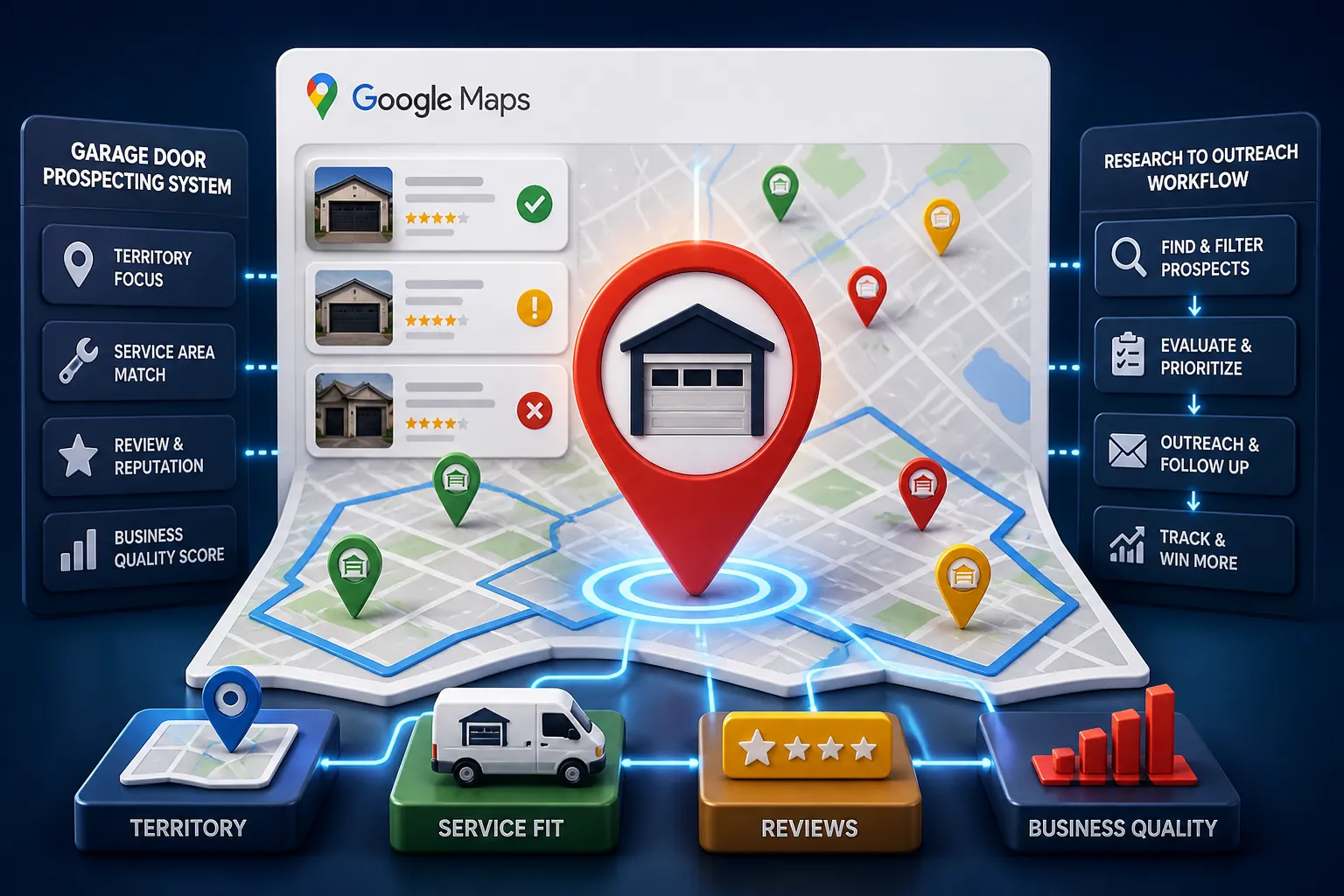
Google Maps Lead Generation for Garage Door Companies
Learn a practical workflow for using Google Maps to find, verify, and prioritize local garage door prospects. This beginner-friendly guide shows how to turn public listing signals into better outreach and more qualified leads.
Read the article →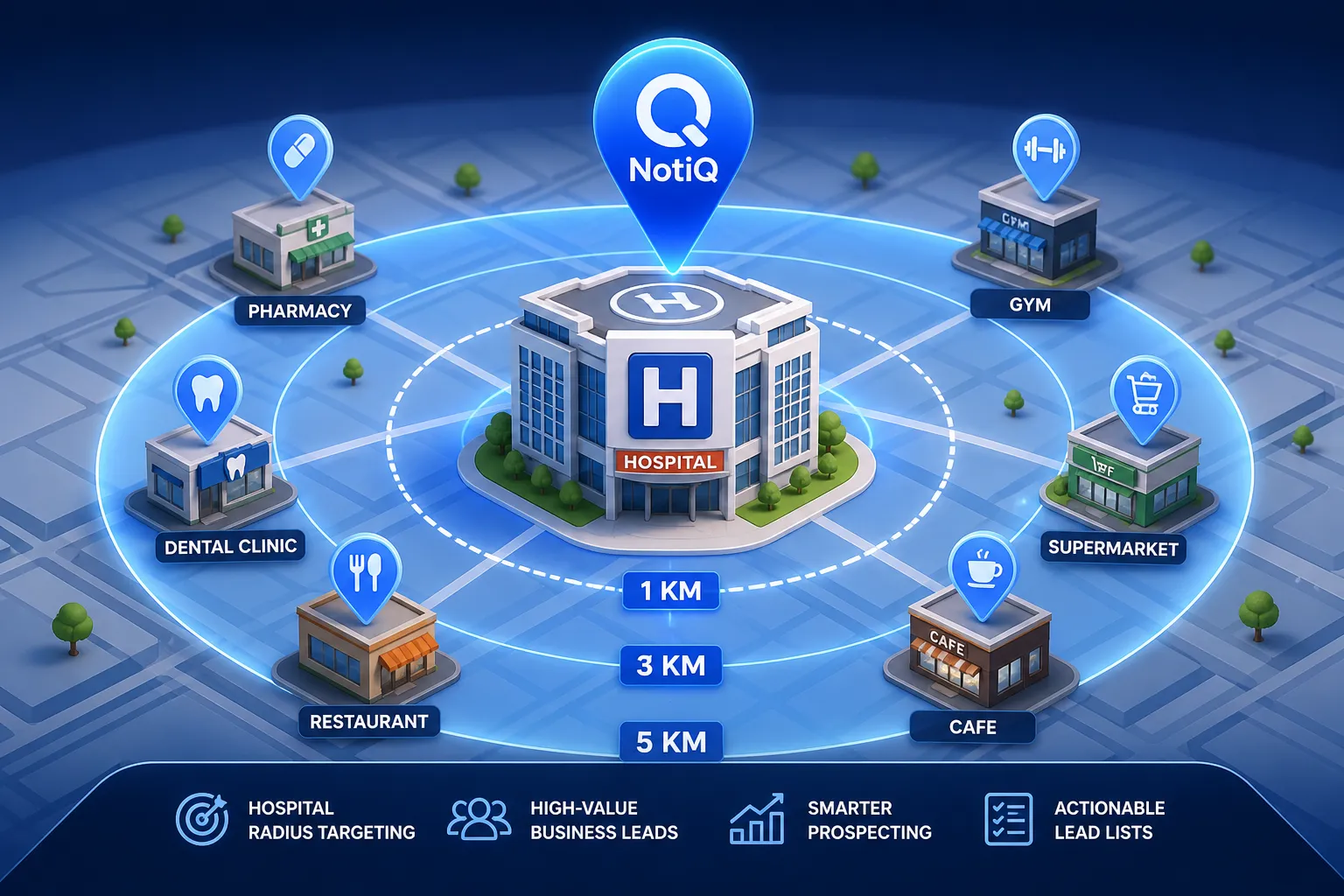
How to Build Lead Lists From Businesses Near Hospitals
Learn how to turn hospitals into high-value prospecting anchors. This guide shows how to find, qualify, and prioritize nearby businesses for cleaner local lead lists.
Read the article →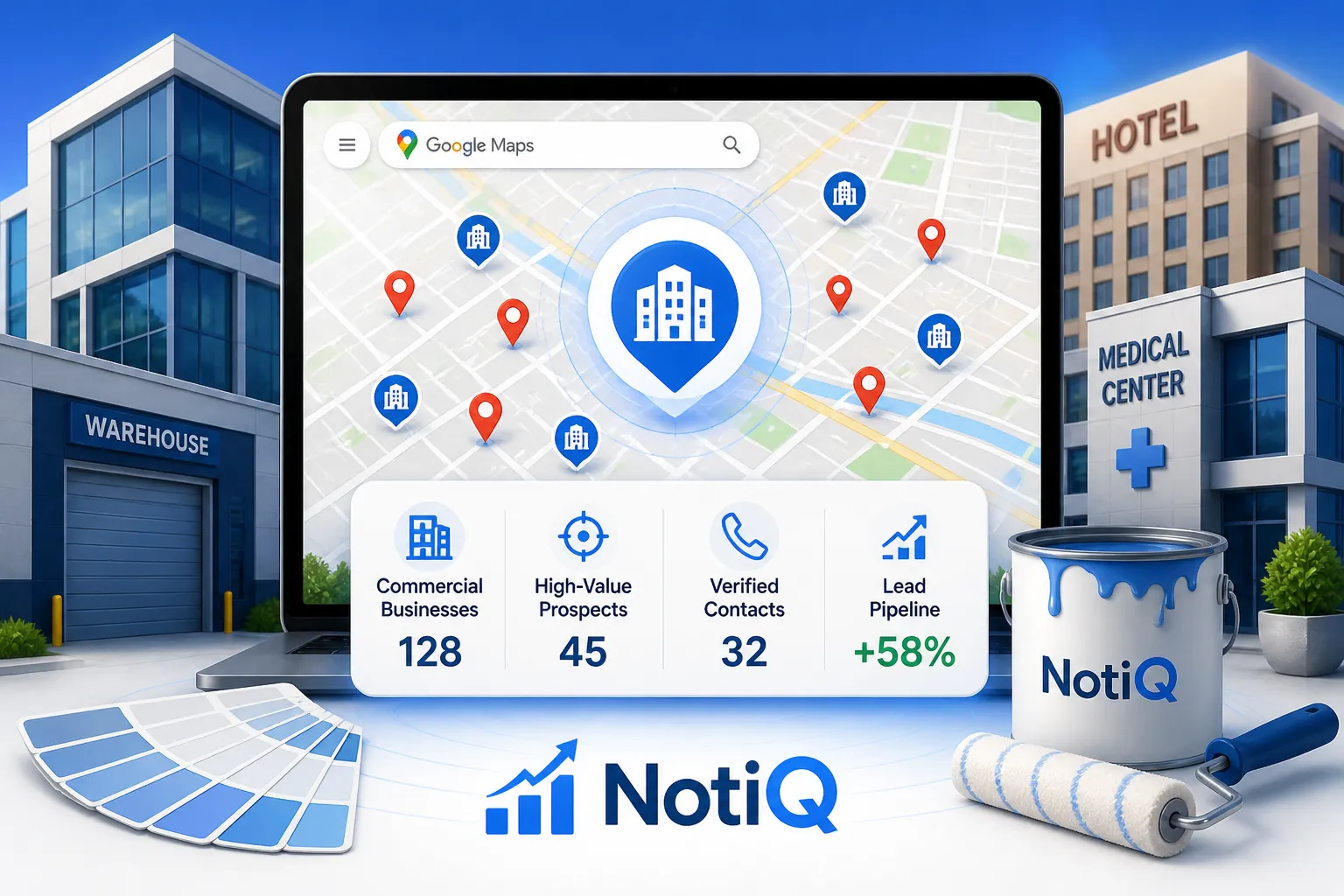
Google Maps Prospecting for Commercial Painting Contractors
Learn how commercial painting contractors can use Google Maps to build a smarter local prospecting system. This guide covers qualification, scoring, prioritization, and outreach for better-fit B2B leads.
Read the article →Popular industry lead playbooks
Maps search examples and niche outreach for the verticals teams prospect most.