Technology
How to Find Local Businesses With Poor Mobile Websites
Learn how to find local businesses with poor mobile websites using a repeatable audit workflow. This guide shows how to validate issues, score prospects, and turn findings into stronger web design leads.
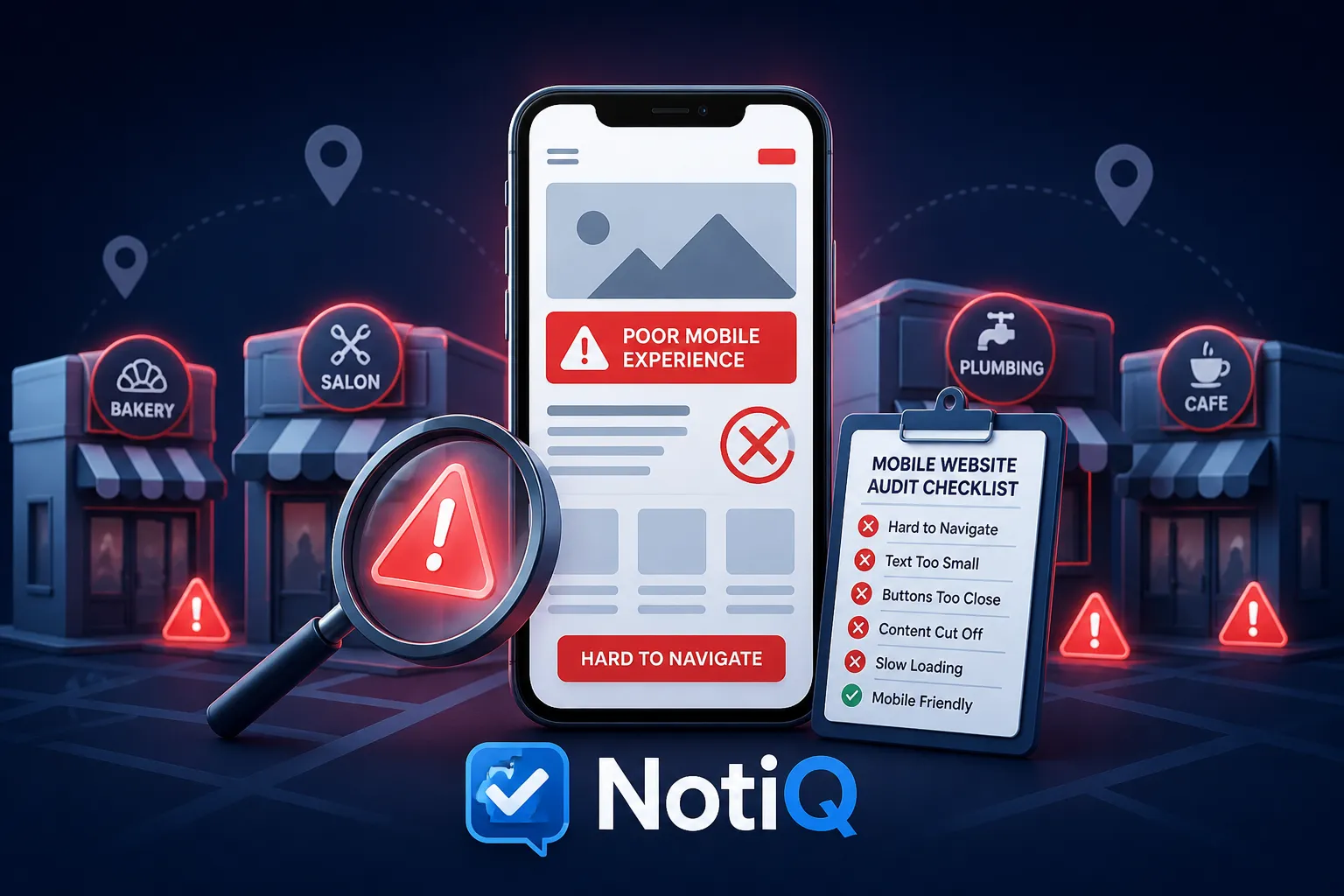
1. Introduction
Local directories and search results reveal hundreds of businesses in any given service area, but they do not tell you which ones suffer from commercially meaningful website issues. For web agencies, this creates a significant prospecting problem: how do you separate businesses that actually need your help from those that merely have outdated aesthetics?
The solution is to treat mobile usability as a practical, evidence-based signal for local business prospecting—not as definitive proof that a business is automatically ready to buy. By focusing on measurable friction, you can connect observable mobile issues to potential effects on calls, bookings, enquiries, trust, and local discovery.
In this guide, you will learn a repeatable workflow to discover → screen → validate → score → document → contact high-value prospects. A poor mobile website should be identified through reproducible evidence rather than a single automated score or subjective design preferences. Ultimately, this approach to[local business lead generation](/)helps web agencies use mobile usability signals to prioritize relevant prospects, while avoiding unsupported claims about guaranteed rankings or revenue loss.
2. What Makes a Local Business Website a Strong Mobile Prospect?
To generate high-quality website redesign leads, agencies must define a "poor mobile website" in strict prospecting terms. This means distinguishing fixable commercial friction from subjective visual design preferences. An old-looking website is not necessarily evidence of poor performance if it still converts visitors efficiently.
A strong prospect is identified by evaluating the difference between:
• Technical performance problems: Slow loading and rendering delays.
• Responsive design failures: Content that does not adapt to the screen.
• Navigation and interaction problems: Menus or buttons that fail on touch devices.
• Conversion friction: Broken or frustrating booking flows and contact forms.
• Accessibility and readability issues: Low contrast or illegible text.
• Weak local trust or contact signals: Hidden phone numbers or missing service areas.
The most qualified mobile-friendly website prospects combine a verified mobile issue with a relevant local service category, a clear commercial offering, and a visible opportunity for a user action (calls, bookings, purchases, or quote requests). There must also be sufficient business activity or local relevance to justify the investment.
A useful local business website audit finding should always answer: What is wrong? Can the issue be reproduced? Who is affected? What business action might be obstructed? What improvement could an agency recommend?
*Note: Mobile usability should always include inclusive interaction and accessibility considerations, not just loading speed. For foundational best practices, consult the W3C mobile accessibility guidance.*
High-Value Mobile Problems to Look For
When conducting a mobile usability audit, prioritize friction that directly impacts the user journey. Difficult-to-read text, cramped layouts, horizontal scrolling, and poor contrast create immediate usability friction. Performance signals—such as slow loading, heavy media, blocking scripts, and delayed interaction—require further validation but often point to underlying structural issues.
Pay special attention to conversion-critical elements during a responsive website audit. Look for friction in:
• Click-to-call links.
• Contact forms.
• Booking or appointment flows.
• Quote-request buttons.
• Location, hours, and service information.
Identify intrusive overlays, unstable layouts, difficult menus, and hard-to-tap controls. It is vital to distinguish critical issues that actively block a user action from lower-priority cosmetic shortcomings. This distinction is the foundation of effective mobile conversion rate optimization.
Why One Mobile Score Is Not Enough
Tools like PageSpeed Insights and Lighthouse provide highly useful diagnostic inputs, but they do not independently determine whether a business is a qualified sales lead. Relying solely on a PageSpeed Insights prospecting strategy is a mistake.
Lab-based testing must be separated from real-user experience data where available. When running a Core Web Vitals audit, always record the tested URL, the device or viewport used, connection conditions, the date, and the relevant test output. Different pages on the same site will produce different results; the homepage rarely represents the complexity of a booking, service, or contact journey.
Manual inspection is strictly necessary to confirm whether a technical issue affects a meaningful customer action. For deeper context on performance signals, refer to Web Vitals and Google Page Experience guidance. Avoid presenting these diagnostic scores as direct evidence of lost revenue.
3. Step 1 — Build a Local Business Prospect List
Before evaluating website quality, you must create a relevant starting universe. Building a list for local business lead generation requires a defined prospecting scope.
Begin by defining:
• Service category (e.g., plumbers, roofers, accountants).
• City, region, or service area.
• Business size or likely fit.
• Website service opportunity.
Use local search results, Google Maps, Google Business Profiles, directories, and industry-specific listings to identify active businesses.Note: Google Maps is a discovery source for publicly accessible information, not a mobile-quality assessment tool.
Record core business information systematically: business name, category, location, website URL, phone number, primary service, and the relevant landing page. Verify that the business is active and locally relevant before spending time on an audit. Normalize URLs to remove duplicate listings, broken domains, irrelevant pages, and businesses without a usable website. This ensures your local SEO prospects are actually viable web design client prospecting targets.
Add Business-Fit and Commercial-Intent Signals
To identify the best small business web design clients, prioritize businesses where website improvements could support meaningful actions such as calls, bookings, enquiries, or purchases. Consider the business category, average service value, location, visible service demand, and the complexity of the customer journey.
Use review activity, service breadth, contact availability, and general website presence as context for local business website lead generation. These are indicators of activity, not definitive proof of buying intent. Avoid inventing revenue estimates or assuming that a business can afford a redesign based on a map listing.
For organized web design prospecting, maintain a spreadsheet with fields for:
• Business and location.
• Website and key page.
• Business category.
• Mobile issue.
• Severity.
• Evidence URL or screenshot.
• Recommended next step.
• Outreach status.
4. Step 2 — Run a Repeatable Mobile Website Audit
A practical audit sequence is essential for agencies to scale their efforts. The first pass of a local business website audit should be fast and consistent, reserving deeper validation for high-priority prospects.
Audit the homepage plus at least one commercially important page, such as a service page, location page, contact page, booking page, or product menu. Record hard evidence rather than relying on memory or general impressions. Use a clear status for each finding in your website audit checklist for agencies: confirmed, needs validation, or not observed.
Check Responsive Layout and Viewport Behavior
Inspect the website at a representative mobile viewport. Look for horizontal scrolling, content extending beyond the screen, desktop navigation that is difficult to use on mobile, images or tables that do not adapt, and overlapping sections or clipped text.
Check whether important content and actions remain available on smaller screens. Responsive design is about adapting layout and interaction to different screen sizes, not simply shrinking a desktop page. For foundational concepts on cross-device adaptation, review MDN responsive web design principles. Documenting these failures yields strong responsive web design leads.
Test Performance and Core Web Vitals Signals
Use PageSpeed Insights or Lighthouse as diagnostic inputs for the specific page you are testing. Review performance symptoms such as slow initial rendering, large unoptimized media, excessive JavaScript, delayed interaction, and layout instability.
Where available, distinguish field data from lab results and explain what each represents. Capture the exact score or diagnostic finding only when it can be reproduced and contextualized. Translate technical findings into user-facing language—for example, note a "delayed access to a phone number" rather than just citing a high Largest Contentful Paint (LCP) score. Neutral explanations of resource delivery and rendering can be found in MDN web performance best practices.
Inspect Navigation, Tap Targets, and Mobile Conversion Paths
Test whether a visitor can quickly find the phone number, address or service area, opening hours, primary services, and booking or enquiry options. Attempt a realistic mobile journey, such as finding a specific service, requesting a quote, or making a booking.
Check whether buttons and links are easy to identify and use without accidental taps. Test menus, accordions, forms, date pickers, and third-party booking interfaces. Record exactly where the journey becomes confusing, blocked, or unnecessarily long to build a case for mobile conversion rate optimization.
Review Readability, Accessibility, and Trust Signals
Check text size, contrast, spacing, headings, and scanability on a mobile screen. Identify inaccessible or confusing elements without claiming a formal accessibility conformance result unless a qualified assessment supports it.
Review whether the mobile experience clearly communicates what the business offers, where it operates, how to contact it, and why a visitor should trust it. Note intrusive pop-ups, consent interfaces, or overlays that obscure key content. Distinguish this initial mobile UX audit from a formal accessibility audit, referencing W3C mobile accessibility guidance for baseline standards.
5. Step 3 — Validate Findings Across Devices, Browsers, and Conditions
To reduce false positives and make your outreach evidence technically defensible, you must validate your findings. One test environment may not represent every visitor’s experience during a responsive website audit.
Re-test important findings using representative mobile viewport sizes, different browsers, varying connection conditions, and across different page templates. Check whether a problem is caused by temporary content, location-based behavior, cookies, consent banners, personalization, or third-party scripts.
Reproduce the issue before labeling it as a confirmed prospecting signal. Preserve screenshots, test URLs, timestamps, and brief reproduction steps to ensure transparent reporting.
Separate Cosmetic Issues From Commercial Friction
Classify issues according to their likely effect on a user action:
• Critical: Blocks contact, booking, purchase, or access to essential information.
• High: Creates substantial friction in a commercially important journey.
• Medium: Reduces clarity, trust, or usability but does not block the action.
• Low: Primarily visual or polish-related.
Outdated branding or visual style should not automatically be positioned as a website redesign leads opportunity. Always require evidence for claims about mobile conversion friction.
6. Step 4 — Score and Prioritize the Best Prospects
Turn your local business website audit observations into a ranked list rather than an unstructured collection of technical issues. Introduce a transparent scoring model for local business lead scoring based on four dimensions:
1. Technical severity: How serious or reproducible is the mobile issue?
2. Commercial impact: Does it interfere with calls, bookings, enquiries, purchases, or trust?
3. Business fit: Does the business match the agency’s service, location, and client profile?
4. Outreach readiness: Can the issue be explained clearly with concise evidence?
Use a weighted score or tiered ranking rather than pretending to calculate precise revenue opportunity. Define your prospect tiers:
• Tier 1: Confirmed high-impact issue plus strong business fit.
• Tier 2: Multiple moderate issues requiring additional validation.
• Tier 3: Minor issues, weak fit, or insufficient evidence.
This score ranks research and outreach priority; it does not diagnose business performance or guarantee sales readiness.
Combine Mobile Quality With Local Opportunity
Technical weakness alone is insufficient for qualification. Combine mobile observations with a relevant service category, geographic fit, clear contact or booking opportunity, local discovery context, and overall website presence.
The same issue may have different importance for different business types or customer journeys. A broken contact form is catastrophic for an emergency plumber but only moderately inconvenient for a retail store relying on foot traffic. Encourage segment-specific scoring to identify the best small business web design clients.
7. Step 5 — Create an Evidence-Based Prospect Audit
Before starting outreach, prepare a concise one-page or short-form audit. This website audit checklist for agencies should contain:
• Business name and location.
• Tested page URL.
• Device or viewport context.
• One to three confirmed findings.
• Screenshot or reproducible evidence.
• Likely user-facing consequence.
• Suggested improvement direction.
• Confidence level or validation note.
Lead with the most commercially relevant finding rather than listing every Lighthouse diagnostic. Translate technical language into business reality. Instead of saying "Large render-blocking resources," say "The main service content may take longer to appear." Instead of "Poor form usability," say "A visitor may struggle to submit a request from a phone."
Use neutral, non-alarmist language and avoid claiming that the business is losing a specific amount of revenue. To support this audit-driven workflow for organizing mobile usability signals, prospect context, and outreach-ready evidence, consider utilizing[Home](/).
Convert Findings Into a Relevant Outreach Message
Your mobile website audit outreach message should follow a clear structure:
1. Specific observation.
2. Evidence or tested page.
3. Likely user-facing friction.
4. Focused improvement opportunity.
5. Low-pressure next step.
Personalize the message around the prospect’s service, location, or conversion path. Avoid generic claims such as "your website is hurting your SEO" unless the evidence strictly supports it. Offer a short review, prioritized action plan, or a brief conversation rather than immediately selling a full redesign. For more insights on audit workflows, AI-assisted qualification, and evidence-led outreach, explore Blog.
8. How NotiQ Can Support an Audit-Driven Prospecting Workflow
Executing this strategy at scale requires an organized workflow layer. This involves gathering local business and website inputs, organizing website audit observations, classifying recurring mobile issues, combining technical signals with business context, prioritizing prospects, and preparing consistent evidence for human review.
The decision layer is the true differentiator. The goal of web design prospecting is not merely to collect poor scores, but to identify relevant opportunities with defensible reasoning. This workflow directly contrasts with manual map research that lacks consistent qualification, URL-by-URL testing without local-business context, or technology profiling that does not measure actual mobile usability.
While PageSpeed Insights, Google Maps, BuiltWith, and similar tools serve as vital inputs, final qualification remains contextual and human-reviewed. AI-assisted classification can drastically improve consistency and scale, but findings should always be manually validated before outreach.[Home](/)acts as the workflow orchestrator connecting discovery, audit evidence, prioritization, and outreach preparation.
9. Common Mistakes When Finding Poor Mobile Website Leads
Protect your agency from inaccurate audits, weak outreach, and overconfident conclusions by avoiding these common website audit mistakes:
• Relying on one score: Validate important findings manually and across relevant conditions rather than trusting a single lab test.
• Treating visual age as technical failure: Separate subjective design preference from objective mobile usability.
• Auditing only the homepage: Test service, contact, booking, or other conversion pages where real business happens.
• Ignoring business fit: Combine website quality with category, location, and commercial relevance.
• Overloading prospects with technical jargon: Translate findings into customer and business impact.
• Claiming guaranteed SEO or revenue outcomes: Use cautious, evidence-led language.
• Ignoring accessibility: Include readable, operable, and inclusive mobile interactions in your review.
• Overlooking temporary or third-party behavior: Reproduce and document issues before conducting outreach.
Mobile readiness is only one part of lead qualification. For foundational considerations, review Google’s mobile-first indexing guidance.
10. Practical Mobile Website Prospecting Checklist
Use this mobile website audit checklist as a standalone asset, agency SOP, or framework for web design prospecting:
• [ ] Business and location verified as active and relevant.
• [ ] Website URL normalized and accessible.
• [ ] Homepage and at least one key conversion page selected.
• [ ] Mobile viewport checked for representative devices.
• [ ] Layout and horizontal scrolling reviewed.
• [ ] Text and content readability checked for contrast and sizing.
• [ ] Navigation and tap targets tested for ease of use.
• [ ] Click-to-call and contact actions verified.
• [ ] Forms or booking flows attempted manually.
• [ ] Performance diagnostics recorded (e.g., slow rendering).
• [ ] Core Web Vitals context noted where available.
• [ ] Accessibility and intrusive overlay issues reviewed.
• [ ] Findings reproduced or marked for further validation.
• [ ] Severity and commercial relevance assigned.
• [ ] Screenshot and URL evidence captured.
• [ ] Outreach recommendation written in clear business language.
11. Conclusion
Finding poor mobile website leads requires a methodical approach that prioritizes evidence over assumptions. Start with relevant local businesses, audit real mobile journeys, and validate issues across appropriate conditions. Score technical severity alongside commercial fit, document concise evidence, and use your findings to begin a relevant, helpful conversation.
The best prospect is not necessarily the website with the lowest automated score; it is the business with a verified mobile problem, a meaningful customer journey, strong agency fit, and a clear opportunity for improvement. Build a repeatable audit-to-outreach process rather than relying on isolated tests or generic redesign pitches.
To streamline this process, web agencies can use NotiQ to organize mobile usability signals, qualify local prospects, and prepare evidence-led outreach. For broader outreach automation strategies related to this workflow, explore Home.
Remember: audit findings should always be reproducible, claims should be proportionate to the evidence, and automated assistance should support—not replace—your professional review. Ensure all data discovery respects public accessibility and complies with ethical guidelines.
Frequently Asked Questions
- How can I find local businesses with poor mobile websites?
- The complete workflow involves discovering businesses through compliant local search, verifying their websites, testing real mobile journeys, validating issues across different devices, and prioritizing prospects by technical severity and business fit.
- What should a mobile website prospecting report include?
- It should list the business, tested page, test conditions, confirmed issue, visual evidence, likely user impact, severity, recommended next step, and the auditor's confidence level.
- How should agencies discuss poor mobile performance without overstating the impact?
- Use precise, non-alarmist language tied to observable friction. Distinguish possible user impact (e.g., "visitors may struggle to load the booking page") from measured business outcomes (e.g., avoiding claims like "you are losing $10,000 a month").
- Can AI automate the process of finding mobile website leads?
- AI can organize discovery, classify observations, and prioritize research, but human validation is necessary for accuracy, context, accessibility, and ethical outreach. AI supports the workflow but does not replace the professional review.
Continue Reading
More articles you might find useful

Google Maps Prospecting for Commercial Locksmith Companies
Learn how commercial locksmith companies can use Google Maps to find, verify, and prioritize high-value local B2B prospects. This guide outlines a practical workflow for turning map research into recurring commercial service opportunities.
Read the article →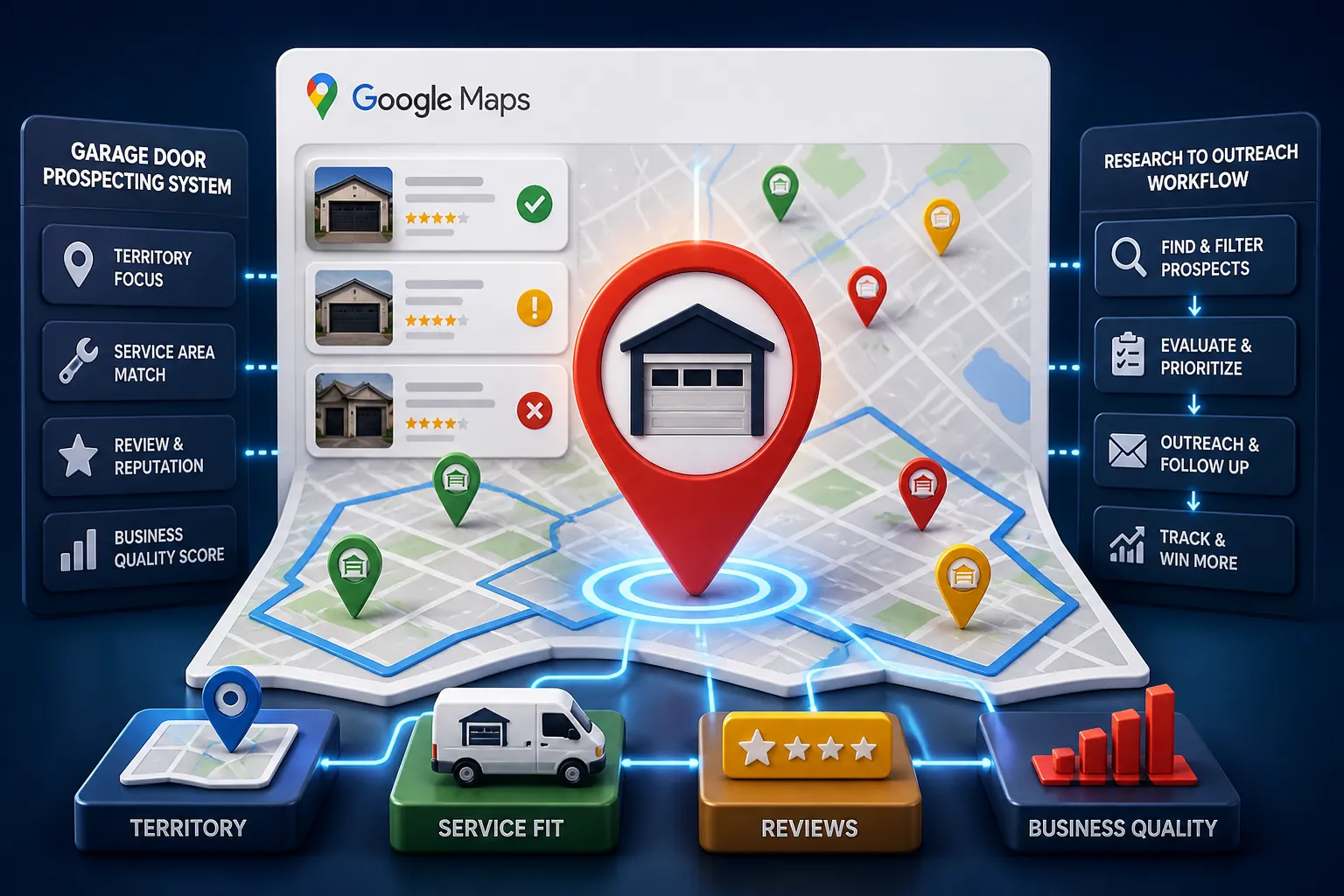
Google Maps Lead Generation for Garage Door Companies
Learn a practical workflow for using Google Maps to find, verify, and prioritize local garage door prospects. This beginner-friendly guide shows how to turn public listing signals into better outreach and more qualified leads.
Read the article →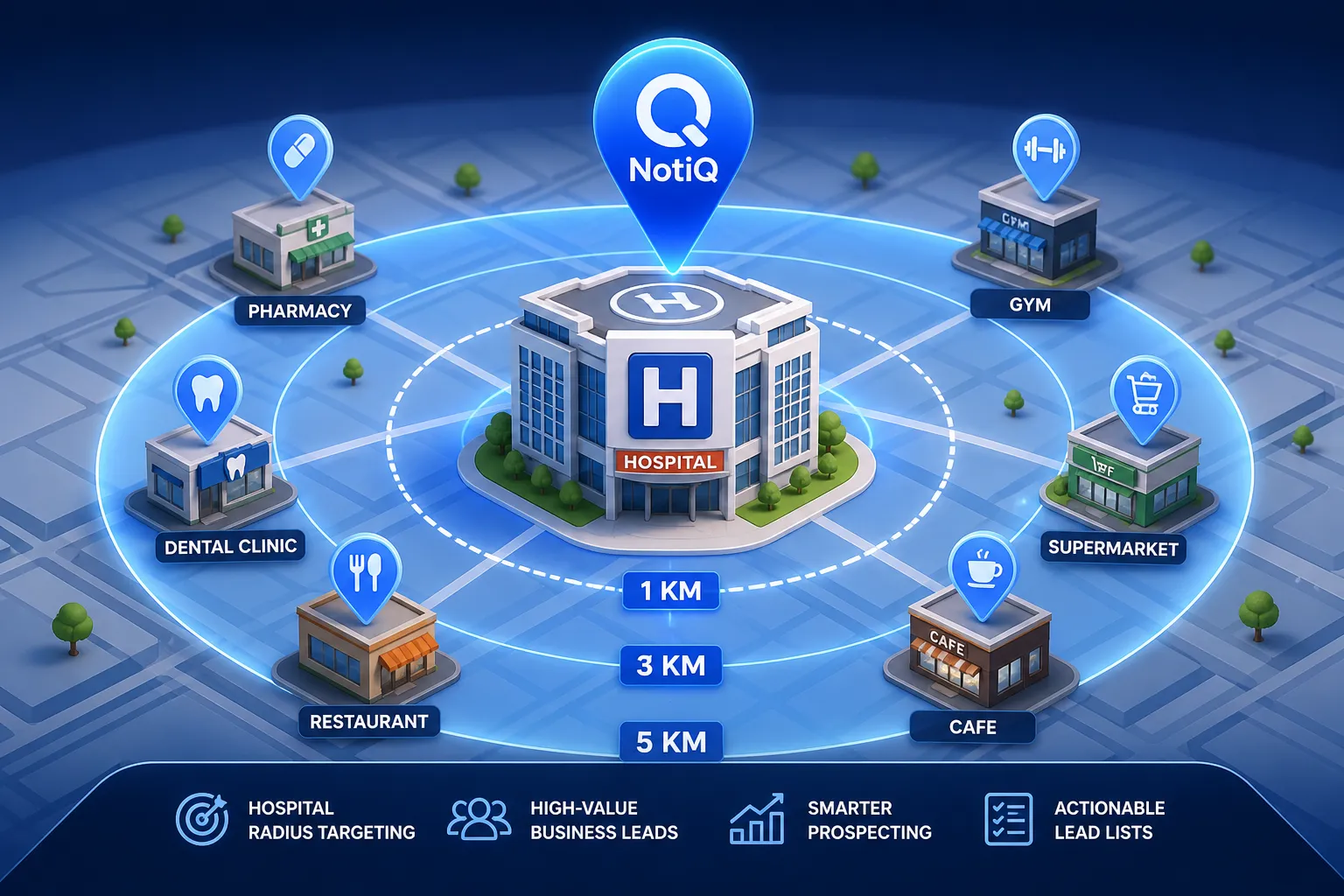
How to Build Lead Lists From Businesses Near Hospitals
Learn how to turn hospitals into high-value prospecting anchors. This guide shows how to find, qualify, and prioritize nearby businesses for cleaner local lead lists.
Read the article →Popular industry lead playbooks
Maps search examples and niche outreach for the verticals teams prospect most.