Technology
How to Find Local Businesses Using Free Email Providers
Learn how to find local businesses using Gmail and other free email providers, then validate them with stronger signals before outreach. This guide shows a practical workflow for smarter local lead generation.
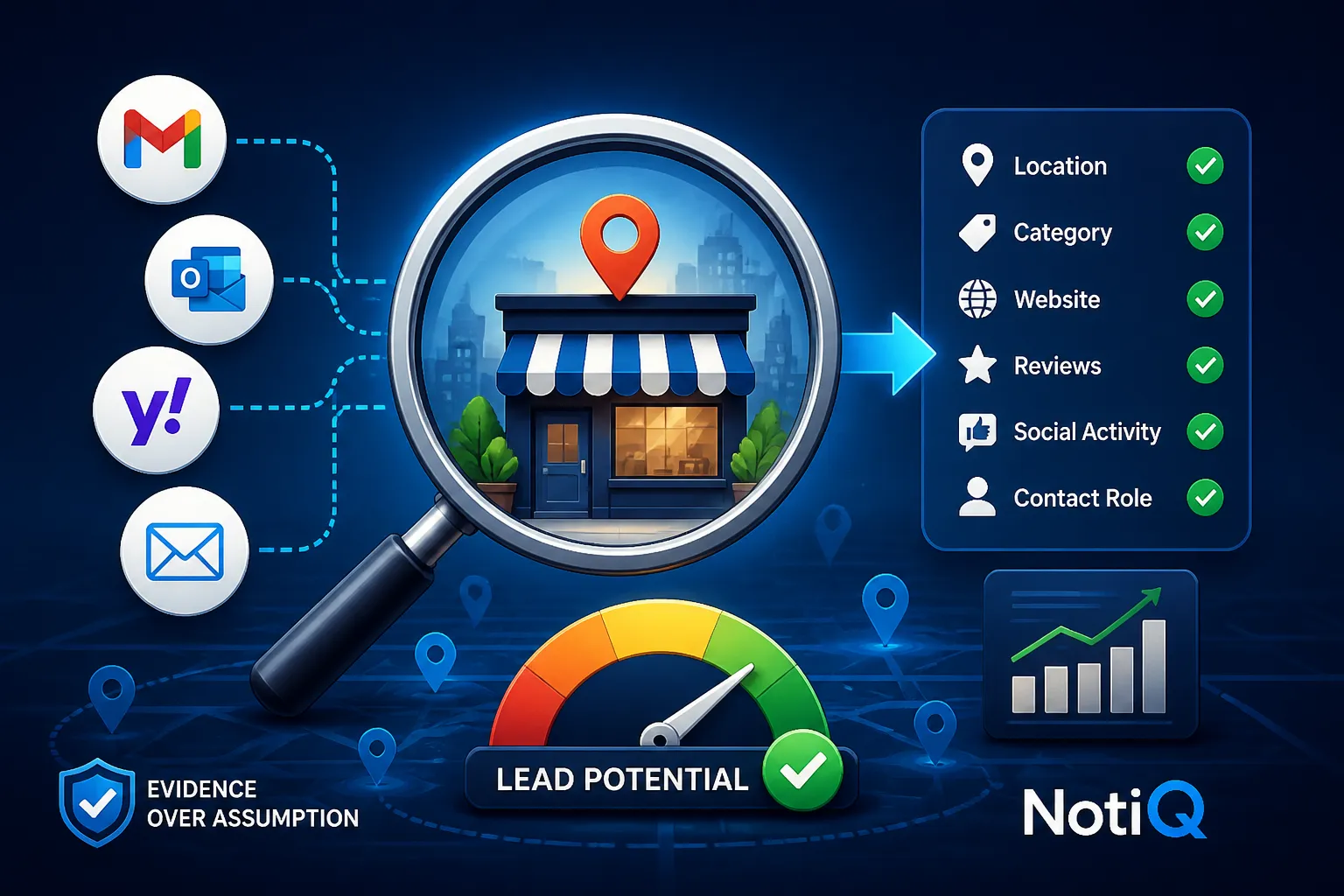
1. Introduction: Why Gmail Can Be a Local Prospecting Signal
For agencies, marketers, SaaS companies, sales teams, and researchers, local business lead generation presents a unique set of challenges. Traditional local directories are often incomplete, and millions of small, independent businesses simply do not appear in conventional B2B databases. While manual research can uncover these hidden gems, attempting to scale that effort rapidly becomes a bottleneck.
In this landscape, a generic email domain can serve as a powerful local prospecting signal. When a business uses a free provider like Gmail, it often indicates an informal or less mature digital setup. However, this should never be framed as a negative judgment. Instead, it is an initial clue—a data point suggesting that a business might benefit from digital services, software, or operational upgrades. Crucially, finding Gmail business leads is not immediate proof that the person behind the address is a business owner, a decision-maker, or a qualified lead.
This article will show you how to discover, validate, score, verify, and responsibly contact local businesses using Gmail and related signals. We will explore a comprehensive workflow that moves from initial location and category research to website and review checks, social activity analysis, contact-role verification, and structured scoring.
To execute this effectively, teams need an evidence-based approach where generic email domains are combined with multiple observable signals rather than treated as a standalone verdict. By utilizing[NotiQ](/)as a qualification layer for turning raw local-business observations into structured digital-maturity and opportunity insights, you can transform ambiguous contact data into a highly targeted, compliant outreach strategy.
2. Finding Local Businesses With Generic Email Domains
What Counts as a Generic Email Domain?
A custom business domain (e.g.,`contact@joesplumbing.com`) typically indicates a deliberate investment in digital infrastructure. In contrast, a generic email domain belongs to a free provider such as Gmail, Yahoo, Outlook, iCloud, or AOL.
It is vital to understand that a generic address can be utilized by a wide variety of entities: an owner-operated business, a freelancer, a standard employee, a nonprofit organization, a local franchise, or a private individual. Identifying generic email domain qualification signals is only the first step. Recognizing that an email ends in`@gmail.com`is easy; proving the identity, role, and commercial intent of the person behind that address requires further investigation.
For businesses using Gmail addresses, this signal can indicate an opportunity for digital service providers—such as web developers or marketing agencies—or it may simply reflect a normal, functional operating choice for a business that relies heavily on social media or local foot traffic.
Where to Discover Potential Local Businesses
Building an initial prospect list requires a foundation stronger than email signals alone. Begin by defining your target market: establish the geography, business category, service area, business size, and the potential customer need you aim to solve.
To find local business leads, leverage local discovery sources to identify business names, categories, locations, websites, phone numbers, reviews, and operating details. Consulting the Google Business Profile resource is an excellent starting point for local-business discovery, profile information, and location-based validation. These map-based directories allow you to validate that a physical or service-area business exists before you ever investigate its contact details.
In addition to Google Maps business leads, integrate other discovery inputs into your research, such as Yelp, local search results, social media profiles, industry-specific directories, and the business’s own website. To validate the broader opportunity and ensure your target market is viable, you can also cross-reference Census data for local business research to understand market, industry, establishment, and geographic trends.
Whenever you source local prospecting data, strictly record the source URL, the date checked, the business name, location, category, and any available contact information.
Why Gmail Is a Clue—not Proof
To succeed in small business prospecting, you must avoid overgeneralizing the presence of a generic email. A Gmail address may suggest an informal setup, owner-managed operations, limited website investment, or a reliance on external platforms (like booking portals) instead of a custom domain.
However, a generic email cannot prove business legitimacy, digital immaturity, buying intent, contact authority, or a definitive need for your services. Conducting a Gmail business email search should increase your research priority or highlight areas of uncertainty—it should not automatically increase or decrease the presumed quality of the lead.
Instead of binary judgments, apply confidence labels to your data:confirmed,probable,uncertain, and disqualified. While basic email-finding tools focus exclusively on discovering or verifying an email address, a mature qualification workflow connects discovery with qualification evidence, scoring, and context. Map-based tools support business discovery, email-finding tools support contact discovery, and digital maturity signals bridge the gap between the two.
3. Combining Email Signals With Business and Digital-Maturity Evidence
Verify Business Identity, Location, and Category
Before evaluating an email signal, you must confirm that the record represents a real, relevant local business. Match the business name, physical address (or service area), phone number, category, and operating details consistently across all available sources.
During this phase of B2B lead enrichment, actively check for duplicate, inactive, closed, or mismatched listings. Where relevant and lawfully available, you may consult business-registration or licensing information. As noted in the SBA guidance on business registration, researchers can consult appropriate state or local authorities for registration, licensing, and permitting information. However, avoid treating registration status as universal proof of quality or buying intent.
Always distinguish business legitimacy from prospect fit. A legitimate, legally registered business is not automatically a qualified sales opportunity if it does not fit your target geography and service category. Generating local business lead generation pipelines requires establishing both reality and relevance.
Evaluate Website Quality and Digital Presence
The next step is to combine the generic-domain clue with observable digital maturity scoring evidence. Investigate whether the business has a relevant website, a working contact page, a custom domain, a booking flow, an ecommerce function, analytics indicators, or clear service information.
Note any digital gaps, but do not present them as definitive evidence of poor business quality. Review whether the website accurately matches the business name, location, category, and current offering. When you find businesses without websites, or those with outdated websites or social-first presences, segment them distinctly rather than grouping them together.
It is also critical to understand that website visibility and search performance cannot be inferred solely from an email domain. You can consult Google Search Central to better understand website and search-visibility signals, while explicitly noting that Gmail use is not an SEO quality judgment. Furthermore,OECD research on SME digital maturity supports taking a multi-dimensional view of technology adoption, proving that digital maturity is a spectrum, not a single data point.
Add Reviews, Social Activity, and Operating Signals
External evidence vastly improves qualification accuracy. Review the presence, recency, and relevance of customer reviews. Do not assume that review volume alone dictates business value; rather, look at how the business interacts with its local prospecting signals.
Check whether the business's social profiles are active, consistent with the core business identity, and aligned with your target customer segment. Note their use of booking platforms, marketplaces, social commerce, and other no-code or platform-based digital tools.
Compare the business’s visible digital needs with the services you sell—whether that is local SEO prospecting, CRM implementation, booking systems, analytics, or marketing. Because profiles, reviews, websites, and social activity can quickly become stale, always record the evidence and the dates you observed it. As highlighted by the OECD digitalisation resource, digital maturity must be assessed across several operational practices rather than judged by one domain choice.
Confirm Contact Role and Relevance
To reduce the risk of contacting a personal address, a junior employee, or an irrelevant contact, you must confirm the contact's role. Determine whether the generic address appears on an official business website, a verified business profile, a directory listing, a social page, or another context directly connected to the organization.
Look for role indicators such as owner, founder, manager, bookings, sales, or general business contact—but never infer a role without evidence. It is crucial to separate business identity confidence from contact-role confidence.
Exclude addresses that appear unrelated, duplicated, personal-only, or disconnected from the business record. A deliverable address does not necessarily belong to the right person or represent genuine business intent. Business email verification confirms that an email won't bounce, but it does not independently establish local relevance, role, or opportunity.
False Positives to Exclude
Building trust in your local prospecting data requires addressing ambiguous and misleading cases directly. You will frequently encounter false positives, such as:
• A founder using Gmail despite running a highly established, high-revenue business.
• A freelancer or contractor whose personal and business identities heavily overlap.
• An employee using a personal address for work purposes.
• A consumer email mistakenly attached to a public business listing.
• A franchise or multi-location business with inconsistent or rogue contact records.
• An inactive, duplicate, or outdated directory profile.
In these instances, the generic-domain signal should be ignored rather than scored. When excluding these records, document the disqualification reason instead of silently deleting the record. This preserves the integrity of your small business prospecting database.
4. Scoring, Verifying, and Prioritizing Local Leads
A Practical Multi-Signal Scoring Model
To compare prospects effectively, utilize a transparent framework with separate dimensions rather than one combined judgment. A multi-signal digital maturity scoring model should assess:
• Business legitimacy: Is there sufficient evidence that the business exists and operates?
• Local relevance: Does it match the target geography and category?
• Digital-maturity opportunity: Are there observable gaps or improvement opportunities?
• Contact confidence: Is the email connected to the business and a likely decision-making role?
• Offer fit: Does the prospect have a need relevant to the service being offered?
• Outreach readiness: Is there enough verified context for a useful, respectful message?
The presence of a Gmail address should be treated as a contextual signal with inherent uncertainty, not as a high-confidence score by itself. Always record the rationale behind every score to ensure your local lead qualification process remains objective.
Lead-Scoring Example
To operationalize this lead prioritization framework, consider this hypothetical comparison:
• Lead A: Confirmed local business, relevant category, Gmail listed on an official profile, outdated website, recent reviews, verified contact context. (High-priority research candidate)
• Lead B: Gmail address found in an unrelated public listing, unclear business identity, no matching website, stale profile. (Exclude or flag for heavy manual review)
• Lead C: Established business with a custom domain but strong evidence of a relevant service need, such as broken booking links. (High priority)
Lead A is ideal for Gmail business leads outreach. Lead B is too risky and lacks context. Lead C should not be downgraded merely because it lacks a generic-domain signal; opportunity fit and evidence quality must always outweigh the presence of a free email provider.
Verification Checklist Before Outreach
Before a lead enters an outreach queue, it must meet minimum evidence requirements. Your email outreach compliance and verification checklist should include:
• Business name, location, category, and current operating status.
• Source and date for the generic email address.
• Match between the address and official business context.
• Contact role or likely business function, where evidence exists.
• Email deliverability through an appropriate verification process.
• Relevant and observable need connected to your offer.
• Applicable privacy, commercial-email, and opt-out requirements.
When discussing address discovery and deliverability, consult Hunter’s email-discovery resource, while keeping in mind that deliverability does not equal business qualification. Verification methods and data sources must be documented so your team can audit exactly why a prospect was included, ensuring you do not collect unnecessary personal information.
Prioritize by Opportunity, Not Just by Domain
Turn your qualification efforts into an actionable sales or marketing queue by prioritizing businesses where the observed need directly matches your offer. Use confidence and relevance together: a strong opportunity with uncertain contact information requires more research, not immediate outreach.
Create separate queues for your B2B lead enrichment workflow:
• Ready for personalized outreach.
• Requires contact or business verification.
• Nurture or monitor.
• Disqualified or suppress.
This segmentation reduces wasted research, prevents irrelevant messages, and mitigates deliverability risk. For related guidance on research, automation, enrichment, or qualification workflows, explore NotiQ's blog.
5. Choosing Tools and Documenting a Repeatable Workflow
Match Each Tool to a Specific Research Job
No single platform can perfectly solve discovery, qualification, verification, and outreach simultaneously. To build a robust local prospecting tools stack, map your tools to their specific roles:
• Google Maps / Google Business Profile: Local discovery and business-context validation.
• Yelp and other directories: Category, location, reviews, and profile comparison.
• Search and business websites: Official contact and service-context checks.
• Email discovery and verification tools: Address discovery and deliverability checks.
• Sales-intelligence platforms: Broader enrichment and scale where their coverage fits.
• NotiQ: Structured qualification, signal combination, opportunity interpretation, and workflow documentation.
A lightweight local workflow is often more appropriate for Google Maps business leads than a broad, paid database that lacks local nuance. Map platforms excel at discovery, email tools at verification, and platforms like Repliq can assist with complementary enrichment and automation workflows. However, the true differentiator is connecting these outputs into an auditable local digital-maturity workflow, avoiding the pitfalls of manual scraper tools that lack human review and compliance checks.
Recommended Lead-Record Schema
To maintain pristine local prospecting data, implement a practical documentation template. Your schema should include fields for:
• Business name and category.
• City, region, and service area.
• Discovery source and source URL.
• Generic email domain and exact context where found.
• Website, profile, review, and social URLs.
• Business identity confidence.
• Contact-role confidence.
• Digital-maturity observations.
• Lead score and scoring rationale.
• Verification date and reviewer.
• Outreach status, opt-out status, and suppression notes.
• Disqualification reason, where applicable.
Data provenance, accuracy checks, data minimization, and transparent confidence levels are essential trust-building practices. Utilizing[NotiQ](/)as the structured workflow layer allows you to seamlessly organize these signals, qualification logic, and opportunity insights for accurate team handoffs.
Manual Research Versus Structured Workflows
Knowing when to use a spreadsheet, a CRM, or an AI-assisted lead research tool is critical. Manual research is highly useful for small samples, ambiguous cases, and quality control. Conversely, structured workflows are necessary when teams repeatedly evaluate the same geography, category, or signal set.
Even at scale, keep human review in place for uncertain identity, role verification, compliance checks, and high-impact decisions. Avoid automatically scraping, enriching, or contacting every generic-domain record without relevance and verification checks. When evaluating operational signals beyond a single data point, reference the NIST small-business maturity guidance to understand the importance of structured risk assessment and prioritization.
6. Conducting Relevant and Compliant Outreach
Build Outreach Around an Observable Business Need
Effective local business lead generation relies on outreach that is useful and specific. Personalize your message around a verified business detail—such as their location, service category, website experience, booking process, reviews, or customer journey.
Never say or imply that you are contacting the recipient because they use Gmail, unless that fact is genuinely relevant and appropriate to the service you are offering (e.g., a Google Workspace migration service). Present a concrete observation and a potential improvement rather than criticizing their choice of email provider.
Use a short, transparent message with accurate sender identity and a clear reason for contact. Always test whether the problem you observed is actually relevant to them before aggressively proposing a solution.
Data Minimization, Provenance, and Opt-Out Handling
Compliance must be integrated into your qualification process, not treated as an afterthought. Collect only the information strictly needed to validate the business, assess relevance, and conduct the intended outreach.
Document exactly where the address and business information came from, when it was checked, and why the prospect was selected. Maintain strict suppression and opt-out records across all your tools and campaigns. Ensure your outreach includes accurate sender identification, a valid physical address where required, a clear opt-out mechanism, and prompt handling of unsubscribe requests.
For commercial email requirements, cite the FTC CAN-SPAM email requirements, which outline B2B message rules, accurate headers, non-deceptive subject lines, physical-address disclosures, and opt-outs. Remember that a publicly available email address does not automatically grant permission to contact someone. Always obtain appropriate legal guidance for your specific jurisdiction, audience, and business practice.
When Not to Contact a Lead
Defining clear stop conditions protects your brand trust and email deliverability. Do not proceed with outreach when the business identity is unclear, the address cannot be definitively connected to the business, or the contact appears unrelated to decision-making.
Suppress records with prior opt-outs, complaints, invalid addresses, or unresolved compliance concerns. Avoid outreach based solely on sensitive, private, or unnecessarily personal information. Pause your efforts if you discover the business is inactive, duplicated, closed, or outside your target market. A smaller, highly verified, and well-qualified list is infinitely more valuable than a massive list built on weak assumptions.
7. Future of Local Prospecting and Digital-Maturity Scoring
The landscape of local prospecting signals is evolving rapidly. AI-assisted lead research is making it easier to combine business directories, websites, reviews, social profiles, and contact signals into a cohesive, structured prospect view.
We are moving away from binary checks—such as simply noting “has a website” or “uses Gmail”—toward comprehensive, multi-signal digital-maturity assessments. Local businesses increasingly combine free email providers with sophisticated social profiles, marketplaces, booking systems, and no-code websites. As supported by OECD research on SME digital maturity, understanding the broader view of digital adoption and implementation barriers is crucial for modern sales teams.
Because of this complexity, data provenance, verification, first-party context, permission-based enrichment, and human review will become increasingly important. Platforms like NotiQ will continue to serve as the vital bridge between raw web observations and evidence-based opportunity qualification.
8. Conclusion: Use Gmail as a Starting Point, Not a Verdict
Successfully generating B2B lead enrichment opportunities from local businesses requires a disciplined approach. The workflow is clear: define your market, discover local businesses, identify generic-domain signals, validate the business identity, assess digital maturity, verify contact relevance, score your leads, document your evidence, and conduct compliant outreach.
Remember that while Gmail, Yahoo, Outlook, iCloud, and similar domains can reveal overlooked research opportunities, they cannot independently prove business status, decision-maker authority, or buying intent. The strongest local prospecting systems combine multiple signals while preserving a transparent audit trail.
Begin with a small, clearly defined segment. Test the scoring framework, refine your outreach, and only then begin to scale. For teams looking to operationalize this evidence-based approach—prioritizing verification, relevance, data minimization, and compliant outreach—explore[NotiQ](/)to build structured qualification and research workflows for your local-business opportunity discovery.
9. FAQ: Gmail Business Leads and Local Prospecting Signals
How can I find local businesses using Gmail addresses?
To find local businesses with Gmail, you should combine generic email searches with local business discovery sources like Google Maps, official websites, social profiles, and industry directories. The goal is to identify and qualify business opportunities using relevant public business context, not to guess private identities.
Are Gmail addresses a reliable signal that someone is a business owner?
No, a generic email domain qualification is not reliable proof of ownership or decision-making authority. A Gmail address can be used by an employee, a freelancer, or a consumer. You must verify the business identity, contact-role, and relevance before assuming authority.
What signals should I combine with a generic email domain?
You should combine email data with local prospecting signals such as location, business category, website quality, customer reviews, social activity, operating status, contact role, and offer fit. Always track your digital maturity signals with clear confidence levels and source dates.
How do I separate a business Gmail account from a personal Gmail account?
There is no universal domain-level answer to separate them. The best business email verification method is checking whether the address appears in an official business context (like a contact page or verified directory) and ensuring the business identity, role, and location align. Always apply disqualification criteria to exclude false positives.
What tools help identify and verify local business leads?
Different tools serve different functions. Google Business Profile and directories handle discovery; email-finding tools handle address verification; enrichment platforms provide scale. For organizing these B2B lead enrichment outputs into a structured, multi-signal workflow, use dedicated local business prospecting tools and qualification layers like NotiQ.
How should teams score Gmail leads?
Teams should use digital maturity scoring to evaluate business legitimacy, local relevance, digital-maturity opportunity, contact confidence, offer fit, and outreach readiness as separate dimensions. Generic-domain use is a contextual clue and should not determine the final local lead qualification score by itself.
How can I contact local businesses without violating privacy or spam laws?
Compliant outreach requires strict relevance, accurate sender information, data minimization, functional opt-outs, suppression handling, and thorough documentation. Ensure you follow all applicable commercial email requirements. For comprehensive guidelines on B2B messaging, refer to the FTC CAN-SPAM email requirements and always advise jurisdiction-specific legal review for your campaigns.
Continue Reading
More articles you might find useful
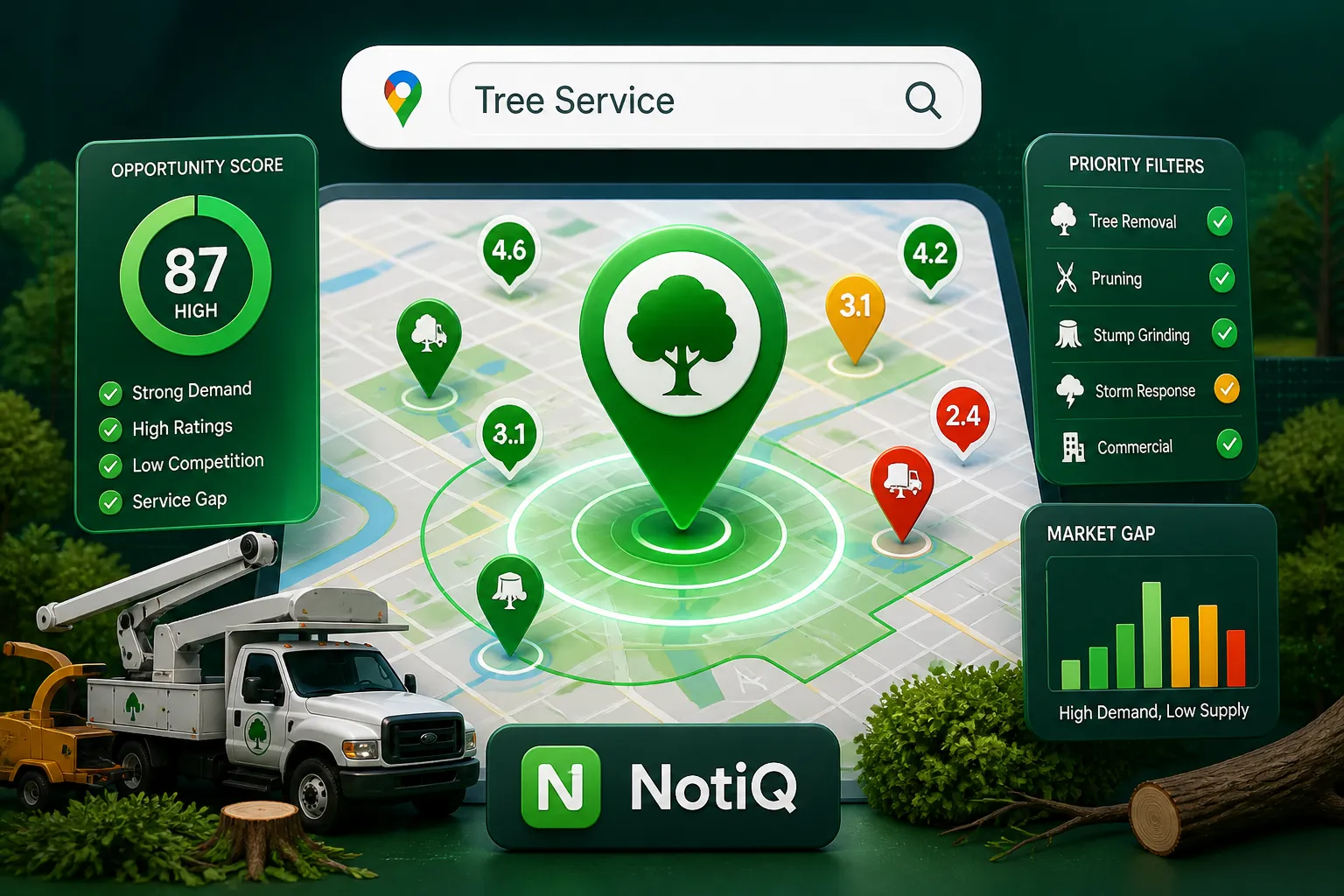
Google Maps Lead Generation for Tree Service Companies
Learn a practical system for finding and qualifying tree service leads on Google Maps. This guide shows how to segment opportunities, follow up compliantly, and turn local research into booked jobs.
Read the article →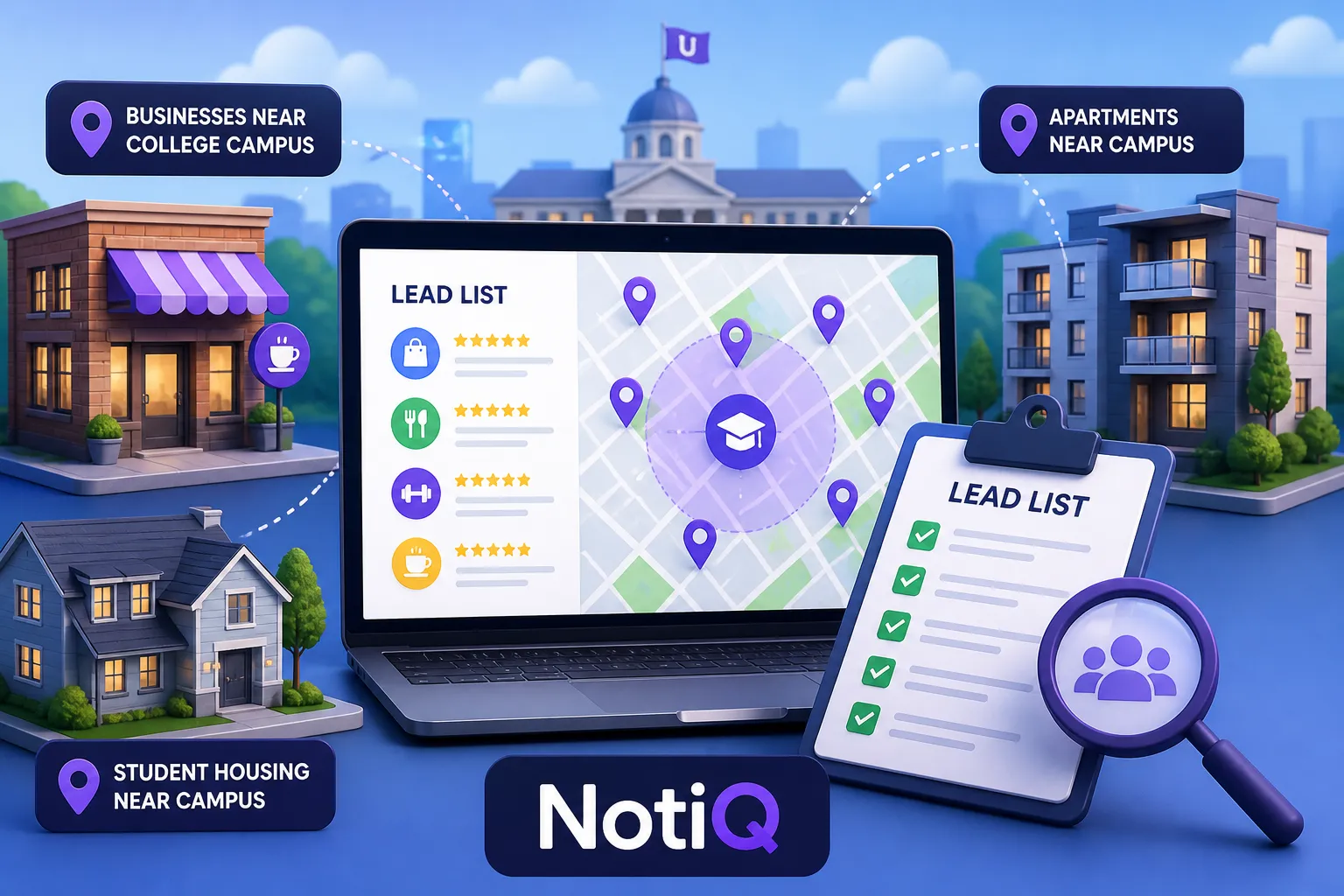
How to Build Lead Lists From Businesses Near Universities
Learn how to build cleaner, more targeted lead lists for businesses near universities. This guide covers geography, validation, scoring, and outreach to improve prospect quality.
Read the article →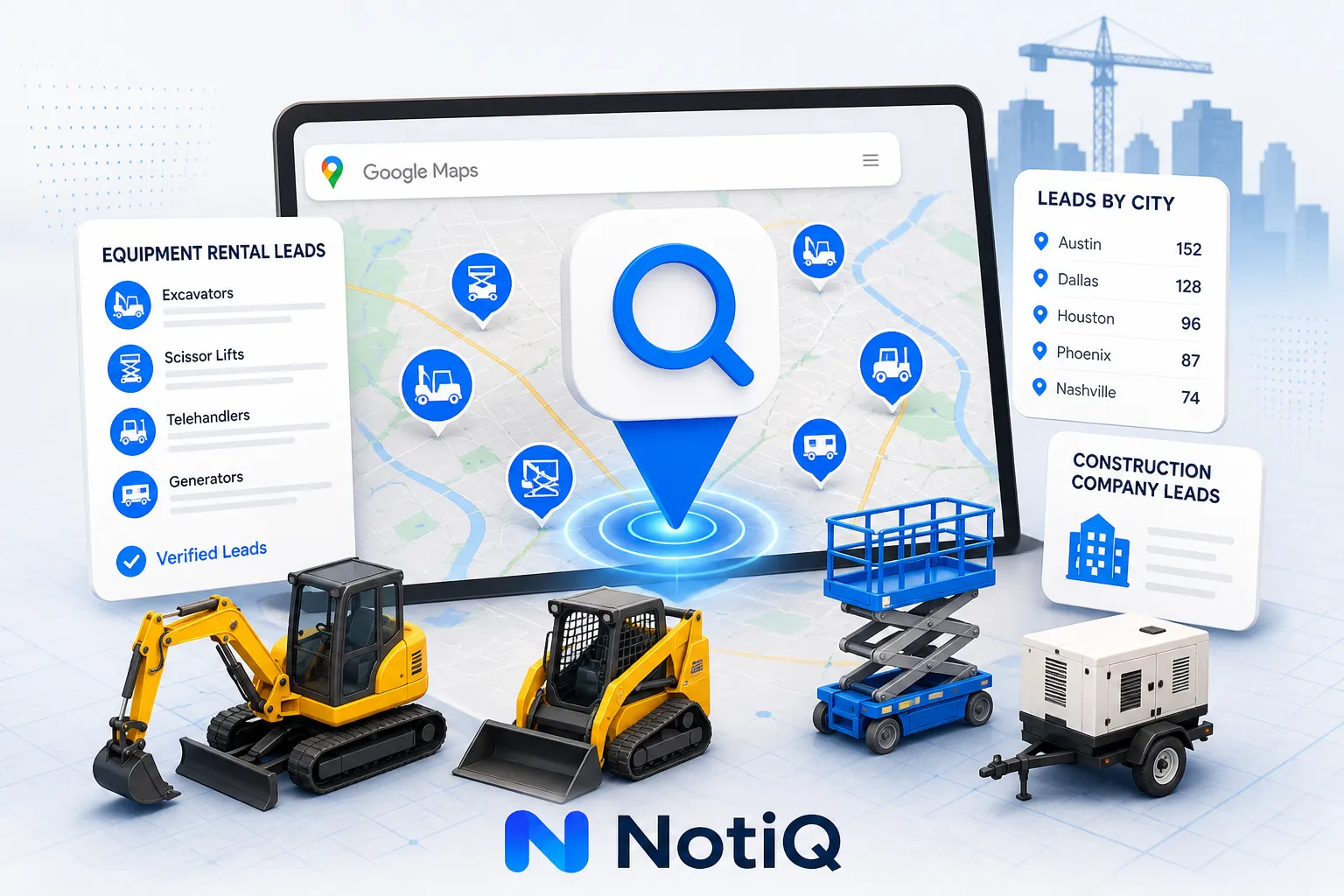
Google Maps Prospecting for Equipment Rental Companies
Learn how equipment rental companies can turn Google Maps research into qualified local B2B opportunities. This guide covers territory planning, lead qualification, and outreach workflows by city and category.
Read the article →Popular industry lead playbooks
Maps search examples and niche outreach for the verticals teams prospect most.