Technology
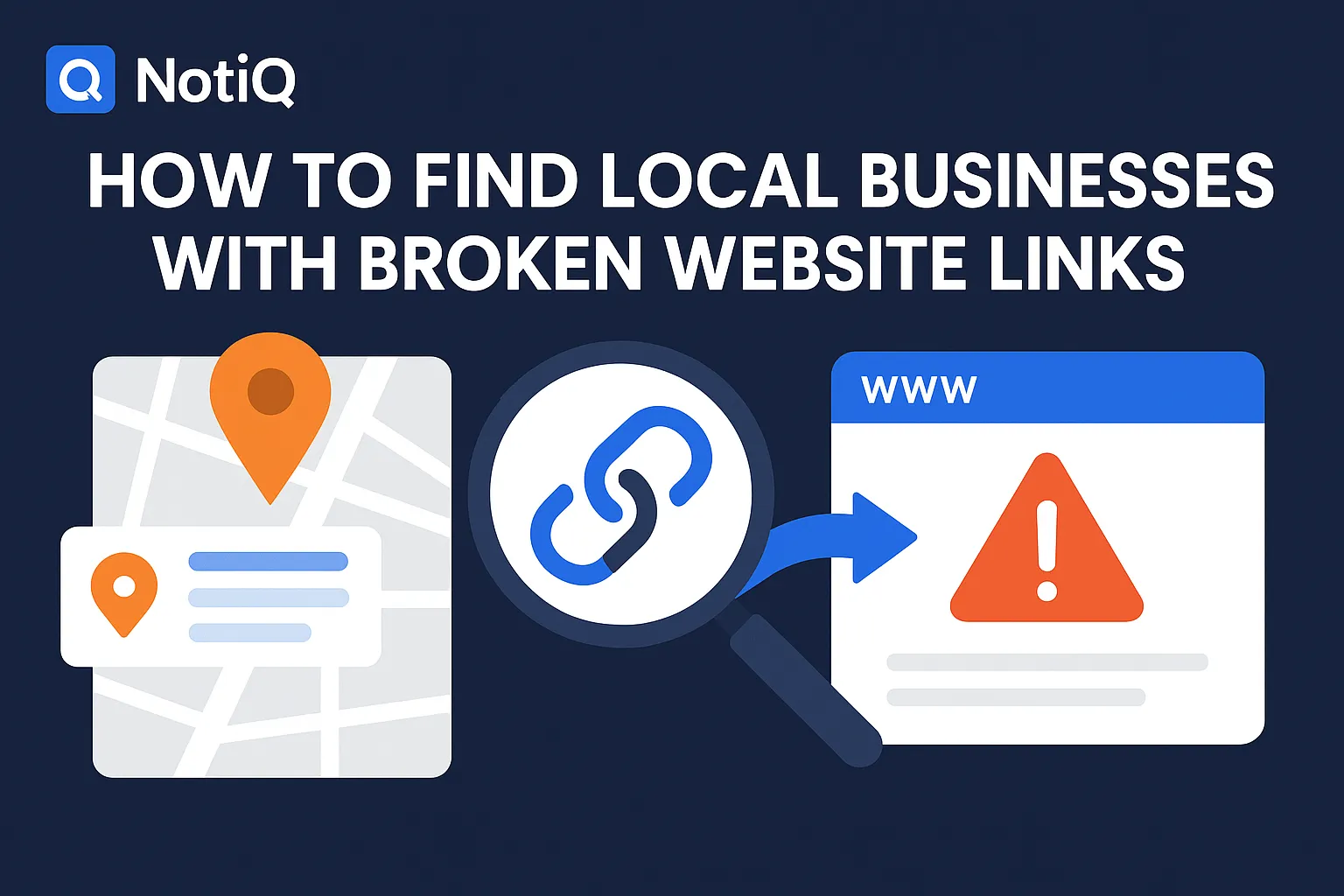
How to Find Local Businesses With Broken Website Links
Learn how to find local businesses with broken website links using Google Maps, quick validation checks, and proof-based outreach. This guide shows agencies how to turn visible site issues into qualified leads.
1. Introduction
Most local prospect lists are easy to build, but incredibly hard to qualify. Agency owners, sales development representatives (SDRs), and consultants often waste hours cold-calling or emailing massive lists of local businesses without knowing if the prospect actually has a visible, pressing problem. This leads to generic pitches that get ignored.
However, there is a low-friction, proof-based outreach angle that immediately cuts through the noise: finding broken website links. When you know how to find local businesses with broken website links, you transform generic Google Maps prospecting into a highly targeted engine for website audit leads.
This is not a broad SEO audit guide or a generic lead-gen tutorial. This is a complete discovery-to-audit-to-outreach workflow specifically designed for local businesses. In this guide, we will cover how to efficiently search by category in Google Maps, spot high-value broken links, validate the technical issues, qualify the lead, and turn your findings into personalized, high-converting outreach.
Whether you are selling web design, maintenance retainers, SEO, or conversion rate optimization (CRO) services, leveraging technical prospecting and website opportunity intelligence solutions like[Home](/)can help you surface broken or outdated site issues faster, creating a highly efficient local prospecting workflow.
2. Why Broken Website Links Are a Strong Local Prospecting Signal
Broken links are rarely just minor technical errors; they are highly visible business problems directly tied to trust, conversions, and local search performance. Local businesses often leave these issues unresolved because they operate with small teams, rely on outdated websites, lack a regular maintenance cadence, or simply do not have an active webmaster monitoring the site.
When you find a broken website for local businesses, you are looking at direct commercial impact:
• Dead contact or booking pages actively block inbound leads.
• Broken primary navigation creates immediate user friction and erodes brand trust.
• Dead service pages weaken credibility and reduce the potential for conversions.
• Broken external links to social media or partners signal broader digital neglect.
This angle works exceptionally well for outreach because broken links are easy to demonstrate with first-party proof. Providing a screenshot of a broken booking link makes your outreach highly relevant, completely bypassing the generic "I help businesses grow" messaging. Unlike broad list-building tactics that prioritize sheer volume over visible pain points, broken link prospecting focuses on quality and immediate need.
Furthermore, accessible links are foundational to local visibility. As outlined in Google business links policies, functional and accurate business links are critical for user experience and maintaining compliance with local search guidelines. When these links break, the business suffers. Generating website audit leads based on these visible failures is one of the most effective ways to open a sales conversation.
3. Start With Google Maps and Local Categories
Before you do any audit work, you need a targeted prospect list. The most effective way to build this is by combining geography with specific service categories using a compliant, manual, or ethically automated Google Maps prospecting workflow.
The core workflow is straightforward:
1. Search by location and category (e.g., "med spas in Austin" or "roofers in Chicago").
2. Use the Maps results to identify businesses that have websites attached to their profiles.
3. Focus exclusively on categories where website trust and bookings matter.
You want to target categories that have high lead value, a website-dependent conversion path, a competitive local landscape, and frequent signs of outdated digital presence.
To move from a raw results list to an active audit queue, click through to the websites directly from the Maps listings. Track the business name, URL, category, city, and the first visible issue you spot. Group these prospects by niche to make your outreach personalization easier down the line. To maximize your time, prioritize businesses whose websites appear older, sparse, or operationally critical to bookings and inquiries. If Google Maps results begin to thin out, reputable local directories can serve as secondary discovery sources.
For more insights on optimizing these discovery workflows, explore the educational resources at Blog.
Which Local Business Categories Tend to Produce Better Website Audit Leads?
Not every broken page is equally valuable. The best niches for local business website errors are those where site friction directly impacts buying behavior, phone calls, or quote requests.
Appointment-driven and trust-sensitive businesses are ideal. For example, a broken scheduling link for a dentist, a dead consultation form for a family law attorney, or a missing service page for an emergency plumber directly translates to lost revenue. These high-stakes categories naturally produce better web design leads and lead generation for agencies because the ROI of fixing the problem is immediately obvious to the business owner.
How to Build a Prospect List Without Creating a Huge Manual Mess
Purchased lead lists or generic databases often yield low signal quality and zero contextual relevance. To maintain high quality without creating a manual mess, build a lightweight spreadsheet or use a CRM structured with the following columns: Business Name, Category, Location, Website URL, Suspected Issue, Proof Status, Opportunity Type, and Outreach Status.
Simple tagging (e.g., #BrokenBooking, #DeadNav, #Dental) dramatically improves downstream outreach by allowing you to filter by niche and issue type. When executing digital agency prospecting, consistency is more important than complexity. You need a repeatable workflow for your website audit outreach, not a perfect, over-engineered database.
4. Spot the Broken Links That Matter Most
To succeed as a broken website finder, you must distinguish between low-priority errors (like a broken link on a 2017 blog post) and high-intent issues worth using in outreach. The best broken website local businesses to target are those with errors tied to core user journeys.
Prioritize local business website errors in this order of commercial value:
1. Contact page errors or broken forms
2. Booking or appointment flow failures
3. Main navigation broken links
4. Primary service page 404s
5. Broken Call-to-Action (CTA) buttons
6. Broken trust pages (Testimonials, About Us, Team)
Each of these issues maps directly to sales impact. A broken contact form means lost inquiries; broken navigation means friction in the buyer journey; dead trust pages lower credibility; and widespread 404s cause SEO decay over time.
Look for obvious visual signals like standard "404 Page Not Found" screens, redirect loops, empty booking widgets, and dead menu items.Whatbroke matters deeply to how you frame your outreach. A broken blog link is a minor upkeep issue; a broken "Request a Quote" button is a revenue emergency.
To accurately identify and classify these errors, it helps to understand standard web protocols. Familiarize yourself with the HTTP status code standard to correctly identify server responses, and review Google crawling and soft 404 guidance to understand how search engines interpret dead or misconfigured pages.
High-Impact Broken Links to Check First
When reviewing a site for website audit leads, run through this skimmable checklist of high-impact areas:
• Homepage primary navigation items
• Header and hero section CTA buttons
• Contact forms and contact page text links
• Booking, reservation, or scheduling paths
• Primary service and location pages
• Footer links to key trust pages
Issues in these areas indicate much stronger urgency for broken link prospecting and will yield higher reply rates during website audit outreach.
Which Broken Link Types Signal Better Service Opportunities?
The type of issue you find dictates the service you should pitch.
• Broken navigation or structural issues: Pitch web design leads, redesigns, or UX fixes.
• Dead service pages: Pitch local SEO lead generation, information architecture (IA), or content restoration.
• Broken booking/contact flows: Pitch CRO or ongoing maintenance retainers.
• Multiple broken links across the site: Pitch a broader website overhaul or digital agency prospecting package.
5. Validate Issues Before Adding a Lead
Many workflows stop at detection, resulting in agencies sending cold emails about temporary server glitches. If the issue is temporary, browser-specific, or caused by a one-time outage, your outreach immediately loses credibility. Validation is what turns raw discovery into an outreach-ready asset.
Walk through this lightweight validation process before contacting any prospect:
1. Recheck the page manually to ensure it wasn't a momentary load error.
2. Test the link in another browser or an incognito/private window.
3. Refresh and inspect whether the issue persists.
4. Confirm whether the page returns a true 404 error or a soft 404 behavior (referencing the Google crawling and soft 404 guidance).
5. Note whether the issue is isolated to one button or repeated across the site's template.
Capture screenshots and crawl snippets as first-party proof. This ensures you are reaching out about systemic maintenance issues rather than temporary technical hiccups.
Manual Checks vs. Lightweight Audit Tools
While manual review provides necessary context and highlights obvious broken UX, tools can help confirm recurring errors. Manual inspection is best for spotting a broken booking widget, whereas a broken link checker for local business websites or crawlers (like Screaming Frog, Ahrefs, or Semrush) are excellent for confirming if a dead link is repeated across 50 different service pages. Use tools to validate and scale your findings, but keep your workflow centered on how to audit small business websites quickly and contextually.
A Simple Lead Validation Rubric
Use this quick priority score rubric to validate your website audit lead generation tactics:
• Is the broken link on a high-traffic or high-intent page?
• Does it actively affect contact, booking, or service discovery?
• Is the issue repeatable across different browsers?
• Does the website show other signs of neglect (e.g., missing SSL, outdated copyright)?
• Does the business type align with your specific service offer?
If you answer yes to these, you have a highly validated lead ready for the local SEO prospecting workflow.
6. Turn Findings Into Qualified Service Opportunities
Not every broken link deserves outreach. To succeed in digital agency prospecting, the issue must connect to a relevant offer and a high likelihood of buying. You must move from "I found an issue" to "this is a viable client opportunity."
Qualify your website audit leads by evaluating the severity of the issue, the importance of the broken page, signs of outdated design, business model fit, and the ultimate revenue or trust implications. Frame your internal audits around business outcomes, not just technical correctness.
A platform like[Home](/)acts as a website opportunity intelligence layer, helping agencies automatically enrich, verify, and prioritize these broken or outdated website issues far faster than manual-only scraper tools. By prioritizing businesses where a broken link aligns with broader site problems, your account approach becomes highly strategic.
Matching the Problem to the Right Offer
Your website audit outreach improves drastically when your offer fits the specific issue:
• Broken booking flow: "I noticed your scheduling link is down, which might be leaking revenue. We can fix this conversion path." (CRO)
• Broken service page: "Your main 'Teeth Whitening' page is returning an error, hurting your discoverability." (SEO)
• Broken navigation: "Visitors can't click through your main menu, causing high bounce rates." (Web Design)
• Multiple dead pages: "Your site has several broken paths; it might be time for a structural update." (Maintenance/Redesign)
Use consultative language that focuses on local business website errors as business blockers, not as accusations of incompetence.
When a Broken Link Suggests a Bigger Website Opportunity
Often, a visible broken link is just the tip of the iceberg. It can be a strong indicator of outdated CMS or plugin issues, weak information architecture, poor mobile UX, missing metadata, or inconsistent conversion paths. Use technical website issues for agency outreach as the entry point, positioning the broken link as a symptom of a broader need for local SEO lead generation or website audit lead generation tactics.
Example Qualification Framework for Agencies
To make your lead generation for agencies highly actionable, apply this 4-F qualification framework:
• Fit: Does this business match your ideal client profile?
• Friction: Is the issue visibly hurting their trust or conversions?
• Fixability: Can your team solve this issue quickly and clearly?
• Follow-on value: Could this initial fix lead into recurring maintenance or marketing work?
7. Use Proof-Backed Outreach That Gets Replies
The core principle of broken link prospecting is that your message must lead with observed evidence and business impact, not a generic pitch.
Strong, proof-backed outreach should always include:
• A specific mention of the broken page or link.
• An explanation of why it matters to their visitors or leads.
• A screenshot, Loom video, or short description proving the issue.
• A concise offer to help fix or assess it.
• A low-friction Call to Action (CTA).
Ensure your outreach complies with all anti-spam regulations, utilizing best practices outlined in the FTC CAN-SPAM compliance guide. Emphasize clarity and usefulness over aggressive selling. Once you have your evidence, tools like Home can serve as excellent adjacent solutions for turning your audit findings into highly personalized, automated outbound messaging.
How to Frame Broken Links for Web Design vs. SEO vs. Maintenance
The exact same issue should be positioned differently depending on what you sell:
• Web Design Leads: "The site experience feels broken for users trying to navigate your services."
• Local SEO Lead Generation: "Search engines and user pathways may be degrading because of these dead pages."
• Maintenance: "This looks like an ongoing upkeep issue that might be affecting other parts of the site."
• CRO: "This broken button is likely interrupting your conversion and booking flow."
What to Include in a Strong Outreach Message
Structure your website audit outreach efficiently:
1. Personalized opener: Mention their specific business or recent local activity.
2. Specific issue observed: State exactly which link is broken.
3. Business impact: Briefly explain the lost trust or revenue.
4. Offer or next step: Provide a screenshot or Loom video as proof.
5. Soft CTA: "Would you like me to send over a quick fix for this, or are you already working with a webmaster?"
Common Outreach Mistakes to Avoid
To maintain high reply rates in cold outreach, avoid these common mistakes:
• Calling out vague "SEO issues" without pointing to a specific broken link.
• Overstating revenue loss without evidence (e.g., "You are losing millions!").
• Sending outreach before doing manual validation.
• Listing 25 different issues in one cold email (overwhelming the prospect).
• Sounding automated, robotic, or accusatory.
8. Tools and Resources for Broken-Link Prospecting
A successful prospecting workflow relies on using the right tools at the right stages, ensuring you preserve evidence and context rather than just scraping data.
Discovery Tools
Google Maps and reputable local directories act as your top-of-funnel sources for geo-targeted Google Maps lead research. Focus heavily on category-based searching to find web design leads using Google Maps rather than randomly collecting business names.
Validation Tools
Once you find a target, use manual browser checks alongside established SEO crawlers (like Screaming Frog, Ahrefs, or Semrush). Broad SEO tools are fantastic for confirming recurring errors, but they often under-serve the initial local discovery phase—which is why you only use themafteryou have identified a relevant local business target.
Workflow and Outreach Tools
Agencies must combine qualification systems with personalization workflows to move faster without losing specificity. The differentiator in digital agency prospecting is evidence-backed outreach, not just mass automation. For deeper insights into optimizing these systems, review the workflow automation guides at Blog.
9. Future Trends in AI-Assisted Website Audit Prospecting
The landscape of local SEO lead generation is shifting from "collect more leads" to "collect fewer, better-supported opportunities." Emerging trends point heavily toward AI-assisted lead qualification and website opportunity intelligence.
Agencies are increasingly relying on automated detection of broken pages paired with AI enrichment layers that help rank the urgency and fit of a prospect. As outbound channels become more crowded, the importance of first-party proof in cold outreach is paramount. Agencies that successfully combine local search context with rigorous technical validation will stand out. By utilizing workflow efficiency tools that prioritize evidence quality, you can build a pipeline of prospects who actually want to hear from you.
10. Conclusion
The best local business prospecting workflows do not stop at scraping Google Maps results—they validate visible website issues and turn them into highly relevant, consultative outreach angles.
By following this blueprint, you can build a highly effective engine:
• Find businesses by category and geography using compliant methods.
• Check for high-impact broken links on contact, booking, and service pages.
• Validate the issue manually and with tools before ever sending an email.
• Qualify the prospect based on service fit and real business impact.
• Lead your outreach with proof-backed, helpful messaging.
Broken links are not just technical flaws; they are practical trust, UX, and conversion signals that help agencies identify warmer, more receptive website audit leads. To streamline this process and leverage technical prospecting intelligence for your agency, explore the solutions at[Home](/). For more strategies on refining your outbound workflows, continue reading at Blog.
Frequently Asked Questions
- How do you find local businesses with broken website links?
- The most effective workflow is to use Google Maps prospecting by searching specific categories and locations. Visit the linked websites directly from the profiles, inspect key pages (like contact and service pages), and validate any broken paths or 404 errors before initiating outreach.
- Can Google Maps be used for web design or website audit prospecting?
- Yes. Google Maps is an exceptional discovery layer for web design leads, especially for local categories where the website plays a major role in trust and conversions (like medical, legal, and home services). However, Maps is only the discovery phase; you must still manually qualify the website.
- Which broken links matter most for agency outreach?
- Contact forms, booking widgets, primary service pages, and main navigation links matter most. These broken website local businesses issues are the easiest to connect to immediate business impact, making your website audit outreach much more compelling.
- How do you know whether a broken link is temporary or worth mentioning?
- Always perform manual retesting. Check the link in a different browser or private window, and use a broken link checker for local business websites or a crawler to validate the error. Taking screenshots ensures you have proof that the issue was active when you reviewed the site, securing your website audit leads.
- What should agencies include in a broken-link outreach pitch?
- A strong website audit outreach message should include specific proof of the issue (like a screenshot), a brief explanation of the business impact (e.g., lost bookings), a relevant offer to help, and a low-friction next step. Keep the pitch concise and focused on being helpful rather than aggressive.
Continue Reading
More articles you might find useful
Google Maps Prospecting for Commercial Waste Management Companies
Learn how commercial waste haulers can use Google Maps to find, qualify, and prioritize better local accounts. This guide shows how to build denser routes and improve outreach with waste-stream and service-area insights.
Read the article →
Google Maps Lead Generation for Signage Companies
Learn how sign companies can use Google Maps to find local prospects, identify visible signage gaps, and build a repeatable outreach system. This guide shows how to turn visual research into qualified leads without relying on paid ads or generic lists.
Read the article →
How to Build Lead Lists From Businesses Near Airports
Learn how to build targeted lead lists from businesses near airports using radius planning, enrichment, and segmentation. This guide shows revenue teams how to turn airport proximity into higher-quality outbound.
Read the article →Popular industry lead playbooks
Maps search examples and niche outreach for the verticals teams prospect most.