Technology
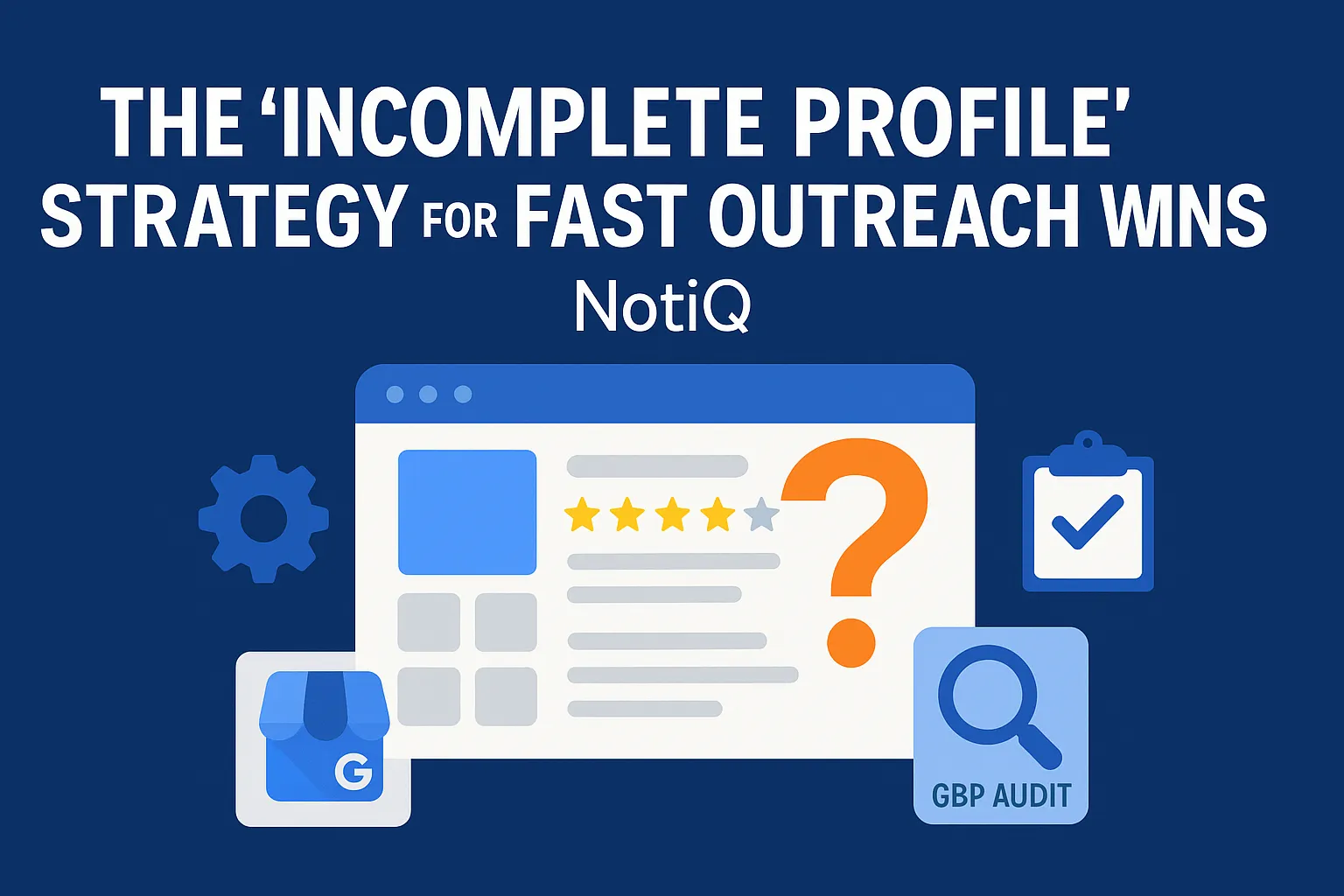
The “Incomplete Profile” Strategy for Fast Outreach Wins
Learn a simple system for finding incomplete Google Business Profiles, prioritizing the best leads, and using screenshots to start more effective outreach. Ideal for agencies and consultants looking for fast local SEO wins.
1. Introduction
Most local SEO outreach gets ignored because it sounds generic. Business owners are tired of vague emails promising "page one rankings" without any proof of concept. An incomplete Google Business Profile is different because the problem is visible, specific, and easy to prove in seconds.
Missing fields in listings can severely weaken customer trust, reduce relevance in local search, and lower high-value actions like calls, website clicks, and direction requests. According to Google’s local ranking factors, complete and accurate profile information helps businesses appear in relevant local results, making completeness a foundational pillar of local visibility.
This article provides a beginner-friendly system to spot incomplete profiles on Google Maps, prioritize the best quick wins leads, and turn simple screenshots into highly converting outreach conversations. For beginner agencies, consultants, and operators, screenshot-led prospecting for incomplete Google Business profiles offers a faster, lower-friction entry point than pitching a comprehensive local SEO audit. By leading with visible gaps, you can offer an immediate "audit-plus-fix" solution that builds trust and opens the door to long-term client relationships.
2. What Counts as an Incomplete Google Business Profile
To successfully pitch a fix, you first need to know exactly what you are looking for. An "incomplete" profile does not just mean the listing is unclaimed. A profile is incomplete if it contains missing, weak, outdated, or inaccurate information that fails to give searchers a full picture of the business.
It is crucial to clarify the differences between common listing statuses:
• Incomplete profile: A verified, active listing that is missing key details (e.g., hours, description, services).
• Inaccurate profile: A listing with wrong information (e.g., a disconnected phone number or old address).
• Unclaimed listing: A profile that exists on Google Maps but has not been verified or managed by the business owner.
• Suspended or unverified profile: A listing that Google has removed from public view or restricted due to compliance issues or lack of verification.
Common signs of an incomplete Google Business Profile include:
• Missing business description
• Missing or outdated hours of operation
• Weak or overly broad category selection
• No listed services or products
• Few or no high-quality photos
• Missing operational attributes (e.g., "wheelchair accessible," "identifies as women-owned")
• Inconsistent or missing contact details
This strategy is highly effective because prospects can see the issue instantly. You do not need advanced SEO knowledge to point out that a profile lacks a phone number or business hours. Understanding Google Business Profile Strength signals and adhering to Google Business Profile guidelines ensures you know exactly what valid, optimized business information should look like. For agencies looking to streamline this process,[NotiQ](/)offers a simple system for spotting these visible profile gaps and organizing outreach efficiently.
The easiest incomplete-profile signals to spot in minutes
Finding leads doesn't require a deep, technical GBP audit. You can perform a fast visual scan directly on Google Maps or Google Search. Look for the most obvious gaps: a blank description box, a lack of service listings, or a default street-view image instead of uploaded photos.
Start with these glaring omissions rather than trying to pitch subtle optimization tweaks. The best outreach opportunities are profiles where the missing fields in listings are visually obvious to the business owner. Use a repeatable checklist to ensure every quick audit follows the exact same process, allowing you to evaluate dozens of Google Maps listings in minutes.
Incomplete vs. unverified vs. suspended profiles
Understanding the distinction between incomplete, unverified, and suspended profiles is critical for packaging your services. Incomplete profiles are the ultimate "quick wins"—you can fix them in minutes once you have manager access.
Conversely, compliance issues or suspensions often require lengthy appeals and communication with Google support. Do not overpromise fixes for verification or suspension issues in your initial outreach. Frame your incomplete-profile outreach as a low-friction, beginner-friendly offer. By targeting missing or inaccurate business information on active profiles, you avoid the headaches of unclaimed business listings that require complex verification steps.
3. The Highest-Impact Missing Fields to Audit First
Not all missing fields carry the same weight. To maximize the impact of your outreach, you must prioritize the gaps that directly impact local visibility, relevance, and customer conversion.
Use this section as a practical checklist. Rather than overwhelming a prospect with a 50-point local SEO audit, focus on the most obvious, highest-value issues. When you tie these specific missing fields in a Google Business Profile to lost revenue and visibility, your pitch becomes undeniable.
Categories, services, and business description
Category accuracy is the foundation of local search matching. If a business selects a weak or generic primary category, Google struggles to match them to specific user queries.
Similarly, missing services reduce clarity. A plumber who doesn't list "water heater repair" in their services is missing a massive opportunity to capture specific search intent. Furthermore, a missing or generic business description weakens trust and fails to differentiate the business from competitors.
• Weak detail: A description that says, "We fix pipes."
• Useful detail: A 750-character description highlighting 20 years of experience, specific service areas, and emergency availability, fully aligned with Google Business Profile guidelines.
Focusing on weak Google Business Profile categories, missing services, and blank descriptions forms the core of a highly effective Google Business Profile optimization checklist.
Hours, contact details, and location accuracy
Incorrect or missing hours create immediate friction. If a searcher cannot verify when a store is open, they will likely choose a competitor. Inaccurate contact details—such as a missing phone number or broken website link—directly hurt conversions and frustrate prospects.
Maintaining basic Name, Address, and Phone Number (NAP) consistency is vital. You don't need to dive deep into technical citation cleanup during a cold pitch; simply showing a business owner that their phone number is missing on Google Maps is an ideal outreach trigger because it is incredibly easy to screenshot and explain.
Photos, attributes, reviews, and visual trust signals
Outdated or missing photos make a listing feel neglected. Searchers rely heavily on visual trust signals before making a purchasing decision. Adhering to Google Business Profile photo guidelines ensures the business presents a professional, trustworthy image.
Additionally, missing Google Business Profile attributes(like "offers same-day delivery" or "free Wi-Fi") prevent businesses from standing out in filtered searches. While reviews are a major trust signal, keep your initial outreach focused on visible completeness. A profile with zero photos or missing attributes is an excellent visual trust gap to use as a conversation starter for local SEO lead generation.
4. How Incomplete Profiles Hurt Visibility and Conversions
To make your outreach compelling, you must connect missing fields to actual business outcomes. Fixing admin work sounds boring; recovering lost customers sounds essential.
There are two primary impacts of an incomplete profile: the business is less likely to appear for the right local searches, and they will convert fewer searchers into calls, clicks, or visits. A missing service, no hours, or poor photos directly reduce consumer confidence. This is why targeting incomplete profiles works far better than vague "we can improve your SEO" messaging.
Visibility impact: relevance, discovery, and local search matching
In simple terms, complete information helps Google understand exactly what a business does, where it operates, and who it serves. According to Google’s local ranking factors, relevance is a core pillar of local search.
Missing categories, empty service menus, and blank attributes result in weaker relevance signals. While a Google Maps listing incomplete status is not always the sole cause of poor rankings, it is a visible, undeniable weakness. Established local SEO publishers like Semrush, Moz, and BrightLocal consistently treat listing completeness as a foundational requirement for local search matching and discovery.
Conversion impact: trust, clicks, calls, and direction requests
Even if a business manages to appear in the local pack, weak profile completeness will kill the conversion. Missing details create hesitation.
Consider these scenarios:
• No hours: The customer is uncertain if the business is open and calls a competitor instead.
• No photos: The customer has lower trust in the quality of the business.
• Missing services: The customer is unclear if the business actually offers the specific solution they need.
These scenarios are strong proof points for quick wins leads. When you explain how do incomplete profiles affect calls clicks and direction requests, the business owner instantly understands the financial cost of their Google Business Profile missing information.
5. A Simple Lead Scoring Framework for Prioritization
Not every incomplete listing is worth your time. To avoid wasting effort, you need a lightweight scoring system to prioritize the most lucrative opportunities. Broad optimization guides often skip this step, but prioritization is the secret to scaling your GBP audit process.
Focus your outreach on leads with obvious missing fields, meaningful commercial intent, visible signs that the business is active, and issues that are easy to fix.
A beginner-friendly scoring model
Use a simple point system based on quick visual checks to determine if a lead is a high, medium, or low priority:
• Obvious missing fields: Are the hours, phone number, or website missing? (+2 points)
• Category accuracy: Is the primary category overly generic? (+1 point)
• Review activity: Does the business have recent reviews, showing they are active? (+1 point)
• Photo quality: Are there zero owner-uploaded photos? (+1 point)
This model is simple enough to use during a rapid visual scan. The goal isn't perfect qualification—it is simply to separate high-priority local SEO lead generation targets from dead or abandoned listings. For a deeper dive into practical outreach workflows, review these guides.
Which businesses make the best quick-win leads
The best quick-win leads are found in industries that rely heavily on local trust and quick, high-intent decision-making, such as emergency plumbers, roofers, dentists, and auto repair shops.
Ideal leads have visible listing gaps but show some existing market demand and enough profile activity (like replying to a review) to prove the owner cares about their reputation. Avoid listings that are completely abandoned or "too messy" (e.g., massive spam networks or suspended profiles). Unlike manual prospecting approaches that prioritize volume over fit, targeting specific, fixable gaps on active profiles yields a much higher response rate for unclaimed Google business listing outreach.
6. How to Use Screenshots and Audits in Outreach
The core of this system is turning your fast audit into a personalized, helpful message. Screenshot-led outreach works because it shows the exact issue, eliminates technical abstraction, and creates immediate relevance.
Instead of listing every single problem, frame your message around one clear gap and one simple fix. Position your offer as an "audit plus fix implementation." This is how agencies pitch fixes for incomplete business profiles successfully without demanding a large retainer on the first touch.
What to include in a screenshot-led outreach message
Your outreach message should be concise and specific. A successful structure includes:
1. Name the business: Create immediate personalization.
2. Point out one visible gap: Attach a screenshot circling the missing field.
3. Explain why it matters: Briefly state how it costs them trust or visibility.
4. Offer a quick audit or fix: Provide a low-friction call to action.
Example Email Template:
"Hi [Name], I was looking for [Service] in [City] and found your Google Maps listing. I noticed your profile is missing its business hours and service list (screenshot attached). When these fields are empty, Google often prioritizes competitors, and customers hesitate to call. I help local businesses fix these exact missing fields in listings to capture more local traffic. Would you be open to a quick 5-minute chat to see how we can fix this this week?"
Use screenshots only when they make the issue clearer. For more messaging ideas, explore the blog on outreach strategies.
Packaging the low-friction audit-plus-fix offer
A small, low-friction entry offer is significantly easier to sell than a full-service, multi-month SEO retainer. Frame your first win around speed, clarity, and visible improvement.
Offer to claim, complete, and optimize their profile for a flat, accessible fee. Once you deliver this quick win and the client sees their fully optimized profile live on Google Maps, you have earned their trust. This naturally leads into larger services like ongoing listing management, citation cleanup, and broader Google Business Profile optimization.
To operationalize this audit-and-outreach workflow efficiently, systems like[NotiQ](/)help turn visible listing gaps into a repeatable, scalable process.
7. Best Practices and Common Mistakes to Avoid
While pitching incomplete profiles is a beginner-friendly strategy, it must be executed responsibly. Always adhere to Google’s terms of service and ensure all data extraction and outreach workflows are legal, ethical, and publicly accessible.
Keep your audits simple. Do not overcomplicate the pitch with dozens of variables, and never make unsupported promises about guaranteed rankings or specific lead volumes. Focus purely on visible, easy-to-fix issues that improve trust and compliance.
Mistakes beginners make with incomplete-profile outreach
Avoid these common errors that ruin conversion rates:
• Sending generic SEO pitches: Stop talking about "algorithms" and start talking about missing phone numbers.
• Pointing out too many issues at once: Overwhelming the business owner causes them to ignore the email. Stick to one or two glaring gaps.
• Targeting compliance problems: Pitching businesses with suspended profiles leads to complex, frustrating fulfillment. Stick to active profiles with simple missing information.
• Failing to connect the issue to outcomes: Always tie the inaccurate business information back to lost calls, clicks, and customer trust.
How to keep the workflow simple and repeatable
To scale this local SEO lead generation strategy, you must keep the workflow rigid. Use a fixed GBP audit checklist, apply your basic scoring model, and rely on a single, customizable outreach template.
The core promise of this system is same-day prospecting from visible listing gaps. By standardizing your approach, you can consistently identify and contact high-value targets without getting bogged down in analysis paralysis.
8. Conclusion
Incomplete Google Business profiles are one of the absolute easiest local SEO problems to spot, explain, and monetize. By replacing vague SEO promises with visual proof and a simple fix, you instantly stand out in a crowded inbox.
To succeed, follow this 5-step flow:
1. Find visible gaps on Google Maps.
2. Audit the highest-impact fields (categories, hours, photos).
3. Explain the direct visibility and conversion impact.
4. Score the opportunity to prioritize active businesses.
5. Send simple, screenshot-led outreach.
Apply this framework to a small set of local businesses today, then refine your approach to build a repeatable quick wins leads system. As you scale, utilizing platforms like NotiQ can help operationalize your audits and outreach workflows, ensuring consistent lead generation grounded in established Google Business Profile Help guidance and local SEO best practices.
Frequently Asked Questions
- How do you find incomplete Google Maps business profiles?
- You can find incomplete profiles by performing a fast visual audit directly on Google Maps and Google Search. Search for a local niche (e.g., "roofers in [City]") and click through the listings. Look for a Google Maps listing incomplete status by checking for missing categories, blank descriptions, omitted business hours, empty service tabs, and a lack of uploaded photos or attributes.
- Which missing fields in a Google Business Profile matter most?
- The most important missing fields are those that affect both search relevance and customer trust. Prioritize categories, services, hours of operation, contact details (phone and website), business descriptions, and photos. Optimizing these specific fields yields the highest return on your Google Business Profile optimization efforts.
- Can incomplete listings become quick-win outreach leads?
- Yes. Incomplete profiles maps listings are ideal quick-win outreach leads because the problem is visually obvious, easy to explain with a simple screenshot, and low-friction to fix. This makes it the perfect introductory offer for beginner agencies and consultants looking to build trust quickly.
- How do incomplete profiles affect local rankings and conversions?
- Incomplete profiles provide weaker relevance signals to Google, making the business less likely to appear in local searches. Furthermore, missing information—like hours or photos—creates hesitation for consumers, directly reducing the number of calls, website clicks, and direction requests a business receives. Complete data drives both discovery and action.
- What tools help audit Google Business Profiles at scale?
- Beginners should start by auditing profiles manually to understand the visual cues of an incomplete listing. As you scale, workflow enablers and systems help organize your prospecting, scoring, and messaging. Tools that support repeatable audit checklists and streamline screenshot-led outreach are the best way to scale this local SEO lead generation strategy without getting overwhelmed.
Continue Reading
More articles you might find useful
Google Maps Prospecting for Commercial Waste Management Companies
Learn how commercial waste haulers can use Google Maps to find, qualify, and prioritize better local accounts. This guide shows how to build denser routes and improve outreach with waste-stream and service-area insights.
Read the article →
How to Find Local Businesses With Broken Website Links
Learn how to find local businesses with broken website links using Google Maps, quick validation checks, and proof-based outreach. This guide shows agencies how to turn visible site issues into qualified leads.
Read the article →
Google Maps Lead Generation for Signage Companies
Learn how sign companies can use Google Maps to find local prospects, identify visible signage gaps, and build a repeatable outreach system. This guide shows how to turn visual research into qualified leads without relying on paid ads or generic lists.
Read the article →Popular industry lead playbooks
Maps search examples and niche outreach for the verticals teams prospect most.