Technology
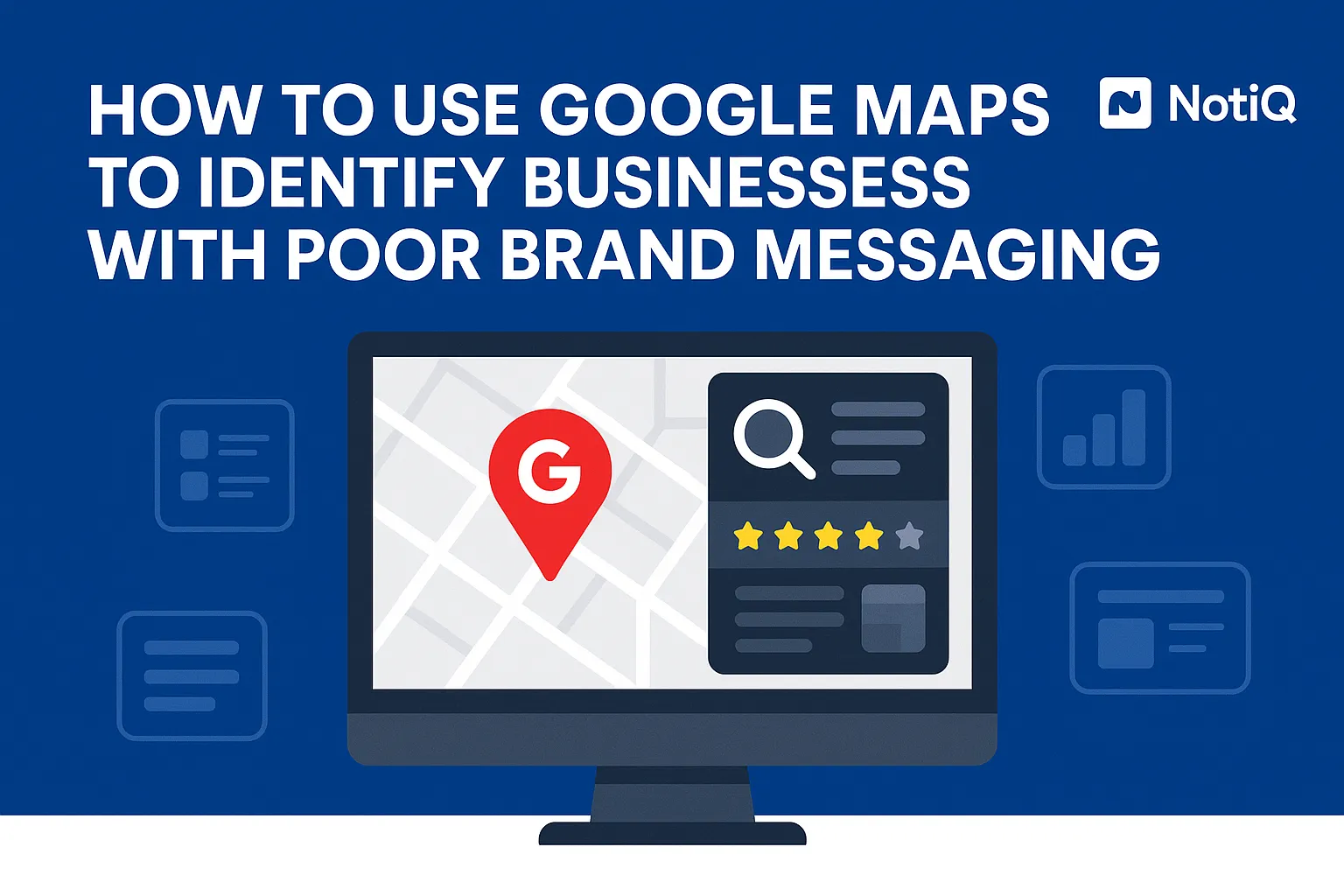
How to Use Google Maps to Identify Businesses With Poor Brand Messaging
Learn a repeatable way to use Google Maps, business profiles, reviews, and websites to spot weak brand messaging. This guide shows how to compare competitors and turn findings into clear audit notes.
1. Introduction
Many local businesses rank well in Google Maps, yet still look entirely interchangeable at first glance. That distinct gap between high search visibility and low brand clarity is exactly where weak brand messaging hides.
Beginners, marketers, and local agencies often look at a business and intuitively know it feels “generic,” but they struggle to diagnose exactly why. The problem isn’t necessarily their SEO; it’s their positioning. This article provides a simple, repeatable workflow for spotting weak positioning using Google Maps, Google Business Profiles, customer reviews, websites, and direct competitor comparisons.
Google Maps is far more than just a lead source or a local SEO tool—it can be utilized as a fast, highly effective brand messaging audit engine. Whether you are a beginner looking for a structured approach or an agency consultant hunting for high-value prospects, learning how to use Google Maps to identify businesses with poor brand messaging will transform the way you evaluate local markets.
To ensure accuracy and compliance, this audit framework relies strictly on observable, publicly accessible signals—profile descriptions, assigned categories, customer reviews, photos, and website copy—rather than subjective design opinions. To seamlessly capture these messy observations and turn them into structured audit notes, utilizing a tool like NotiQ helps keep your research organized and actionable.
2. Why Google Maps Is a Strong Prospecting Starting Point
Google Maps is a remarkably efficient first filter for finding local businesses with unclear positioning because it naturally clusters similar businesses together. When you view a map pack, messaging weaknesses become immediately obvious because you are viewing them in direct context with their local competitors.
Google Business Profiles combine several crucial diagnostic signals into one centralized view: categories, business descriptions, photos, ratings, reviews, and a direct website link. The goal of this process is not merely local SEO prospecting or lead generation; it is identifying businesses whose existing visibility is failing to convert because their core message is vague.
To evaluate a listing, start with the core diagnostic question:“Can a buyer tell within seconds what this business does, who it serves, and why it’s different?”
Unlike generic manual prospecting approaches that focus solely on scraping contact information, this workflow prioritizes message quality. By reviewing how a business presents itself against Google Business Profile representation guidelines, you can quickly gauge whether their public-facing details are meaningful or merely placeholders. To streamline this process,[Home](/)provides a lightweight way to capture observations from Maps results, reviews, and websites in one unified workflow.
What Makes Google Maps Better Than a Random Website Search
Conducting a random Google search yields disconnected websites, making it difficult to benchmark local business messaging. Maps, however, provides side-by-side local alternatives immediately. When you can view five plumbers or three pediatric dentists in the same geographic area simultaneously, differentiation gaps become glaringly obvious.
Because the businesses share the same category and geography, your positioning analysis is stripped of subjectivity. Weak messaging is much easier to spot when stronger, clearer competitors are visible right next door. You are no longer guessing if a message works; you are seeing how it stacks up against the exact alternatives a consumer is evaluating.
The Four Signals You Can Assess in Minutes
To avoid vague judgments like “the site just feels weak,” you need a structured framework. During a website messaging review or USP analysis, you should evaluate four specific signals:
1. Clarity: Is it immediately obvious what the business offers?
2. Differentiation: Do they give a reason to choose them over the business down the street?
3. Proof: Do they back up their claims with reviews, guarantees, or credentials?
4. Next-Step CTA: Is there a clear, frictionless path to becoming a customer?
Think of these four pillars as a practical scorecard that will drive your entire brand messaging audit.
3. How to Spot Weak Messaging in Google Business Profiles
Before you even click through to a website, you can identify weak positioning directly from the listing. A thorough Google Business Profile optimization check should follow a logical sequence: business name, category, description, services, photos, reviews, and visible trust signals.
Weak positioning often manifests as generic claims, unclear specialization, vague service language, and a complete lack of an obvious target customer. It is vital to distinguish between profile completeness and messaging quality. A profile can have every field filled out and still sound entirely generic. As you review profiles, document the exact phrases that feel overused or interchangeable to build your brand messaging audit checklist. For context on what an effective profile should actually communicate, refer to official Google Maps business description guidance, and ensure your evaluations align with Google Business Profile representation guidelines.
Red Flags in the Business Description
The business description is often the clearest indicator of local business messaging quality. Look out for weak language patterns such as “quality service,” “trusted professionals,” or “we care about our customers.” These phrases lack specifics and fail to sell the business.
Strong positioning statement examples usually communicate the exact service, the target audience, location relevance, and a unique differentiator. Ask yourself:“If I removed the business name, could this description belong to ten competitors?”If the answer is yes, the messaging is weak. Collect these generic phrases to use as website messaging examples in your later outreach or audit notes.
What Categories, Services, and Photos Reveal
Vague categories or loosely defined services are strong indicators of positioning confusion. If a business simply lists "Consultant" without specifying the niche, they are failing to capture intent.
Visuals are equally important. Photos communicate brand quality and audience fit, even when the written words are weak. This step of positioning analysis is about finding messaging clues, not judging subjective design taste. Compare the listing visuals to the service labels—do they reinforce a coherent, unified business promise, or do they look like random stock uploads?
How Reviews Expose Messaging Gaps
One of the most powerful tactics in a brand messaging audit is review mining. Customer language often reveals actual strengths and value propositions that the business never explicitly states in its own copy.
Reviews frequently surface real differentiators: unmatched speed, radical honesty, a specific sub-specialty, responsiveness, family-friendly service, or premium quality. The critical disconnect to look for—and the core of competitor messaging gaps—is when customers repeatedly praise something highly valuable, but the business's profile and website fail to mention it. Always distinguish between reputation issues (bad ratings) and messaging issues (failing to advertise what people love).
A Simple Profile Scorecard for Beginners
To systematize your local business website audit, use a simple 1–5 scoring method based on the four signals:
• Clarity (1-5): Does the profile state exactly what they do?
• Differentiation (1-5): Do they stand out from the local pack?
• Proof (1-5): Are there photos, strong reviews, and specific credentials?
• CTA/Readiness (1-5): Is the next step obvious (e.g., booking link, clear phone number)?
A low score means the business relies on generic filler. Scoring multiple listings in the same category will quickly reveal local market patterns, making this brand messaging audit checklist an invaluable tool.
4. What to Check First on the Linked Website
Once you have evaluated the Maps listing, move to the linked website. The homepage should be checked first because it shapes the first impression and dictates conversion potential.
It is crucial to distinguish weak messaging from weak design or weak technical SEO. Your focus is strictly on whether the business communicates a clear promise, a defined audience, undeniable proof, and a logical next step. Remember, speed is key. This is a quick diagnosis workflow, not a comprehensive technical local business website audit. Ensuring the website matches the profile details is also a trust signal, supported by Google business details documentation.
Homepage Headline and Above-the-Fold Clarity
Focus entirely on the first screen (above the fold). Within seconds, a visitor should understand what the business does, who it helps, and why it is different.
Flag common weak patterns: clever but vague taglines, broad “Welcome to Our Website” copy, missing audience cues, and a complete lack of a value proposition. Compare the homepage messaging against what the Google profile implied. For instance, a generic headline reads:“Your Trusted Local Plumbers.”A specific, strong headline reads:“24/7 Emergency Plumbing for Historic Homes in Downtown Austin.”Collecting these website messaging examples helps highlight weak positioning.
Service Page Specificity
Service pages reveal whether a business truly owns a niche or just lists broad, uninspired categories. When conducting a USP analysis or positioning analysis, check for named services, clear outcomes, process clarity, audience fit, and proof.
Weak service pages often just repeat the category terms (e.g., "We do landscaping") without explaining the approach, the materials, or the benefit to the consumer. If the business sounds entirely replaceable, their service pages are failing.
Proof, Trust, and Claims
Assess the presence of reviews, client testimonials, industry certifications, guarantees, before-and-after evidence, and other trust signals. Weak local business messaging often features massive claims ("We are the best in the state") without any proof, or it buries the strong proof at the very bottom of the page.
Truthful, supportable messaging is vital for both consumer trust and legal compliance. Overly vague or unsupported claims can violate advertising standards. When conducting a website messaging review, ensure claims align with FTC advertising and marketing basics. This trust factor directly correlates to why some local businesses get clicks from Maps, but no actual inquiries.
CTA Strength and Next-Step Friction
Poor messaging almost always ends with weak calls to action, such as a passive “Learn More” or a generic “Contact Us” button. A strong CTA must match the service type and the buyer's intent.
Note whether the page actively guides visitors toward a specific action: booking a consultation, calling for emergency service, or requesting a free estimate. Conversion messaging relies on CTA clarity, removing friction, and telling the user exactly what will happen next.
5. How to Compare Nearby Competitors for Positioning Gaps
Do not just use the map pack as a list of prospects; use it as a positioning benchmark. Weak messaging is exponentially easier to diagnose when you compare 2–3 nearby businesses in the exact same category.
Side-by-side comparisons reveal repeated generic claims, overwhelming category sameness, and lucrative white space opportunities. By focusing on what stronger competitors communicate more clearly—audience, specialization, outcomes, proof, and CTAs—you can easily pinpoint competitor messaging gaps. This method is far superior to automated Google Maps lead generation tools because it focuses on message diagnosis, not just blind lead capture. Furthermore, this workflow is grounded in competitive reality, echoing the principles found in the SBA guide to competitive analysis.
This manual, context-heavy approach also sharply contrasts with general AI writing tools that might generate grammatically correct copy but fail to structure field research across listings, reviews, websites, and local competitors.
Build a Fast Side-by-Side Comparison
To execute a thorough brand messaging audit, compare at least three businesses from the same local result set. Create a simple table with the following columns:
• Headline Clarity
• Target Audience
• Differentiator
• Review Language (What customers actually say)
• Proof
• CTA
The point of this competitor comparison is not to crown a “winner,” but to expose message-match gaps. Record the repeated phrases that multiple competitors use; when everyone says "Quality Service Guaranteed," it signals category sameness and renders the phrase meaningless.
Spot White Space in a Saturated Local Category
The most lucrative local business messaging opportunities exist in the white space—what no one else is saying clearly.
Look for missing positioning angles, underutilized proof points, or specific customer outcomes that competitors only ever mention deep in their reviews. Turn this white space into actionable USP analysis recommendations. For example, if reviews highlight speed but no website mentions it, your recommendation becomes:“Lead your homepage with your same-day response guarantee.”
Separate Messaging Problems From Design or SEO Problems
A business can have a terribly dated website but still communicate its value clearly. Conversely, a business can have a stunning, expensive, highly-optimized site with incredibly weak positioning.
Beginners often overdiagnose design issues as messaging issues. Use this simple rule during your website messaging review: If you strip away the colors, fonts, and layout, and the text still sounds generic, it is a messaging problem, not a design problem.
6. How to Turn Findings Into Audit Notes and Outreach
Raw observations are useless until they are structured. This is where the workflow becomes highly actionable for agencies, consultants, and marketers looking to leverage Google Maps prospecting.
Turn your notes into a structured output detailing listing observations, website issues, competitor gaps, and suggested messaging improvements. When using this data for lead generation, remember that the best personalized outreach is based on visible, documented evidence—not generic “your branding needs help” spam. To craft highly effective emails based on these messaging gaps,Personalized Lines offers great resources. For broader outreach strategies, check out Blog. Finally,[Home](/)is the ideal workspace to organize these captured observations into reusable audit notes or shareable research.
The 4-Part Audit Note Template
To keep your brand messaging audit checklist evidence-based rather than subjective, organize your audit notes into four distinct sections:
1. What the business says: (Their current weak positioning)
2. What customers say: (The real value found in review mining)
3. What competitors say: (The generic phrases to avoid)
4. What should change: (The specific white space opportunity)
Include screenshots, copied phrases, and your 1-5 scorecard ratings. This reusable audit worksheet framework allows beginners to apply competitor messaging gaps to a website messaging review immediately.
How to Prioritize Which Businesses to Contact First
The best prospects for Google Maps lead generation have a unique mix: high search visibility (they show up in Maps) but weak conversion messaging (their website fails to sell).
Prioritize businesses with active profiles, a solid volume of reviews, and clear signs that better messaging would instantly improve their inquiry rate. This lead qualification step ensures agencies focus their time on businesses where the ROI of a messaging update is easiest to prove.
A Simple Outreach Angle That Feels Helpful
When contacting a business, open with one or two specific observations from their listing or site. Avoid long, unsolicited teardowns.
The most effective outreach angle relies on a messaging disconnect. For example:“I noticed your customers constantly praise your pediatric specialization in your reviews, but your homepage never actually leads with it.”Do not make exaggerated claims or sound accusatory. Position your personalized lines as a helpful observation bundled with one clear, actionable improvement idea.
Turn One Audit Into Multiple Content Assets
A single brand messaging audit can fuel an entire content calendar. One audit can be repurposed into a Loom video review, a short-form social media carousel, an internal case note, a personalized outreach email, or a downloadable checklist asset.
This framework aligns perfectly with SEvO (Search Engine Value Optimization) because it is easy to repurpose into highly specific FAQ content or video scripts. Build an ongoing swipe file of generic phrases, strong differentiators, and review-language insights to use as website messaging examples in your future content.
7. Tools, Checklists, and Resources to Make the Workflow Repeatable
To make Google Maps prospecting efficient, you need a practical toolkit. The core workflow is simple: search by service + city, scan the map pack listings, mine the reviews, click through to the homepage, compare nearby competitors, and record your observations.
Organization is the real bottleneck in this process. Many local SEO audit checklists fail because the findings are scattered across random tabs and notepads.
The Beginner Checklist
Keep your beginner brand messaging audit fast and objective by checking these mandatory elements:
• GBP Description
• GBP Categories & Services
• GBP Photos
• GBP Reviews (Mining)
• Homepage Headline
• Service Page Specificity
• Proof & Trust Signals
• CTA Clarity
• Competitor Contrast
Score the business 1-5 on Clarity, Differentiation, Proof, and CTA as you move through the website messaging review.
Notes and Documentation Workflow
To maintain consistency across clients or prospects, you must capture exact wording, screenshots, and side-by-side competitor comparisons in a unified space.
NotiQ plays a vital role in organizing research from Google Maps, websites, and competitor comparisons into clear, structured notes. Create a standard template within your organized audit notes to ensure total repeatability and efficiency.
8. Future Trends in Local Messaging Audits
This workflow matters more now than ever as local search, Conversion Rate Optimization (CRO), and AI-assisted website audits begin to overlap.
Google Business Profile content quality and message consistency across all local search surfaces are becoming heavily weighted trust signals. Review mining and AI-assisted audits are making it easier to extract customer language and identify positioning gaps at scale. However, the winning advantage in local business messaging is not just using AI to generate more copy—it is observing, structuring, and acting on real, localized market signals.
Unlike basic AI writing tools that guess at value propositions, workflow-led diagnosis provides competitive context and evidence-backed messaging recommendations that actually convert local traffic into paying customers.
9. Conclusion
Google Maps should be utilized as a fast, repeatable system for finding businesses with poor brand messaging—not just treated as a static lead database.
By starting with the map pack, scanning the profile, mining reviews for the voice of the customer, checking the homepage and service pages, comparing nearby competitors, and documenting your findings, you can easily turn raw data into outreach-ready notes. Poor messaging is no longer a mystery; it becomes glaringly obvious when you use clarity, differentiation, proof, and CTA as your diagnostic lens.
Take the framework outlined here, build your own scorecard, and start analyzing one local category today. To ensure your research doesn't get lost in the shuffle, use NotiQ to turn your scattered observations into highly organized messaging research and actionable audit notes.
Frequently Asked Questions
- How can Google Maps help identify businesses with weak brand messaging?
- Google Maps prospecting is effective because it combines listings, reviews, photos, categories, and website links in one centralized view. This makes it incredibly easy to assess whether a business communicates a clear, differentiated message compared to the competitors listed right next to it.
- What are the most obvious signs of poor positioning in a Google Business Profile?
- The most obvious signs of weak positioning include vague business descriptions, generic service language, a lack of clear specialization, inconsistent visuals, and a disconnect where customer reviews praise specific strengths that the Google Business Profile optimization completely fails to mention.
- What should I check first after clicking from Google Maps to a business website?
- During a website messaging review, always start with the homepage headline and the above-the-fold section. If the core promise isn't clear within seconds, the messaging is failing. Next, check service page specificity, the presence of proof (reviews/guarantees), and CTA clarity.
- How do I know if the problem is messaging and not just bad design?
- Messaging problems persist even when you strip away design opinions. If you ignore the website's colors, fonts, and layout, and the core value proposition, target audience, and differentiator are still unclear or generic, your positioning analysis confirms it is a messaging issue, not just bad design.
- How can agencies use this workflow for lead generation or outreach?
- Agencies can use this Google Maps lead generation workflow to qualify local prospects based on actual need. By creating structured brand messaging audits, agencies can send highly personalized outreach based on visible, documented messaging gaps rather than sending easily ignored, generic pitches.
Continue Reading
More articles you might find useful
Google Maps Prospecting for Commercial Waste Management Companies
Learn how commercial waste haulers can use Google Maps to find, qualify, and prioritize better local accounts. This guide shows how to build denser routes and improve outreach with waste-stream and service-area insights.
Read the article →
How to Find Local Businesses With Broken Website Links
Learn how to find local businesses with broken website links using Google Maps, quick validation checks, and proof-based outreach. This guide shows agencies how to turn visible site issues into qualified leads.
Read the article →
Google Maps Lead Generation for Signage Companies
Learn how sign companies can use Google Maps to find local prospects, identify visible signage gaps, and build a repeatable outreach system. This guide shows how to turn visual research into qualified leads without relying on paid ads or generic lists.
Read the article →Popular industry lead playbooks
Maps search examples and niche outreach for the verticals teams prospect most.