Technology
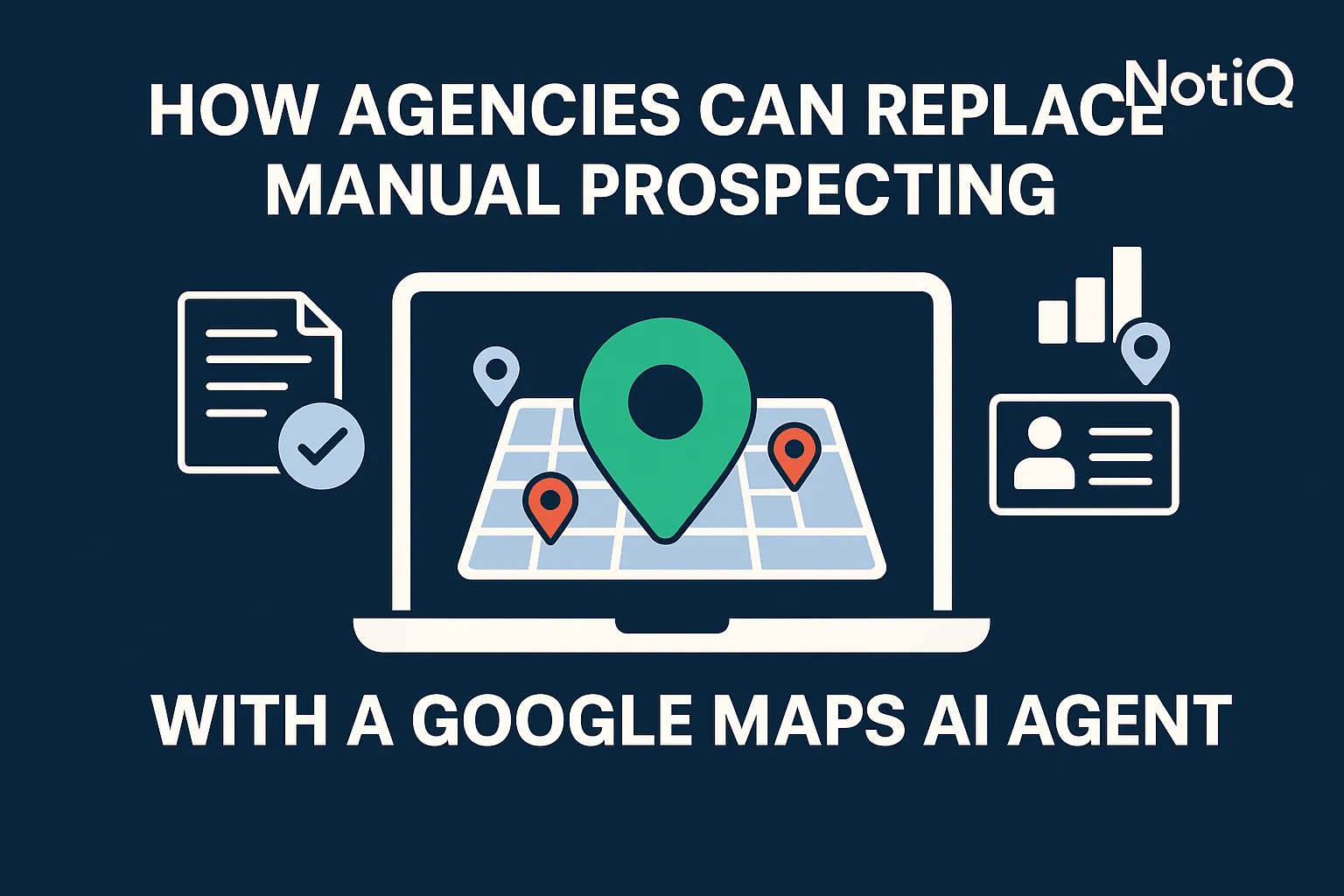
How Agencies Can Replace Manual Prospecting With a Google Maps AI Agent
Agencies can now replace slow, manual prospecting with a fully automated Google Maps AI agent that discovers, enriches, and qualifies leads at scale. Learn the complete blueprint.
1. Introduction
For most agencies, lead generation is a grind. It usually involves a junior employee or a Virtual Assistant (VA) manually clicking through Google Maps, copying business names into a spreadsheet, hunting for email addresses in a separate tab, and guessing whether the business is actually a qualified prospect. The result? Slow list building, inconsistent data quality, and hours of wasted billable time.
This manual approach is no longer sustainable. The definitive solution for modern agencies is replacing this fragmented human effort with a Google Maps AI agent. Unlike simple scrapers, an AI agent is an autonomous system that doesn't just collect data—it discovers, enriches, qualifies, and updates lead lists continuously.
By deploying an AI agent, agencies can achieve 3x efficiency improvements, ensuring that their sales pipeline is filled with high-accuracy data while their team focuses on closing deals rather than copy-pasting data.
At[NotiQ](/) we have pioneered the transition from manual drudgery to autonomous workflows. We help agencies leverage public data responsibly to build scalable, automated prospecting engines that run 24/7.
2. Why Manual Prospecting is Broken for Agencies
The traditional method of building lead lists manually is fraught with operational inefficiencies. Agency owners often underestimate the hidden costs of "cheap" manual labor or VAs. The core issues stem from human limitations: slow processing speeds, fatigue leading to errors, and the inability to cross-reference data points instantly.
When a human prospects, they look at a business on Google Maps, check the website, look for a LinkedIn profile, and verify the email. This process takes 5–15 minutes per lead. If 60–80% of those leads turn out to be unqualified (e.g., the business is permanently closed or doesn't fit the niche), the majority of that time is completely wasted.
Furthermore, manual data entry results in inconsistent lead data quality. One prospect might have a phone number but no email; another might have a generic`info@`address but no contact name. This fragmentation breaks downstream automation in CRM tools.
E-E-A-T NOTE: Ethical Compliance
Beyond efficiency, manual teams often struggle to keep up with compliance standards. Automated AI agents can be programmed to strictly adhere to government data ethics guidelines, ensuring that only publicly available business information is processed. According to responsible data collection standards outlined by organizations like the ARDC (Australian Research Data Commons), automated workflows provide a clear audit trail of data provenance that manual ad-hoc copy-pasting cannot match.
3. How a Google Maps AI Agent Works Step-by-Step
A Google Maps AI agent is not a static tool; it is a workflow that mimics human research behavior at machine speed. It operates on a continuous loop, ensuring your CRM is never empty.
Here is the standard 5-step workflow of a high-performance agent:
1. Autonomous Discovery: The agent scans Google Maps for businesses within specific geographic radii and categories.
2. Extraction: It captures core public data points (Name, Address, Phone, Website, Review Count, Rating).
3. AI-Powered Enrichment: The agent visits the associated website to identify technologies used, find email addresses, and categorize the business type.
4. Lead Qualification: It applies strict logic (e.g., "Must have >4 stars" or "Must use WordPress") to filter out bad fits.
5. Output: Qualified leads are pushed directly into outreach pipelines or CSVs.
This autonomous loop is the key differentiator between a robust platform like NotiQ and generic scraping tools.
Component 1.1 — Lead Discovery & Extraction
The process begins with local business prospecting parameters. The agency defines the "Search Intent." For example, an agency might target "Plumbers in Texas." The AI agent divides the region into micro-grids to ensure full coverage, systematically scanning each coordinate radius. It extracts public information visible on the Maps listing, ensuring no potential lead is missed due to human oversight.
Component 1.2 — Real-World Example of a Workflow Run
Consider a real-world scenario: A digital marketing agency targeting dental clinics in Florida.
• 08:00 AM: The agent initializes a scan of major Florida cities.
• 09:00 AM: It identifies 500 raw listings.
• 10:00 AM: It filters out businesses marked "Permanently Closed" or those without websites.
• 11:00 AM: It enriches the remaining 300 leads with verified decision-maker emails found on their public "About Us" pages.
• 12:00 PM: It applies qualification rules (e.g., "Must have <50 reviews"), leaving 120 prime targets for reputation management services.
This level of throughput is impossible for a human.AI agent productivity research published on arXiv highlights that autonomous agents can process information retrieval tasks up to 100x faster than human operators while maintaining higher consistency in data structuring.
4. Accuracy, Qualification, and ROI Improvements from Automation
The argument for ai lead generation isn't just speed; it is precision. AI improves accuracy by removing subjective guessing. A human might guess a business is "active" based on a hunch; an AI agent verifies it by checking the "Last Updated" timestamp on a sitemap or a recent Google Review.
By implementing automated deduplication and validation, agencies stop embarrassing themselves by pitching the same prospect twice or emailing a bounced address.
ROI Calculation Example:
• Manual: VA costs $1,000/month for 500 leads. 20% accuracy rate = 100 qualified leads. Cost per qualified lead = $10.
• AI Agent: Software costs ~$200/month for 5,000 leads. 40% accuracy rate (better filtering) = 2,000 qualified leads. Cost per qualified lead = $0.10.
This represents a massive opportunity for scaling agency outreach.
Strategy A — AI Qualification Rules (Step-by-Step)
To achieve this, agencies must define qualification logic. An AI agent can enforce rules such as:
1. Category Match: Exclude "Corporate Office" if targeting "Local Franchise."
2. Rating Threshold: Only target businesses with 3.5 to 4.5 stars (perfect for reputation management pitches).
3. Technology Check: Only target websites using Shopify (for e-commerce agencies).
4. Location Filter: Exclude businesses in residential zones if targeting brick-and-mortar retail.
Strategy B — When AI Outperforms Manual Work
Manual data collection becomes unreliable at scale. Fatigue sets in, and details get missed. AI outperforms manual work specifically in multi-source validation. It can cross-reference a Google Maps phone number with a website footer instantly. According to research on AI agents in sales published in theJournal of Business Research, sales teams leveraging AI tools for data preprocessing spend 30-50% more time on actual selling activities, significantly boosting revenue generation.
5. Case Studies / Real-World Examples
Case Study 1 — Local Service Agency
A UK-based SEO agency specializing in HVAC companies struggled to fill their pipeline. They relied on two VAs producing 50 leads per day combined. By switching to automated prospecting via a Google Maps AI agent, they scaled to 500 verified leads per day. More importantly, they utilized the "Review Count" data to personalize the email subject lines, resulting in a 12% reply rate increase.
Case Study 2 — Multi-Location Brand or Field Sales Team
A field sales team targeting restaurants across the US needed a way to map territories. Manual searching was too slow to keep up with new restaurant openings. They deployed an AI agent to run continuous discovery cycles. Every Monday, the agent delivered a fresh list of "New on Maps" restaurants in their target cities. This allowed the sales team to be the first to contact new venues, securing contracts before competitors even knew the businesses existed.
6. Use Cases for Agencies Across Niches
While local business prospecting is the most obvious application, the utility of Maps-based data extends to various agency types.
SEO Agencies
SEO agencies use Maps data to find businesses with "low hanging fruit" problems: unclaimed Google Business Profiles, low review counts, or websites that are not mobile-friendly. The AI agent acts as a diagnostic tool, providing the data needed for a "value-add" cold email.
PPC Agencies
PPC agencies can identify spend-ready niches. By filtering for high-competition keywords in specific areas (e.g., "Emergency Plumber in Chicago") and cross-referencing with businesses thatdon'tcurrently appear in the ad pack, agencies can identify prospects losing market share to competitors.
Creative/Branding Agencies
Creative agencies can target businesses with outdated visual identities. An AI agent can flag listings that lack photos or have low-quality user-uploaded images, signaling a need for professional branding and photography services.
Outbound & Lead Gen Agencies
For agencies that sell leads, volume is king. An AI agent allows them to build massive, segmented databases of local businesses (e.g., "All Yoga Studios in California") without the overhead of hiring scraping teams.
7. How NotiQ Delivers a Unified Maps-Based AI Workflow
Most agencies try to cobble together a "Frankenstein" stack: a scraper for Maps, a separate tool for email finding, a spreadsheet for filtering, and an outreach tool for sending. This is expensive and fragile.
NotiQ delivers a unified google maps ai agent that replaces 4–6 separate tools. It is designed specifically for agencies that need ROI-first automation. NotiQ handles the discovery, the extraction, the enrichment, and the qualification in a single dashboard.
For example, effective outreach requires deep personalization. As discussed in industry analyses on the evolution of outreach, modern cold email requires data points that go beyond just a name. NotiQ provides the granular data—review content, business categories, and website tech stacks—that fuels hyper-personalized AI emails.
NotiQ Agent Features
• Continuous Discovery: Set it and forget it; the agent runs in the background.
• Auto-Enrichment: Automatically finds emails and social handles.
• Qualification Rules: Built-in logic to discard bad leads before you pay for them.
• Integrations: Seamlessly pushes data to your CRM or cold email tool.
NotiQ’s focus on the agency market ensures that the features are built for high-volume, high-compliance workflows.
8. Tools, Resources & Best Practices
To succeed with agency outreach automation, you must combine powerful tools with responsible strategies.
• Ethical Data Collection: Always adhere to government data ethics guidelines and responsible data collection standards (ARDC). Ensure you are only collecting business contact information that is made public by the business itself (B2B), and respect "Do Not Call" lists where applicable.
• Configuration: Don't just "scrape everything." Spend time configuring your qualification rules. A smaller list of 100 perfect leads is worth more than 1,000 random ones.
• Verification: Use tools that verify email deliverability (often built into AI agents) to protect your sender reputation.
9. Future Trends in AI-Driven Prospecting
The future of ai prospecting tools is moving toward total autonomy.
• Hyper-Local Targeting: Agents will soon understand neighborhood-level nuances, distinguishing between a "high-end retail district" and a "suburban strip mall" based on visual analysis of Maps images.
• Autonomous Outbound Agents: We are moving toward agents that not only find the lead but autonomously draft and send the first email based on the specific context of the business's recent reviews or posts.
• Multi-Source AI Enrichment: Future agents will validate a business's credibility by cross-referencing Maps data with local chamber of commerce directories and social media activity in real-time.
10. Conclusion
Manual prospecting is a relic of the past. It burns cash, demoralizes teams, and results in poor data quality. By adopting a Google Maps AI agent, agencies can build a scalable, accurate, and compliant lead generation engine.
The blueprint is clear: define your niche, automate the discovery and enrichment process, and let your sales team focus on closing. The agencies that adopt this unified workflow will dominate their local markets, while those sticking to spreadsheets will fall behind.
Ready to stop manual searching and start automated scaling? Visit[NotiQ](/)to deploy your first autonomous Maps AI agent today.
Frequently Asked Questions
- What industries benefit most from a Google Maps AI agent?
- Industries that rely on physical location and local presence benefit most. This includes local services (plumbers, HVAC), professional services (lawyers, dentists, clinics), hospitality (restaurants, cafes), and real estate.
- How accurate is AI vs manual prospecting?
- AI is significantly more accurate for data capture. It eliminates typos and transcription errors. With multi-step validation (checking Maps, Website, and Socials), AI agents can achieve data accuracy rates of 95%+, whereas human data entry often hovers around 80-85%.
- Can this replace my VA team?
- Yes, for the task of list building. An AI agent can replace the repetitive work of finding and copying data. Your VA team can then be repurposed for higher-value tasks, such as managing the CRM, handling replies, or creative work.
- How does AI increase reply rates?
- AI increases reply rates by providing richer data for personalization. Instead of a generic "Hi," you can reference the business's 4.8-star rating, their specific location, or a service mentioned on their website—all extracted automatically.
Continue Reading
More articles you might find useful
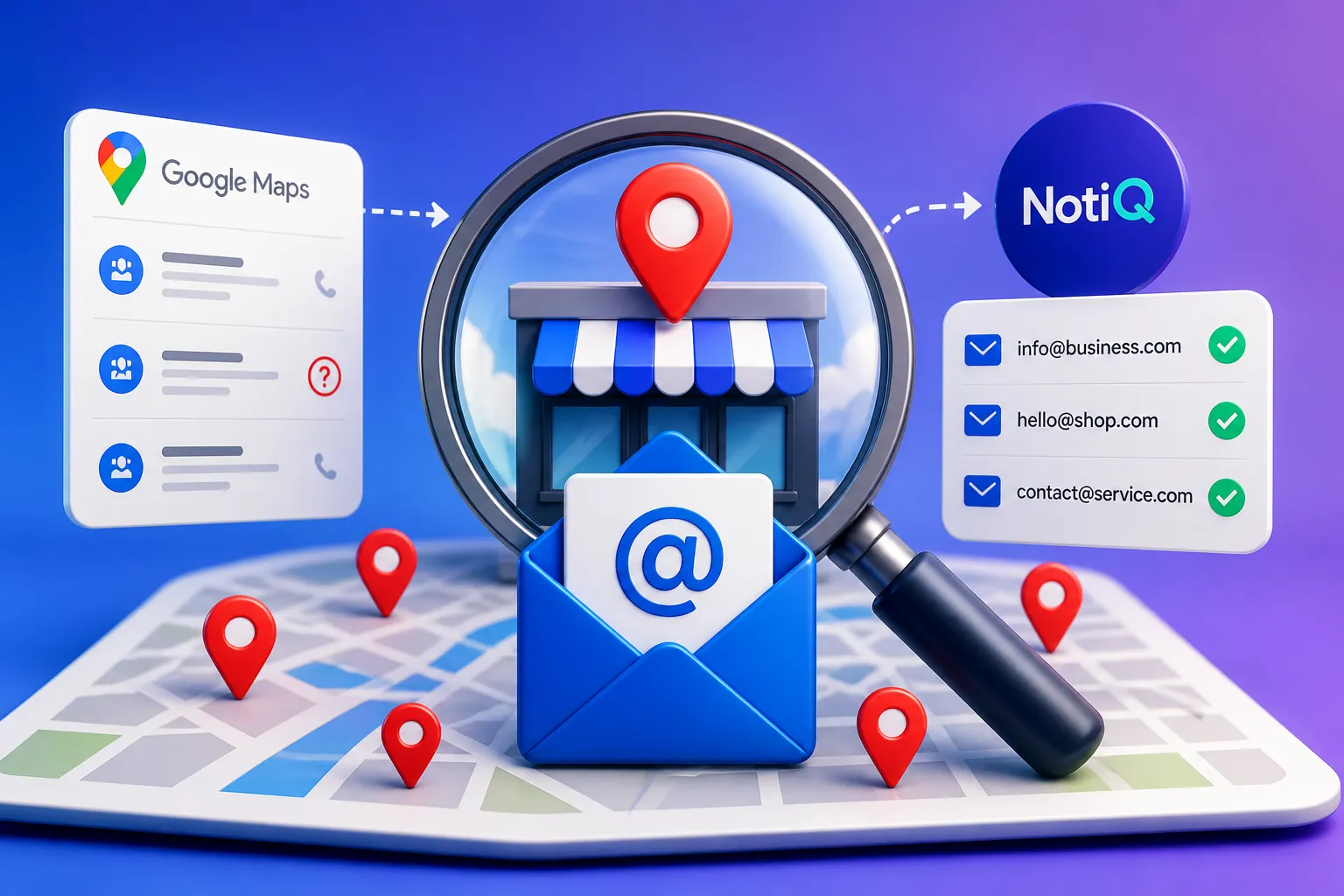
How to Find Local Businesses With Missing Email Addresses
Learn how to find and verify missing email addresses for local businesses discovered on Google Maps. This guide covers enrichment, verification, and cleaner lead generation workflows.
Read the article →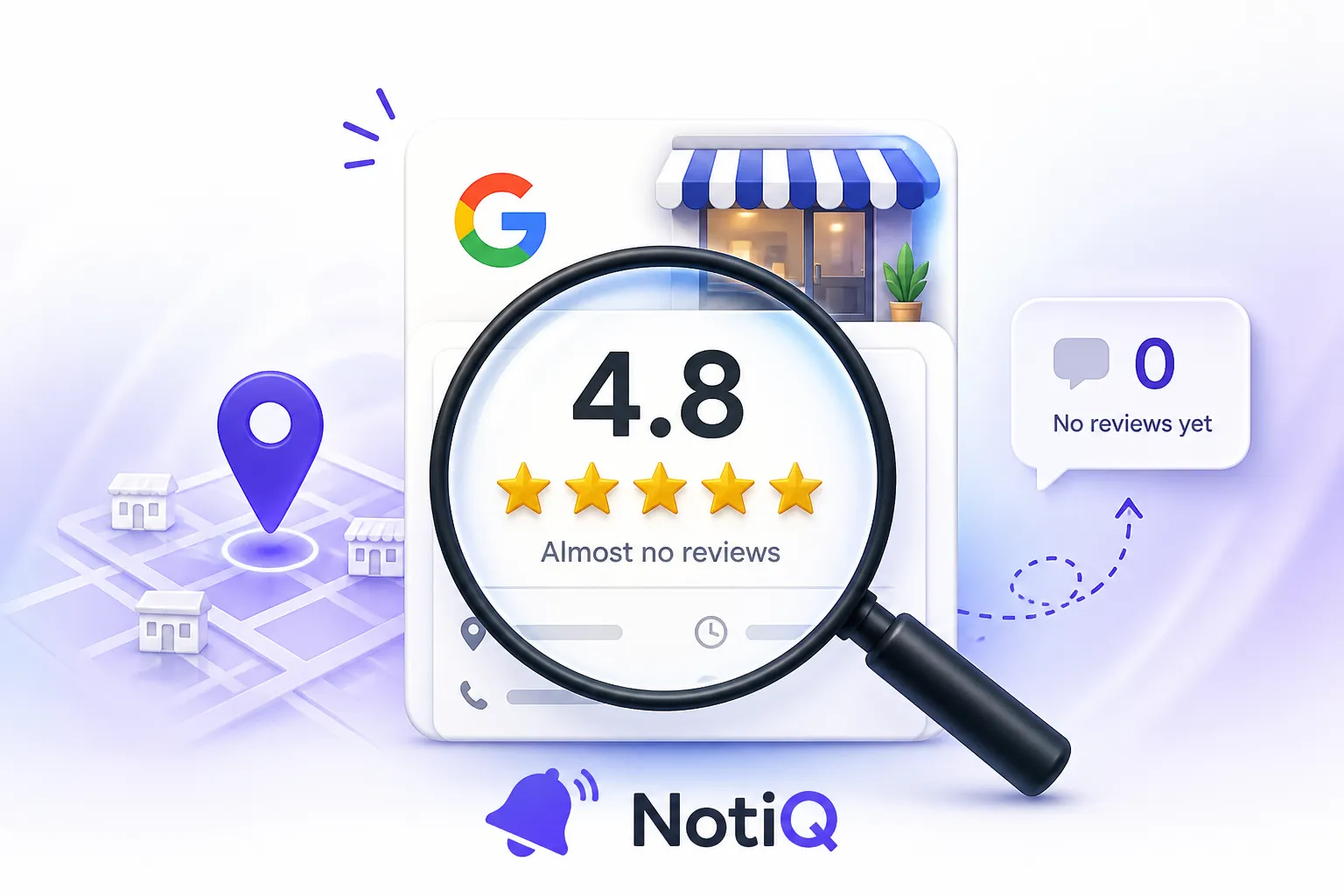
How to Find Businesses With Strong Ratings but Almost No Reviews
Learn how to find local businesses with strong ratings but too few reviews. This guide shows how to qualify better review-growth leads using competitor gaps, recency, and activity signals.
Read the article →
Google Maps Prospecting for Commercial Kitchen Equipment Suppliers
A practical blueprint for commercial kitchen equipment suppliers to use Google Maps and Google Business Profiles to find, score, and target better local hospitality leads. Learn how to turn public business signals into CRM-ready outreach opportunities.
Read the article →Popular industry lead playbooks
Maps search examples and niche outreach for the verticals teams prospect most.