Technology
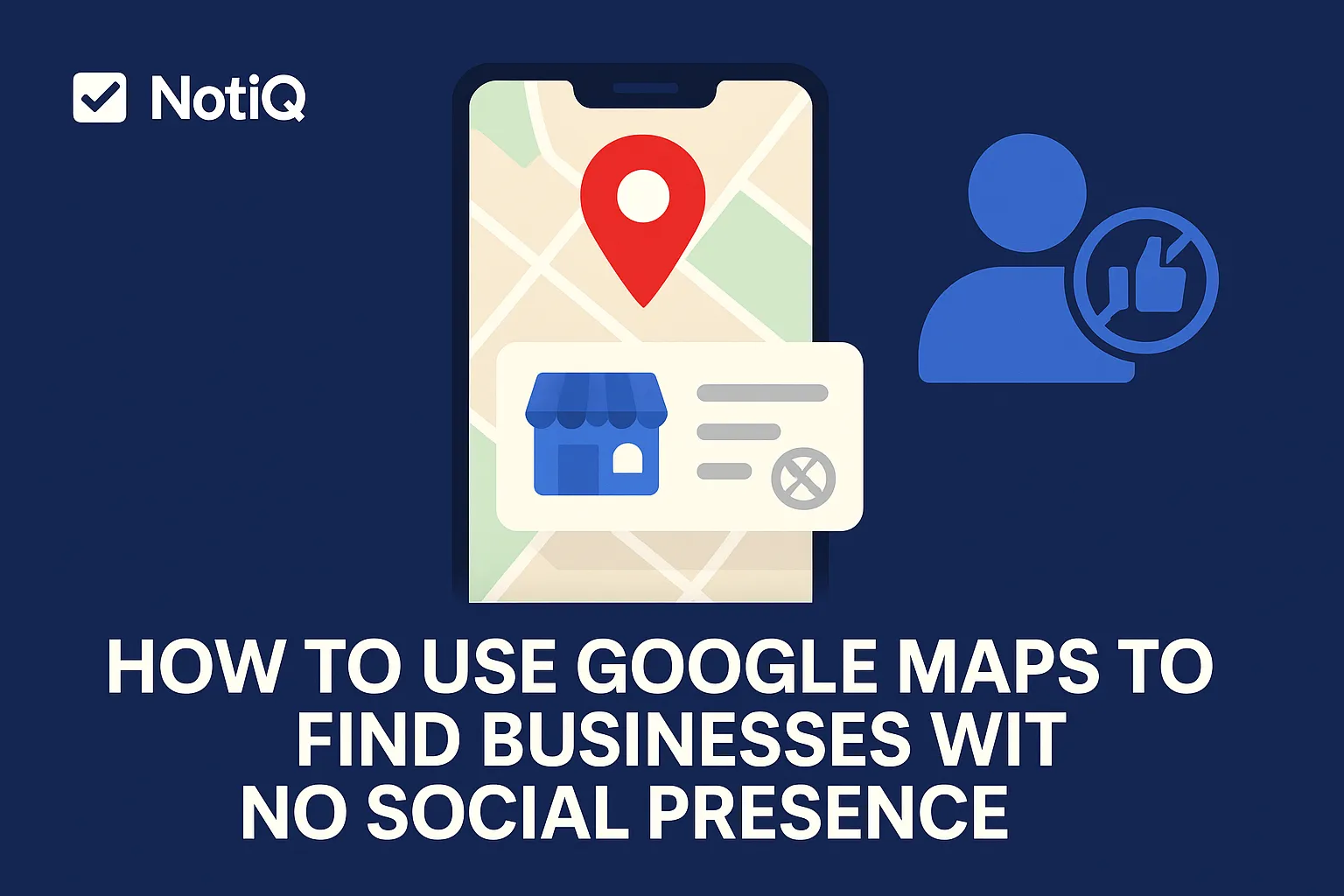
How to Use Google Maps to Find Businesses With No Social Presence
Learn how to use Google Maps to uncover local businesses with little or no social presence. This guide shows you how to verify the signals and turn them into qualified outreach opportunities.
1. Introduction
If you have ever tried pitching digital marketing or local SEO services, you have likely run into this common beginner problem: plenty of local businesses show up on Google Maps, but it is incredibly hard to tell which ones actually need help with visibility and outreach. Sending generic pitches to highly optimized businesses is a waste of time, but finding the right prospects can feel like searching for a needle in a haystack.
This is exactly why understanding how to use Google Maps to find businesses with no social presence is such a powerful strategy. Businesses without social media or with a weak digital footprint are often the perfect candidates for local SEO outreach, profile improvement, or visibility services. Their lack of a "no social presence maps" footprint is a clear, public signal that they are under-digitized and likely leaving money on the table.
In this article, we will walk you through a simple, manual, and highly repeatable workflow to find, verify, and prioritize these businesses. You do not need to buy expensive lead lists or complicated scraping tools. Instead, we will focus on leveraging public data ethically and effectively.
As a brand focused on turning public business signals into actionable prospecting insights,[NotiQ](/)is designed specifically to help you organize this research and identify outreach signals seamlessly. Let's dive into how you can start sourcing high-quality, under-digitized prospects directly from Google Maps.
3. How to Search Google Maps by Niche and Location
To surface likely prospects directly inside Google Maps, you need to use simple, targeted search patterns. The basic formula is straightforward:Business Category + City or Neighborhood.
When learning how to find local businesses without social media, you want to approach the local packs and map results with a research mindset. You are not just collecting names; you are evaluating digital maturity. By narrowing your focus geographically and by niche, you avoid the overwhelm of trying to analyze every business in a massive city.
According to**Google Maps search tips and local results factors**, results vary based on relevance, distance, and prominence. By understanding these factors, you can systematically scan local results to find leads on Google Maps that are geographically relevant but digitally lacking.
Start With Category + City Searches
Start your Google Maps lead generation by typing specific patterns into the search bar, such as “dentist in Austin” or “roofing contractor in Tampa.”
Using niche-plus-location searches produces highly manageable prospect lists. It allows you to focus on one specific industry's pain points at a time. Once you have exhausted a specific city limit, expand your local business prospecting by searching multiple nearby cities, suburbs, or adjacent service areas.
Use Google Business Profile Clues in the Results
Before you even click on a specific business, the listing preview offers a wealth of business contact research data. You can gauge Google Business Profile completeness right from the search results.
Look for visible Google Business Profile signals: What is their star rating? Do they have only two reviews? Is there a website link button, or is it missing entirely? Are the thumbnail photos low-quality or clearly taken from Google Street View? Take notes from this very first scan so your discovery process becomes a repeatable system.
Focus on the Right Industries First
If you are wondering which local industries are most likely to have no social media presence, start with those that traditionally underinvest in digital marketing. Based on common small business outreach signals, you will find the most success looking at:
• Contractors (roofers, plumbers, HVAC)
• Dentists and orthodontists
• Legal offices and boutique law firms
• Home services (landscaping, cleaning, pest control)
• Independent retailers and mom-and-pop shops
Keep in mind that these are tendencies, not universal rules. There are highly digitized plumbers and completely offline tech consultants. However, starting with these industries yields a higher concentration of businesses without social media.
4. Signals That Indicate Weak Digital Maturity
To successfully identify local businesses with weak online presence, you need a practical qualification checklist rather than relying on gut feelings. Limited digital maturity usually shows up across multiple operational touchpoints, a concept reinforced by the**NIST fundamentals for small business digital maturity**.
The most practical small business outreach signals include a missing website, sparse reviews, outdated photos, incomplete profile elements, weak branding, and no visible social references. Remember: one weak signal alone is not enough. You are looking for patterns across several Google Business Profile signals to confirm the business needs help.
Missing Website or Weak Website Signal
A missing website link on a Google profile is one of the strongest indicators that a business has low digital maturity. If they haven't invested in a website, they almost certainly lack a cohesive social strategy.
If a website does exist, look for signs of weakness during your business contact research. An outdated design from the early 2000s, poor branding, limited contact options, or missing social links in the header/footer are all excellent local SEO outreach opportunities. You can pitch website refreshes, profile optimization, or general visibility support.
Sparse Reviews, Photos, and Profile Activity
A low review count, ancient photos, or minimal profile activity strongly point to a neglected online presence. These Google Business Profile signals matter most when they appear together. A business with three reviews from four years ago and only a blurry storefront photo is a prime candidate. Beginners can use these outreach signals to prioritize businesses that clearly need reputation and visibility help right now.
No Visible Social References
When evaluating a business, you expect to see social references in a few key places: on the Google profile itself, on their website, or ranking high in branded search results.
If you see Google Business Profile missing social links, treat it as a primary signal. However, the absence of visible references is just a signal, not final proof. Always log these businesses without social media as "needs verification" rather than making immediate assumptions.
6. How to Build and Prioritize an Outreach-Ready Lead List
Once you have verified your findings, you need to turn those scattered observations into a usable list for follow-up. A structured list allows you to transition from discovery to execution seamlessly.
For a comprehensive look at turning research into actionable campaigns, check out these guides. By organizing your Google Maps lead generation efforts, you ensure that your local SEO outreach is based on specific observations, not generic, mass-blast templates.
What to Record for Each Prospect
For beginners, a simple spreadsheet is perfect for map-based lead sourcing. For every prospect, record the following business contact research fields:
• Business Name
• Category/Niche
• City/Location
• Profile URL
• Website Status (Missing, Weak, Good)
• Social Verification Result (None, Inactive, Hidden)
• Contact Info (Email, Phone, Form)
• Observed Gaps
Crucially, include one specific personalization note per business. These small business outreach signals are what will make your pitch stand out.
A Simple Prioritization System
Not all leads are created equal. To know how to qualify leads directly from Google Maps results, use a lightweight scoring model based on observable public signals.
Give points for:
• No visible social links
• Weak or missing website
• Low review activity
• Incomplete profile
• Clear, reachable contact path
Businesses that score high—meaning they have a visible, verified needandyou can easily find their contact information—are your best starting targets for local business prospecting.
Turn Signals Into Personalized Outreach Angles
Different outreach signals should shape different messaging angles. For example:
• No website link: Pitch visibility, trust, and setting up a basic landing page.
• Sparse reviews: Pitch reputation growth and review-generation campaigns.
• Outdated photos: Pitch profile freshness and local SEO optimization.
• No visible social presence: Pitch brand discovery, credibility, and basic social setup.
Keep your examples educational and value-driven. If you need more inspiration on personalization and messaging for businesses with weak online presence outreach, explore this blog.
7. Best Practices and Common Mistakes to Avoid
To use this sales prospecting workflow effectively, you must operate ethically and responsibly. Only use publicly accessible information, and ensure your local SEO outreach complies with all standard privacy regulations and Google's terms of service. Keep your messaging helpful, relevant, and highly specific to the gaps you observed.
Common Mistakes
When targeting businesses without social media, avoid these frequent beginner errors:
• Mistake 1: Confusing inactive social profiles with having no social presence. An inactive page requires a "revival" pitch, not a "start from scratch" pitch.
• Mistake 2: Relying on one signal instead of several. Missing social links alone aren't enough; look for a pattern of low digital maturity.
• Mistake 3: Collecting names without recording the outreach context. Thorough business contact research is what makes the pitch work.
• Mistake 4: Sending generic pitches that ignore the specific profile gaps you just spent time verifying. If you don't know how do I verify whether a business lacks social links, your pitch will fall flat when you guess incorrectly.
8. Conclusion
Finding under-digitized local businesses does not require complex software; it requires a sharp eye and a repeatable process. By searching by niche and location, reviewing profile signals, verifying social presence through a three-step check, and building a prioritized lead list, you turn Google Maps into a powerful prospecting engine.
Google Maps lead generation is about more than just discovery—it is about finding the exact local business prospecting angles that allow you to offer genuine value. Start small. Pick one niche and one city, run the workflow, and repeat the process consistently.
To streamline how you use Google Maps to find businesses with no social presence, explore NotiQ. It is the perfect tool for organizing public business signals into practical, high-converting outreach insights.
Frequently Asked Questions
- How can I find businesses on Google Maps that do not have social media profiles?
- To find these businesses, start with a category and location search (e.g., "plumber in Chicago") to generate a list. Review their Google Business Profile details for missing links, check their website if they have one, and run a branded search to verify that they truly lack an active social footprint. This manual workflow is the foundation of effective Google Maps lead generation.
- What signals suggest a business has no social presence?
- The clearest signals include missing social links on their Google Business Profile, a lack of social icons in the header or footer of their website, sparse overall branding, and no discoverable branded social profiles when you search their name on Google. What signals suggest a business has no social presence is usually a combination of these factors.
- Can Google Maps be used for local lead generation?
- Absolutely. Google Maps is an incredible tool for discovery, qualification, and personalization. By analyzing public profile data, you can identify specific pain points—like a lack of reviews or a missing website—making it one of the best platforms to find leads on Google Maps for local business prospecting.
- How do I verify whether a business lacks social links?
- To accurately verify this, use a three-step process. First, check the Google Business Profile for any visible links. Second, scan their website (if available) for social icons. Finally, run a branded search (Business Name + City + "Facebook" or "Instagram") to ensure you aren't just seeing Google Business Profile missing social links due to an unlinked, but active, account.
- Which local industries are most likely to have no social media presence?
- While it varies, industries that rely heavily on traditional word-of-mouth or urgent needs tend to underinvest in social media. Examples include contractors, dentists, legal offices, home service providers, and independent retailers. Remember, these are patterns rather than absolute rules, but they are great starting points for finding businesses without social media.
Continue Reading
More articles you might find useful
How to Find Businesses With High Review Volume but Low Ratings
Learn how to find visible local businesses with lots of reviews but weak ratings using Google Maps signals, review trends, and owner response gaps. This blueprint helps agencies prioritize stronger reputation management leads and personalize outreach.
Read the article →
Google Maps Prospecting for Commercial Landscaping Companies
Learn how commercial landscaping companies can use Google Maps to find higher-fit commercial property leads, qualify visible need, and build denser service routes. This guide breaks down a practical workflow for smarter prospecting and better contract opportunities.
Read the article →
How to Find Businesses With Weak Google Maps Descriptions
Learn how to find businesses with weak Google Maps descriptions and turn visible GBP gaps into qualified local SEO leads. This guide covers audit criteria, scoring, and outreach angles you can use at scale.
Read the article →Popular industry lead playbooks
Maps search examples and niche outreach for the verticals teams prospect most.