Technology
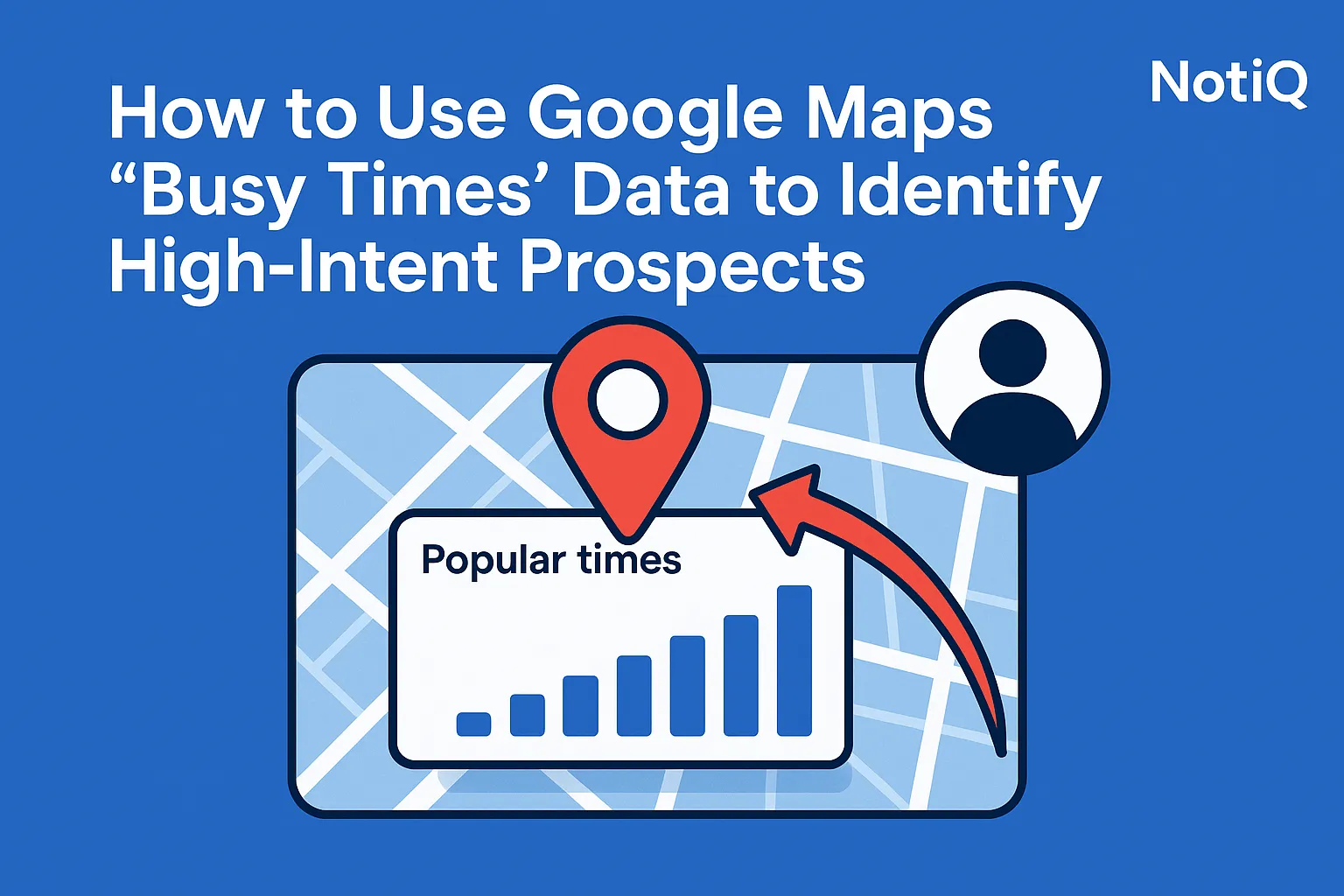
How to Use Google Maps “Busy Times” Data to Identify High-Intent Prospects
Learn how to turn Google Maps Busy Times and Google Popular Times into a practical lead-scoring workflow. Discover how to spot active local businesses, validate demand, and prioritize high-intent outreach.
1. Introduction
Most local prospecting workflows still rely on static filters like business category, geographic location, and total review count. The problem? Those filters rarely tell you which businesses are actually busy, under operational pressure, or worth contacting right now. Static data creates static lead lists, resulting in wasted outreach and ignored emails.
This article reveals how to use Google Maps Busy Times and Google Popular Times as lightweight intent signals, translating public foot traffic intelligence into a repeatable lead-scoring and outreach workflow. The goal is simple: help Sales Development Representatives (SDRs), agencies, and Go-To-Market (GTM) teams prioritize active brick-and-mortar businesses more intelligently. By turning free, publicly available activity signals into trigger-based local prospecting decisions—while remaining transparent about the reliability limits of these metrics—you can stop guessing which businesses need your help and start targeting those with visible demand.
At[NotiQ](/), our practical methodology revolves around using activity peaks to identify active businesses and prioritize outreach. Acting as a lightweight bridge between manual map research and scalable AI-assisted prospecting, NotiQ helps sales teams leverage these high intent local business signals to connect with busy times maps leads at the exact moment they are experiencing operational strain.
2. What Google Maps Busy Times Actually Reveals
Google Maps Busy Times data and Google Popular Times are powerful tools for foot traffic intelligence, but they must be understood correctly to be useful. These features show when a location is typically busy, providing a proxy for real-world demand. However, this signal is directional; it is not a perfect measure of revenue, nor is it direct proof of purchase readiness.
Visible activity patterns can indicate customer flow, operational load, staffing pressure, and timing-sensitive business conditions. It is important to distinguish between historical popularity patterns (what typically happens on a Tuesday at 2 PM) and live busyness (a real-time spike in current activity). For sales teams, the objective is not to estimate exact visitor counts, but to identify which businesses seem active enough to justify immediate attention.
According to Google’s official explanation of Popular Times data, these insights are generated using aggregated and anonymized Location History from users who have opted into the feature. Because it relies on public, compliance-friendly data, Busy Times is best treated as a demand proxy rather than an absolute guarantee of a closed deal.
Why Busy Times is useful for prospecting
Busy Times helps solve a critical pain point for outbound teams: static lead lists fail to show current business activity. When trying to identify high-intent prospects, a business with strong, sustained activity peaks may have a more immediate need for staffing support, workflow automation, conversion improvement, reputation management, or customer communication tools.
In the context of local business prospecting, Busy Times acts as a dynamic "activity filter" layered on top of traditional firmographics. It highlights the businesses that are actively servicing customers, making them prime candidates for sales lead qualification signals.
What Busy Times does not tell you
While high traffic is an excellent indicator of activity, it does not automatically mean a business has the budget, urgency, or fit for your specific offer. Understanding the limitations of Google Maps Busy Times for lead generation is vital to avoiding Busy Times false positives.
Category norms matter immensely. A busy coffee shop processing three-dollar transactions and a busy urgent care clinic handling high-value insurance claims imply very different business conditions and financial realities. Furthermore, one isolated spike in Google Business Profile insights should not drive outreach alone; recurring patterns matter far more than single, uncharacteristic moments of traffic.
The difference between activity signals and buying signals
It is crucial to understand that Busy Times often signalsoperational intensity, which can create adjacent buying intent for certain products or services. High activity is not a direct buying signal for software or services, but the operational strain it causes often is.
For example, if your offer helps with staffing, booking management, customer flow, review capture, retention, or point-of-sale conversion, peak hours business activity becomes highly relevant. By learning how to qualify local business leads with foot traffic signals, sales teams can tailor their messaging to address the likely pain points caused by high customer volume—such as long wait times or missed calls—rather than relying on generic high intent signals.
3. How to Turn Activity Peaks Into Lead Scoring Rules
To maximize the value of Google Maps foot traffic data for sales prospecting, you need a tactical framework that converts raw Busy Times observations into a practical prioritization model. Unlike generic map lead scraping—which merely collects static data—the true value of this methodology lies in interpretation and intelligent prioritization.
The best workflows combine Busy Times outreach triggers for sales teams with supporting signals. Platforms like NotiQ provide a practical execution layer to identify active businesses, enrich context, and trigger next actions without relying on expensive enterprise-grade location datasets. By utilizing NotiQ features, teams can streamline signal collection, enrichment, and prioritization to score leads effectively.
Step 1 — Start with category and geography filters
Busy Times only becomes useful after you narrow your list to relevant business types and local markets. Begin your local business prospecting by filtering for categories where customer flow plausibly maps to operational pressure or missed-demand opportunities.
Geography also plays a critical role when trying to identify busy local businesses on Google Maps. Neighborhood patterns, commuter zones, and local demand rhythms vary significantly from city to city. A strategy targeting Google Maps busy times leads must account for whether a business is in a dense downtown transit hub or a suburban shopping plaza.
Step 2 — Look for pattern quality, not just peak size
Assessing peak hours business activity requires looking at sustained activity, recurring peaks, weekday versus weekend consistency, and meaningful daypart concentration. Stronger signals usually come from repeated behavior over time rather than one-off spikes.
When analyzing Google Maps Busy Times data, look for examples like a consistent daily lunch rush, heavy evening foot traffic, or predictable weekend surges. These patterns help you interpret the type of demand the business is experiencing, allowing you to filter out the noise and focus on high-quality busy times maps leads.
Step 3 — Assign lead scores based on operational relevance
Create a simple lead-scoring model to evaluate these sales lead qualification signals. Factors should include sustained busyness, rising customer activity, category fit, and supporting evidence from reviews or website quality.
A practical approach is to use a 1–5 scoring system or a high/medium/low priority matrix. For local lead scoring using activity peaks, map different traffic patterns to likely operational pains. A consistent daily peak might indicate queue pressure or customer service overload, while weekend-only surges might highlight booking friction or staffing shortages. These high intent local business signals directly dictate the urgency of your outreach.
Step 4 — Turn patterns into outreach triggers
Once you have scored your leads, convert observed activity into timing-based outreach opportunities. Busy Times outreach triggers for sales teams should connect the data directly to the prospect's likely pain.
• Lunch-heavy businesses: Craft messaging around throughput, staff efficiency, order handling, or point-of-sale conversion.
• Evening-heavy businesses: Focus messaging on customer communication, capturing positive reviews, and customer retention.
• Weekend spikes: Center your pitch on weekend staffing, booking flow, and operational readiness.
Avoid the amateur mistake of simply stating, "I saw you were busy on Maps." Instead, use these high intent signals to address the specific operational bottlenecks associated with their busy periods, reducing wasted outreach to low activity businesses.
Step 5 — Layer in secondary signals before final outreach
Google Business Profile insights become exponentially more useful when paired with secondary validation metrics like review velocity, star ratings, website quality, booking friction, or ads activity.
Adopt a "signal stack" mindset: one activity signal combined with two or three validation signals is stronger than any single metric. This layered approach to foot traffic intelligence is where manual prospecting becomes highly reliable, and where ethical automation becomes incredibly valuable for scaling your prospecting from Google Business Profile data.
4. Best Business Categories for Busy Times Prospecting
Google Popular Times for restaurants gyms salons clinics retail and other local sectors can be highly revealing, but the methodology does not work equally well for every industry. To effectively identify busy local businesses, you must compare categories by signal usefulness, sales relevance, and the risk of false positives.
Supporting your category-fit reasoning with broader market context is highly recommended. Resources like the BLS Consumer Expenditure Surveys overview provide excellent macroeconomic context on consumer spending, while the SBA guide to market research and competitive analysis helps ground local market assumptions.
Restaurants, cafes, and food service
Daypart demand is exceptionally visible in the food and beverage industry. Lunch and dinner peaks create clear operational signals. Traffic concentration in Google Popular Times may indicate immediate needs around speed of service, customer throughput, repeat business loyalty, review generation, staffing, or the digital ordering experience. However, keep in mind that weather, tourism, and local events can distort foot traffic intelligence, making local context essential when evaluating peak hours business activity.
Gyms, fitness studios, and wellness businesses
For fitness centers, morning and evening peaks reveal member traffic patterns and recurring demand windows. This Google Maps Busy Times data supports outreach related to member retention, class scheduling software, lead capture, engagement tools, or front-desk staffing. Be aware that subscription-based businesses may appear incredibly busy without possessing immediate buying urgency, so combining these high intent signals with local business prospecting validation is key.
Salons, clinics, and appointment-based businesses
In this category, busy periods frequently indicate booking pressure, front-desk strain, or capacity constraints. Learning how to qualify local business leads with foot traffic signals here means combining Busy Times with an analysis of their booking availability, review trends, and website scheduling user experience (UX). Distinguishing between walk-in demand and scheduled demand helps refine these sales lead qualification signals based on Google Business Profile insights.
Retail, specialty shops, and seasonal businesses
Retail can be a promising sector to identify high-intent prospects, but signal quality varies widely based on product type, seasonality, and location. Temporary surges carry a high risk of Busy Times false positives unless they are paired with repeated patterns. Look for weekend-heavy traffic, tourist area consistency, or event-driven spikes, and use local lead scoring using activity peaks to determine if the retail demand is sustainable enough to warrant outreach.
Lower-fit categories and edge cases
Some business types do not map cleanly to Busy Times-based prospecting because physical traffic does not equate to commercial need. Categories with irregular traffic, long B2B buying cycles, or a low dependence on walk-in customers (like accounting firms, specialized legal practices, or wholesale warehouses) are weaker fits. Acknowledging the limitations of Google Maps Busy Times for lead generation in these sectors ensures you do not waste time chasing high intent local business signals that will never convert into busy times maps leads.
5. How to Validate Signals and Avoid False Positives
To avoid making bad assumptions from noisy public activity data, you must validate your findings. This validation is the dividing line between smart, signal-based prospecting and superficial, non-compliant map scraping.
Using resources like the SBA guide to market research and competitive analysis reinforces that demand indicators must be combined with broader market research. Furthermore, consulting the Census OnTheMap help and documentation or ACS business resources for market validation can support the validation of local demand assumptions with accurate public market context.
Validate with reviews, ratings, and review velocity
Recent Google Business Profile insights can confirm whether visible activity is translating into real customer volume. Review velocity acts as a directional corroboration signal for foot traffic intelligence. Interestingly, low ratings combined with high activity often indicate strong demand but a poor customer experience—which serves as a potent sales lead qualification signals angle if your product solves operational or customer service issues.
Check website and booking friction
Activity peaks are exponentially more meaningful when paired with a weak website, poor booking flow, missing calls-to-action (CTAs), or outdated customer journeys. Operational demand plus conversion friction creates a highly compelling reason to prioritize outreach. For instance, a high-traffic clinic with a broken online scheduling tool represents a textbook example of high intent local business signals that should trigger immediate local business prospecting efforts to identify high-intent prospects.
Account for seasonality, events, and local anomalies
Holidays, severe weather, school calendars, tourism spikes, promotions, and neighborhood events can create misleading traffic spikes resulting in Busy Times false positives. Create a checklist to distinguish sustained demand from temporary anomalies. If a normally quiet local shop shows a massive peak hours business activity spike on the day of a massive street festival, that spike should lower your confidence in the Google Maps Busy Times data as a reliable intent signal.
Use category context before making assumptions
The exact same data pattern means different things across different categories. A massive lunch rush at a fast-casual restaurant is standard; a massive midday peak at a high-end salon or an urgent care clinic indicates severe operational backlog. When learning how to qualify local business leads with foot traffic signals, interpret Google Popular Times patterns strictly within the context of the business's operations and the specific product or service being sold to uncover true high intent signals.
Build a minimum-confidence rule before outreach
Establish a strict "do not outreach unless" rule to combat the limitations of Google Maps Busy Times for lead generation. For example: only prioritize a prospect if Busy Times activity is strong, category fit is high, and at least two supporting signals (like poor website UX or high review velocity) confirm a likely need. This local lead scoring using activity peaks framework builds trust, maintains high data quality, and drastically reduces wasted outreach to low activity businesses.
6. When to Use Free Map Research vs Paid Foot Traffic Tools
Understanding when to rely on free Google Maps signal analysis versus investing in an advanced dataset is vital for maintaining an efficient GTM motion. This is about choosing the right tool for lightweight prospect discovery versus enterprise-grade market analysis. While platforms like Placer.ai and SafeGraph validate market interest in visit-pattern analysis as a recognized commercial input, you do not always need enterprise solutions to achieve results.
When free Google Maps research is enough
Manual workflows or lightweight automation of public signals are often sufficient for early-stage discovery, niche local targeting, or small-market prospecting. When teams need directional prioritization rather than formal market measurement, learning how to use Google Maps Busy Times for lead generation is highly effective. SDR territory building, agency lead sourcing, and quick category testing are perfect use cases for leveraging free Google Maps busy times leads in everyday local business prospecting.
When paid foot traffic tools make more sense
Richer, commercial datasets are more appropriate for large-scale account selection, location benchmarking, investor-style analysis, or high-stakes territory planning. Placer.ai foot traffic analytics and SafeGraph foot traffic analytics provide broader trend depth, historical benchmarking, and precise visit analysis that public map signals cannot offer. If your goal requires exact visitor counts rather than directional foot traffic intelligence, paid platforms are necessary.
Where NotiQ fits in the workflow
[NotiQ](/)is positioned as the practical middle layer between raw public signals and overbuilt, expensive enterprise data tools. The true value lies not just in collecting Google Maps foot traffic data for sales prospecting, but in enriching, validating, scoring, and making those high intent local business signals usable for immediate outreach.
By turning fragmented observations into a repeatable, automated GTM workflow, NotiQ serves as one of the best Google popular times API alternatives for sales teams. For further insights on how to craft personalized outreach once you have identified these triggers, resources like the Repliq blog offer excellent supporting educational material on GTM workflow thinking.
7. Conclusion
Google Maps Busy Times is not a magic intent source, but it is a highly useful proxy for real-world activity when combined with strict category fit and secondary validation signals. The most effective approach is a trigger-based workflow that turns observed peaks into lead scores, optimizes outreach timing, and drives sharper prioritization.
Start simply: choose one high-fit category, define your scoring rules, validate the data with reviews and website signals, and test your outreach hypotheses. Ready to stop guessing which local businesses need your help? Explore how[NotiQ](/)can operationalize this entire process—from initial discovery and data enrichment to triggered, high-converting action—helping you leverage Google Maps busy times leads, refine local lead scoring using activity peaks, and act on high intent signals seamlessly.
Frequently Asked Questions
- How can Google Maps Busy Times data help identify sales prospects?
- Busy Times data reveals which businesses appear operationally active, helping sales teams prioritize outreach toward locations with visible customer demand. It works best as a directional proxy signal to identify high-intent prospects, rather than as direct proof of immediate buying intent. By targeting Google Maps busy times leads, teams can focus their efforts on businesses experiencing operational strain.
- What does Google Popular Times indicate about business activity?
- Google Popular Times reflects aggregated and anonymized location-based activity patterns from opted-in users. It shows typical visitation trends by time and day, providing a reliable snapshot of when a business experiences peak foot traffic. As noted in Google's official documentation, this Google Maps Busy Times data is a highly effective, publicly available gauge of historical and live consumer activity.
- Which business categories are best for Busy Times-based prospecting?
- The best categories are those where customer flow closely relates to operational pressure. Google Popular Times for restaurants gyms salons clinics retail formats are highly effective. However, category context always matters; a busy restaurant implies different operational needs than a busy urgent care clinic, making local business prospecting highly dependent on industry nuances.
- What are the limitations of using Busy Times for lead generation?
- The main limitations of Google Maps Busy Times for lead generation include the risk of false positives, seasonal distortions, and category variance. Additionally, high physical traffic does not automatically equal available budget or purchasing urgency. To combat Busy Times false positives, it is essential to validate activity signals with recent reviews, website quality assessments, and local market context.
- Should I use free Google Maps data or paid foot traffic tools?
- Free signals are generally enough for lightweight local prospecting, SDR territory building, and directional lead scoring. Paid tools are better suited for large-scale market analysis, exact visitor benchmarking, and enterprise territory planning. When deciding between manual Google Maps research vs foot traffic platforms or searching for Google popular times API alternatives, let your need for directional prioritization versus exact measurement guide your choice. NotiQ bridges the gap between manual map research and scalable, AI-assisted prospecting workflows. With deep, practical experience in using activity peaks and public demand signals to identify active businesses, NotiQ helps GTM teams prioritize outreach intelligently. Our methodology focuses on the strict validation and compliance-minded use of public signals, ensuring sales teams reduce wasted outreach and act on genuine operational strain rather than unsupported intent claims.
Continue Reading
More articles you might find useful

How to Find Businesses With High Review Volume but Low Ratings
Learn how to find visible local businesses with lots of reviews but weak ratings using Google Maps signals, review trends, and owner response gaps. This blueprint helps agencies prioritize stronger reputation management leads and personalize outreach.
Read the article →
Google Maps Prospecting for Commercial Landscaping Companies
Learn how commercial landscaping companies can use Google Maps to find higher-fit commercial property leads, qualify visible need, and build denser service routes. This guide breaks down a practical workflow for smarter prospecting and better contract opportunities.
Read the article →
How to Find Businesses With Weak Google Maps Descriptions
Learn how to find businesses with weak Google Maps descriptions and turn visible GBP gaps into qualified local SEO leads. This guide covers audit criteria, scoring, and outreach angles you can use at scale.
Read the article →Popular industry lead playbooks
Maps search examples and niche outreach for the verticals teams prospect most.