Technology
How to Enrich Google Maps Leads with AI to Find Decision-Maker Emails
Learn how to turn any Google Maps listing into a verified decision‑maker email using an AI-driven enrichment workflow built for accuracy, scale, and outreach results.
1. Introduction
If you have ever tried to build a prospect list from Google Maps, you know the frustration: you find a perfect local business, click the listing, and hit a dead end. The only contact information available is a generic`info@`address or a phone number that leads straight to a receptionist.
Most Google Maps listings lack usable contact emails—let alone owner‑level contacts. Relying on these generic inboxes results in low open rates and wasted outreach efforts. The data is there, but it is fragmented across the web, hidden behind corporate websites, LinkedIn profiles, and unstructured text.
For over five years, we have built complex enrichment and verification flows, mixing APIs, scrapers, and AI agents to solve this exact problem. We know that raw data isn't enough; you need context.
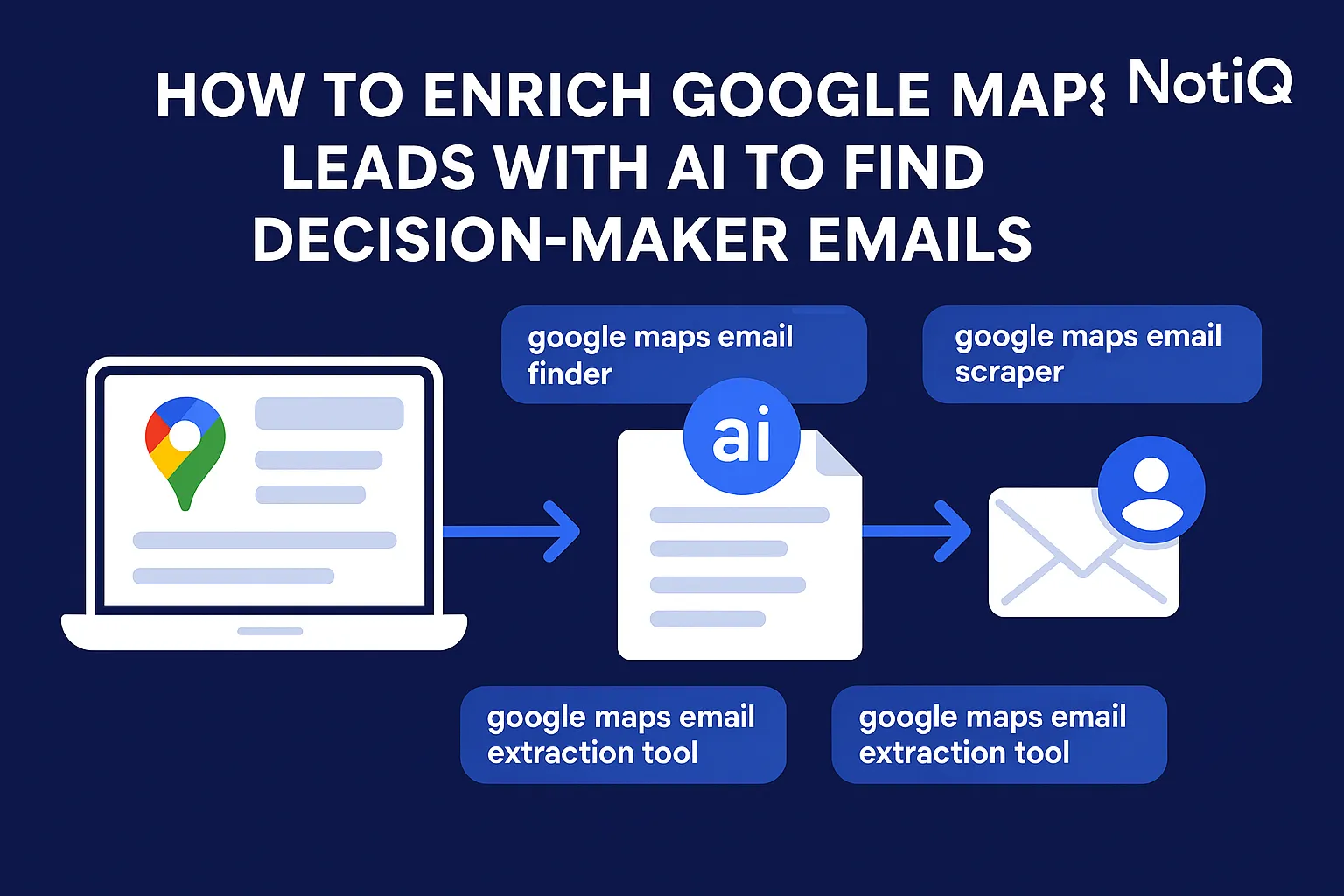
This guide details a complete end‑to‑end workflow:Maps URL → enriched → verified → decision‑maker email. By leveraging AI, you can transform a simple map pin into a direct line to the business owner.
[Home](/)
2. Why Google Maps Doesn’t Provide Usable Emails
Google Maps is designed for consumers looking for directions or operating hours, not for B2B lead generation. As a result, the data structure prioritizes physical location over digital contactability.
Most listings lack owner or manager emails because Google Business Profiles (GBP) do not offer a dedicated field for specific employee contacts. Instead, businesses usually provide a general inquiry email or no email at all.
The Limitations of Raw Maps Data
• Generic Inboxes: Up to 60% of listings that do have an email only include generic aliases like `contact@` or `info@`. These inboxes are often unmonitored or managed by gatekeepers.
• Missing Websites: Many local businesses (SMBs) operate solely through social media or the Maps listing itself, leaving you without a domain to scrape.
• Outdated Information: A business might change ownership or update its website without reflecting those changes on its Maps profile immediately.
This forces sales teams into a manual extraction loop—copying names, searching LinkedIn, and guessing emails—which is unscalable and prone to error. To use this data effectively, you must strictly adhere to the Google Maps Terms of Service, ensuring you are interacting with the platform as a legitimate user or utilizing official APIs where applicable.
3. The AI Workflow: From Maps URL to Enriched Contacts
The solution is not to "scrape harder" but to "enrich smarter." A modern AI lead enrichment workflow treats the Google Maps URL as a starting seed, not the final destination.
The process involves a cascade of data retrieval and AI reasoning:
1. Extraction: Pull base details (Business Name, Website, Phone).
2. Discovery: Scrape the linked website for team pages and social links.
3. Enrichment: Match the business to LinkedIn to identify leadership.
4. Inference: Use AI to determine who the decision-maker is.
5. Generation: Construct and verify the email address.
This approach transforms google maps lead extraction from simple data entry into a sophisticated intelligence operation.
Extracting Business Data from a Maps URL
The first step is retrieving the publicly visible fields. Reliable extraction focuses on:
• Business Name: Critical for matching against other databases.
• Website URL: The "golden key" for further enrichment.
• Phone Number: Useful for cold calling or cross-referencing.
• Review Count & Rating: Excellent filters for gauging business activity and reputation.
While google maps scraping can yield these fields, it rarely yields a direct email. If an email exists on the listing, it is almost certainly a customer support line. Therefore, enrichment is mandatory.
Website + LinkedIn Enrichment
Once the website URL is secured, AI agents can scan the site's metadata. They look for "About Us" pages, "Team" sections, and direct links to LinkedIn or Twitter.
Simultaneously, the workflow queries LinkedIn for the company profile associated with that domain. This is where ai contact enrichment shines. By cross-referencing the domain with LinkedIn employee data, you can surface specific names—Founders, CEOs, and Operations Managers—that never appear on Google Maps.
Note on Compliance:When designing these workflows, it is vital to respect robot exclusion standards. A recent robots.txt compliance study highlights the importance of ethical crawling to maintain long-term access and legal standing.
AI Reasoning for Contact Selection
Raw data often returns a list of 20 employees. Who do you contact?
This is where Large Language Models (LLMs) apply reasoning. You can instruct an AI agent to rank contacts based on authority:
1. Tier 1: Owner / Founder / CEO
2. Tier 2: General Manager / Director of Operations
3. Tier 3: Generic Inbox (Fallback)
The AI analyzes job titles to infer the best fit. For a small coffee shop, it prioritizes "Owner." For a mid-sized marketing agency, it might look for "Marketing Director." This decision maker detection ensures your email lands in the inbox of someone with signing authority.
4. Decision‑Maker Detection and Multi‑Source Verification
Finding a name is only half the battle. You must ensure the email address is valid and active. High-performing campaigns rely on automated email verification for google maps leads to protect domain reputation.
Identifying Owners vs General Inboxes
AI agents use multi-source signals to confirm identity. If the website lists "Jane Doe" as the owner, and LinkedIn confirms "Jane Doe" is the CEO, the confidence score is high.
If no specific person is found, the system must decide whether to discard the lead or fallback to a generic email. Smart workflows apply logic:
• Is the business a franchise? (Discard or find regional manager).
• Is the website down? (Mark as high risk).
This hierarchy logic prevents you from wasting credits on low-value contacts.
Email Verification Before Outreach
Never send an email to a guessed address without verification. A robust pipeline includes a "handshake" check:
1. Syntax Check: Is the format correct?
2. MX Record Check: Does the domain have a mail server?
3. SMTP Handshake: Can the server receive mail for this user? (done without sending the actual email).
4. Catch-All Detection: Identify servers that accept all mail (risky for bounce rates).
Verified emails typically improve conversion rates by 30–50% simply because they actually reach the recipient. This step is critical for bounce reduction.
5. Tools Compared: Scrapers vs AI Enrichment Engines
There is a fundamental difference between a raw scraper and an AI enrichment engine. Understanding this distinction is key to choosing the right tool for your stack.
What Scrapers Do Well (and Poorly)
Scrapers are excellent for volume. They can pull thousands of business names and addresses in minutes. They are useful for market mapping or gathering physical addresses for direct mail.
However, they perform poorly for digital outreach. They lack the ability to "think." A scraper cannot tell the difference between a "Store Manager" and a "CEO," nor can it validate if an email is safe to send. This leads to google maps scraping limitations that hurt campaign ROI.
What AI Enrichment Engines Add
AI engines add a layer of interpretation. They don't just copy-paste data; they validate it. They use multi-source enrichment to triangulate data points—checking the website against LinkedIn and public registries to confirm the owner's identity.
For a deeper understanding of the regulatory environment surrounding these technologies, refer to the Legal framework for scraping and AI, which outlines the boundaries of automated data collection.
6. Deploying a Scalable Google Maps Prospecting Pipeline
To scale this process, you cannot run these steps manually for every lead. You need an automated orchestration layer.
Workflow Orchestration
A scalable pipeline follows this sequence:
1. Input Batch: Upload a list of Google Maps URLs or search queries (e.g., "Plumbers in Austin").
2. Automated Enrichment: The system triggers the scraper, then passes the domain to the enrichment API.
3. Filtering: AI filters out businesses that don't meet criteria (e.g., no website, bad reviews).
4. Verification: Valid emails are flagged as "Safe to Send."
5. Export/Sync: Clean data is pushed to your CRM or cold email tool.
This prospecting automation allows agencies to process thousands of leads while maintaining the quality of a manual researcher.
Quality Assurance at Scale
Even with AI, data hygiene is essential.
• Deduplication: Ensure you aren't paying to enrich the same business twice.
• Confidence Scoring: Assign a score (0-100) to every email. Only outreach to leads with a score >80.
Once you have high-confidence data, the next step is crafting the message. You can combine these enriched contacts with hyper-personalized copy using tools designed for scale.
Repliq.co/blog: repliq ai writer personalized and humanized emails at scale
7. Tools, Templates & Resources
To help you build this workflow, we have curated a list of essentials.
• Enrichment Checklist:
• [ ] Does the business have a website?
• [ ] Is the LinkedIn page active?
• [ ] Is the email verified (status: valid)?
• [ ] Is the contact a decision-maker (Owner/C-Level)?
• AI Prompt for Role Inference: "Analyze the following list of employees and their job titles. Identify the primary decision-maker for B2B purchasing. Prioritize Owner, Founder, and CEO. If none exist, select General Manager. Return only the best match."
Recommended Resources:
• NotiQ: For end-to-end AI enrichment and verification.
• Clay / Make: For connecting disparate APIs if building a custom stack.
• ZeroBounce / NeverBounce: For standalone email verification if not using an all-in-one engine.
8. Case Studies
1. The Local SEO Agency
A digital marketing agency targeting dentists in California used standard scraping tools and saw a 12% reply rate. Most emails were sent to`frontdesk@`addresses.
• The Shift: They implemented an AI enrichment layer to identify the "Principal Dentist" or "Practice Owner."
• The Result: By personalizing the outreach to the specific doctor, reply rates jumped to 28%, and meeting booking rates doubled.
2. The HVAC Equipment Supplier
A supplier needed to find owners of HVAC installation companies.
• The Challenge: Most listings were service dispatch numbers.
• The Solution: Using ai prospecting tools, they matched Maps data to state licensing databases and LinkedIn profiles.
• The Result: They built a verified list of 5,000+ owners, bypassing the dispatchers entirely.
Building these pipelines over the last 5+ years has proven that data quality always beats data quantity.
9. Future Trends & Expert Predictions
The field of google maps lead enrichment is evolving rapidly. Here is what we see on the horizon:
1. AI Agents Replacing Manual Research: Soon, autonomous agents will not just find the email but will browse the prospect's website to draft a completely unique first line based on their recent news or projects.
2. Sentiment-Based Targeting: Enrichment will include analyzing Google Reviews to gauge business health. (e.g., "Target businesses with 4.8 stars but low review counts—they need reputation management").
3. Headless Browsing: Advanced AI browsers will navigate complex sites (React/Angular) just like a human to find hidden contact details.
10. Conclusion
The era of blasting generic`info@`emails is over. To succeed in local lead generation, you must bridge the gap between the physical map listing and the digital decision-maker.
By implementing the workflow outlined above—Maps URL → enriched → verified → decision‑maker—you ensure that your outreach is compliant, targeted, and highly effective. You save time on manual research and protect your domain reputation by eliminating bounces.
If you are ready to stop guessing and start connecting, it is time to adopt an AI-first enrichment strategy.
Frequently Asked Questions
- Is it legal to extract leads from Google Maps?
- Yes, provided you are accessing publicly available data and adhering to the Google Maps Terms of Service. You should not bypass authentication barriers or scrape private data. Always focus on Public Business Information (PBI).
- How accurate is AI for finding decision‑maker emails?
- AI significantly improves accuracy by triangulating data. While no tool is 100% perfect, combining website data, LinkedIn profiles, and pattern matching typically results in 80-90% accuracy for verified emails, far surpassing simple scrapers.
- Can this workflow run fully automatically?
- Yes. By using workflow automation platforms or dedicated enrichment engines like NotiQ, you can trigger the entire process automatically whenever a new lead is added to your list or CRM.
- Do I need LinkedIn data for owner identification?
- It is highly recommended. LinkedIn provides the most up-to-date employment data. Without it, you are relying on the "About Us" page of a website, which may be outdated or lack specific email addresses.
- What if a business has no website?
- If a business lacks a website, the AI workflow can fall back to searching for the business name on business registries, Facebook, or Instagram to find contact details. However, the success rate for enrichment drops significantly without a primary domain.
Continue Reading
More articles you might find useful
Google Maps Lead Generation for Window and Door Installers
Learn how window and door installers can use Google Maps to find, qualify, and prioritize better local prospects. This beginner-friendly guide shows a repeatable workflow for smarter local outreach.
Read the article →
How to Prioritize Businesses With Verified Google Profiles
A practical framework for ranking local leads beyond the verified badge. Learn how to prioritize Google Business Profiles using fit, freshness, completeness, and activity signals.
Read the article →
Google Maps Prospecting for Commercial Waste Management Companies
Learn how commercial waste haulers can use Google Maps to find, qualify, and prioritize better local accounts. This guide shows how to build denser routes and improve outreach with waste-stream and service-area insights.
Read the article →Popular industry lead playbooks
Maps search examples and niche outreach for the verticals teams prospect most.