Technology
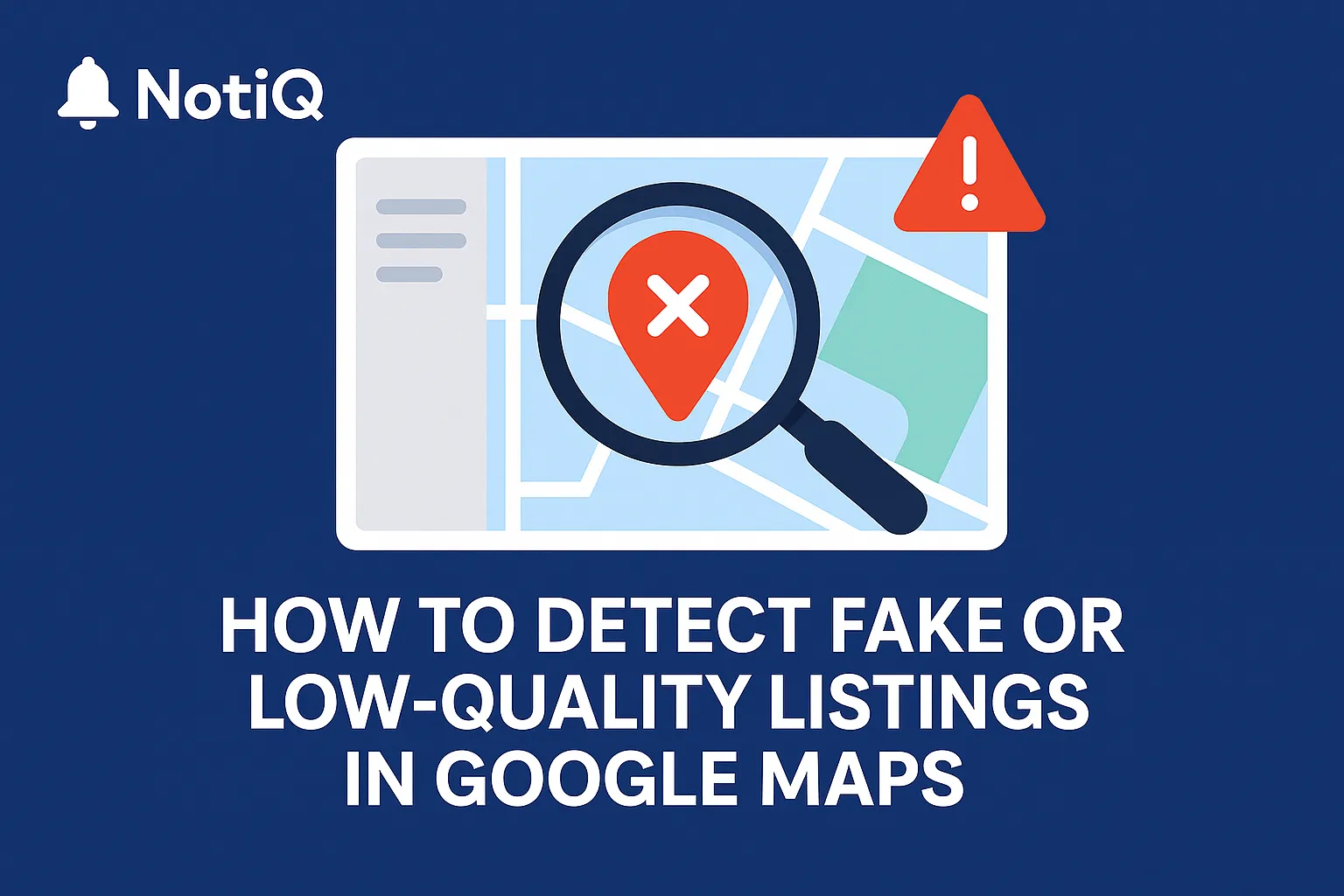
How to Detect Fake or Low-Quality Listings in Google Maps Before Doing Outreach
A practical guide to identifying fake or low-quality Google Maps listings before outreach. Learn key red flags and a fast verification workflow to protect your lead quality.
1. Introduction
The rise of fake and low‑quality Google Maps listings wastes thousands of outreach hours each year. For sales teams and marketers, there is nothing more frustrating than building a lead list, crafting the perfect personalized pitch, and launching a campaign—only to realize 20% of the contacts are ghost businesses, lead-gen farms, or defunct operations.
These bad data points do more than just waste time; they actively harm your campaign performance. High bounce rates damage email deliverability, and contacting nonexistent businesses skews your conversion metrics. Whether you are conducting cold outreach or market research, the ability to distinguish a legitimate local enterprise from google maps spam is a critical skill.
In this guide, we provide a practical, beginner-friendly verification framework. This isn't just theory; it is built on the experience of analyzing thousands of listings to build robust quality filters. At NotiQ, we understand that data hygiene is the backbone of successful outreach. Here is how to perform fast, outreach-focused legitimacy checks to ensure you are only targeting real, operational businesses.
2. The Fundamentals of Fake or Low‑Quality Google Maps Listings
Before diving into detection methods, it is essential to define what we are looking for. In the context of lead generation and outreach, "bad" listings generally fall into two categories:
1. Fake Business Profiles: These are listings for businesses that do not exist at the stated location. They are often created by lead-generation networks (spam farms) to capture traffic and sell leads to real contractors, or they are competitors trying to crowd out local search results.
2. Low-Quality Listings: These businesses might be real, but their digital presence is so neglected that they are poor targets for outreach. They may have incorrect contact info, permanently closed status disguised as "open," or zero engagement.
Spam farms create these profiles because Google Maps is a high-trust platform. If a business appears on the map, consumers—and outreach teams—tend to trust it is real. While Google has made significant strides in automated moderation, the volume of google maps spam listings remains high in competitive verticals.
According to extensive [Google Research on fake listing prevention], automated systems block millions of policy-violating edits annually, yet sophisticated spammers constantly evolve their tactics to bypass these filters. Understanding these tactics is the first step to protecting your outreach data.
Why Fake Listings Exist
The primary driver for fake listings is financial. In service-based industries (like locksmithing or plumbing), a top-ranking map listing translates directly to phone calls. Unscrupulous actors use "churn and burn" tactics—creating hundreds of listings, verifying them via dubious methods, and funneling the calls to a central call center.
Research from UCSD has highlighted how these fraudulent listing patterns often cluster in specific geographic areas or industries. For outreach teams, these listings are dead ends. You aren't contacting a local business owner; you are contacting a call center or a disconnected number. Mastering map listing verification helps you bypass these entities entirely.
Core Red Flags Found in Most Fake Listings
Legitimate businesses leave a distinct digital footprint. Fake or low-quality listings often lack the depth and consistency of a real operation. When analyzing data, look for these essential signals:
• NAP Inconsistencies: The Name, Address, and Phone number do not match other sources across the web.
• Mismatched Categories: A listing claiming to be a "Marketing Agency" but categorized as a "Corporate Office" to manipulate rankings.
• Missing Website: A high-ranking profile with no website (or a generic one-page site) is suspicious in 2024.
• Low-Effort Images: Profiles that only feature stock photos or street view images, with no interior or team shots.
• Review Anomalies: A sudden influx of 5-star reviews with no text, often posted on the same day.
A seminal [UCSD study on fraudulent listings] demonstrated that these visual and metadata anomalies are statistically significant predictors of deceptive behavior on local search platforms.
3. Key Red Flags That Reveal Fake or Low‑Quality Google Maps Listings
Detecting fake listings maps rarely comes down to a single smoking gun. Instead, effective verification relies on "signal stacking"—the process of identifying multiple minor red flags that, when combined, confirm a listing is illegitimate.
If you are wondering what are signs of low-quality google business profiles, look for the convergence of the following factors.
NAP (Name, Address, Phone) Inconsistencies
For beginners, checking the Name, Address, and Phone (NAP) is the most reliable filter. A real business invests time in ensuring its contact details are consistent because they want customers to find them.
Signs of NAP inconsistencies include:
• Residential Addresses: If the business claims to be a corporate HQ but the satellite view shows a residential house in a suburb, proceed with caution.
• Virtual Offices: Addresses that map to UPS Stores, WeWork locations (without a suite number), or known virtual office providers often indicate a lack of physical presence.
• Mismatched Area Codes: A "local" plumber in New York with a Florida area code is a classic sign of a rented or forwarded line.
For more detailed strategies on validating business contact information, read our guide on NAP verification tips.
Suspicious or AI‑Generated Photos
Visuals are incredibly difficult for spammers to fake convincingly at scale. Real businesses usually have imperfect, candid photos of their reception desk, signage, or team members.
Photo authenticity checks should focus on:
• Stock Photos: If the "team photo" features models clearly sourced from a stock image site, the business may not be real.
• Mismatched Storefronts: Does the sign on the building in the photo match the business name on the listing?
• AI-Generated Imagery: We are seeing a rise in AI-generated storefronts. Look for tell-tale signs like misspelled text on signs, unnatural lighting, or architectural errors.
Emerging machine-vision tools are becoming adept at flagging these mismatches, but the human eye is still a powerful filter for obvious fakes.
Review Pattern Red Flags
Review spam is the fuel that keeps fake listings ranking high. However, purchased reviews leave patterns that organic feedback does not.
• Reviewer Profiles: Click on a few reviewers. Do they review businesses all over the country? (e.g., a locksmith in Miami, a dentist in Seattle, and a cafe in London all in one week). This is a sign of a paid review network.
• Velocity Spikes: A business that has existed for years but received 50 reviews in the last 48 hours is highly suspicious.
• Unnatural Language: Generic praise like "Great service, very professional" repeated verbatim across multiple reviews suggests bot activity.
Category Misuse & Missing Metadata
Scammers often manipulate categories to rank for specific keywords rather than accurately describing the business. This is a key indicator of local SEO quality signals being manipulated.
Watch out for "Keyword Stuffing" in the business name (e.g., "Best Plumber Near Me 24/7" instead of "Smith Plumbing"). Additionally, empty metadata—such as missing opening hours, no service options, or an empty "From the business" description—suggests a churn-and-burn profile created quickly and then abandoned.
4. Step‑by‑Step Workflow for Verifying if a Business Is Real
When you are processing a large lead list, you cannot spend 20 minutes investigating every single row. You need a fast, scalable validation process. Here is a simple workflow on how to verify if a business is real on maps that fits into any outreach SOP.
Step 1 — Check Base Listing Consistency
Start with a sanity check. Does the name sound like a real brand, or is it a string of keywords?
• Action: Verify the business name against the email address domain.
• Action: Check the hours. "Open 24 hours" is common for emergency services but suspicious for a marketing agency or law firm.
• Goal: Weed out the obvious map listing verification failures immediately.
Step 2 — Validate Website & External Listings
A legitimate business leaves footprints elsewhere on the internet.
• Action: Visit the website linked in the profile. Does it have a real "About Us" page with photos of people? Is there a privacy policy?
• Action: Perform cross-platform validation. Search the business name + city on Google. Does a Yelp, Facebook, or Better Business Bureau profile appear?
• Insight: Experts like Whitespark emphasize that consistent citations across these third-party directories are a strong signal of legitimacy. If the business only exists on Google Maps and nowhere else, it is likely a fake.
Step 3 — Inspect Visual and Review Meta at a Glance
Use review pattern scanning to make a quick judgment call.
• Action: Scroll through the "All Photos" tab. If you see zero photos or only the default Google Street View capture, mark it as low quality.
• Action: Sort reviews by "Newest." If the last review was 3 years ago, the business may be defunct.
Step 4 — Confirm Operational Legitimacy
Finally, verify they are currently active.
• Action: Check the service area. A local handyman claiming to serve the entire state is likely a lead-gen front.
• Action: If you are about to call, check the phone number. Does it ring through to a professional greeting, or is it a generic voicemail?
• Context: Google has cracked down heavily on fake business profiles using spoofed service areas, but many still slip through.
5. Industry Patterns & Why Certain Niches Attract Heavy Spam
Not all industries are equally polluted with google maps spam. Understanding industry-specific spam trends allows you to adjust your scrutiny levels based on the vertical you are targeting.
High-Risk Industries (Locksmiths, HVAC, Contractors)
Service area businesses (SABs) where the customer rarely visits the office are the primary targets for scam listings google maps.
• Industries: Locksmiths, Garage Door Repair, Towing, HVAC, Plumbing, and Personal Injury Lawyers.
• Why: High ticket values and urgent needs mean consumers don't research deeply; they just call the first number.
• Pattern: Research from Sterling Sky has repeatedly shown these verticals have the highest volatility and suspension rates due to fake listings. When prospecting here, expect up to 30-40% of raw data to be suspect.
Low-Risk or Stable Industries
Conversely, brick-and-mortar businesses where customers physically visit are much harder to fake.
• Industries: Restaurants, Retail Stores, Gyms, Dental Offices, Manufacturing Plants.
• Why: You cannot fake a physical restaurant for long; customers will show up and report it immediately.
• Strategy: When verifying legitimate business verification for these sectors, you can generally trust the map pin more than in service sectors.
6. How to Evaluate Photos, Reviews, and Metadata at Scale
For teams handling thousands of leads, manual checks aren't feasible. You need to operationalize the detection of low-quality listings and google maps spam.
Fast Photo Verification Framework
Train your team (or configure your data extraction tools) to look for specific visual markers.
• The "Street View" Test: If the only photo is a default Google Street View 360, it is a high-risk lead.
• The Signage Test: A photo of a van or building must have the logo visible. No logo = no trust.
• Technique: Use photo authenticity checks to filter out listings that lack "Owner" uploaded photos.
Review Metadata Pattern Recognition
Analyze the metadata rather than reading every review.
• Ratio: High review count vs. Low star rating is rare for fakes (they usually buy 5 stars).
• Geo-mismatch: If the business is in Chicago but 90% of reviewers are based in India or Pakistan (visible in their profiles), this is review spam patterns 101.
Metadata Consistency Scoring
Assign a "Quality Score" to your leads before outreach.
• Score 1-5:
• +1 for Website present
• +1 for Phone match
• +1 for >10 Reviews
• +1 for "Owner" photos
• +1 for Verified status
• Workflow: discard anything with a score below 3. This simple heuristic helps you avoid fake listing red flags.
• Insight: A [Tufts cybersecurity perspective on fake listings] suggests that metadata consistency is often a stronger predictor of legitimacy than user sentiment, which is easily manipulated.
If you are using visual data for personalization, such as referencing a recent review or photo in your email, ensure that data is real first. For a deep dive on using visual assets in outreach, check out this guide on how to use screenshots at scale.
7. Best Practices & Expert Insights for Beginners
Detecting local SEO spam indicators is an evolving game. Here are expert-backed best practices to keep your data clean.
Avoiding Beginner Mistakes
• Don't rely on Star Ratings: A 5.0 rating is often more suspicious than a 4.6. Real businesses have unhappy customers occasionally. Perfect scores often indicate purchased reviews.
• Don't ignore the "Suggest an Edit" history: If you have access to tools that show listing history, frequent name changes are a major red flag.
• Don't skip the website check: A Maps listing is easy to fake; a 20-page website with a blog and case studies is expensive to fake.
Building a Repeatable Internal Verification SOP
Standardize how to detect fake listings on google maps across your team.
1. Automate the First Pass: Use software to filter out listings with no website or phone number.
2. Manual Spot Checks: Have a human review the top 10% of high-value prospects.
3. Feedback Loop: If the sales team calls a number and it’s a wrong number or spam, mark that record and analyze why it slipped through. Was it the photo? The address? Use this to refine your filters.
8. Conclusion
Spotting fake or low‑quality Google Maps listings doesn't require you to be a digital forensics expert. By applying a structured framework—checking NAP consistency, analyzing photo authenticity, and understanding industry-specific risks—you can drastically reduce the time wasted on bad leads.
The goal of map listing verification isn't just to clean your data; it's to protect your brand's reputation and improve your outreach efficiency. When you reach out to a verified, high-quality business, your personalization lands better, your conversion rates rise, and your team stays motivated.
For those dealing with massive datasets, doing this manually is impossible. We encourage you to explore NotiQ’s resources and tools designed to filter fake listings maps at scale, ensuring every prospect you contact is worth the effort.
Continue Reading
More articles you might find useful
How to Find Businesses With Weak Google Maps Descriptions
Learn how to find businesses with weak Google Maps descriptions and turn visible GBP gaps into qualified local SEO leads. This guide covers audit criteria, scoring, and outreach angles you can use at scale.
Read the article →
Google Maps Lead Generation for Pest Control Companies
A beginner-friendly playbook for turning Google Maps visibility into more pest control leads. Learn how to improve rankings, build reviews, and convert local searches into booked jobs.
Read the article →
How to Build Lead Lists From Businesses Inside Shopping Centers
Learn how to build accurate prospect lists from businesses inside malls using tenant directories, place data, validation, and deduplication. This guide shows a center-first workflow for cleaner retail outreach.
Read the article →Popular industry lead playbooks
Maps search examples and niche outreach for the verticals teams prospect most.